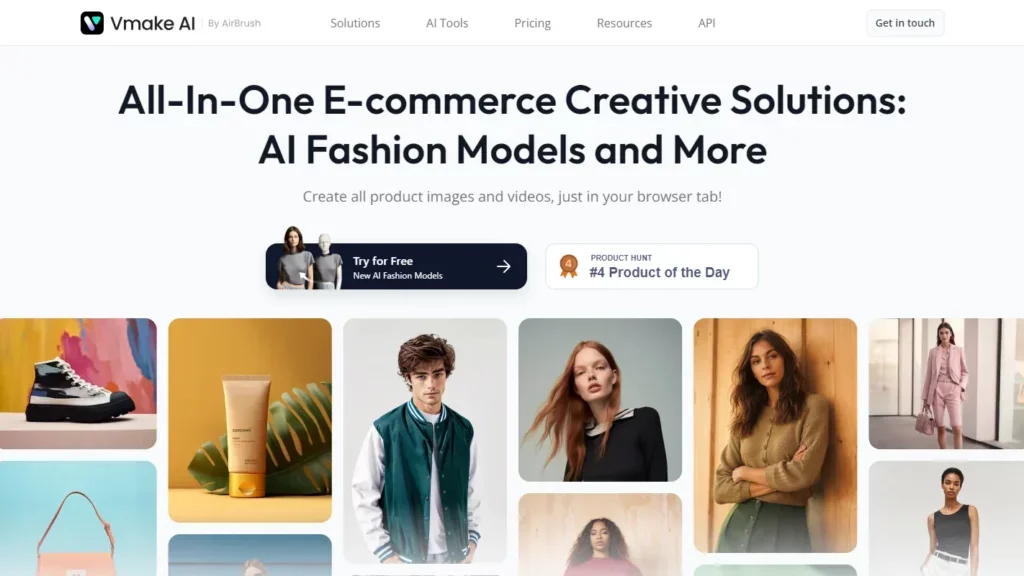
Description
️ 🖼Tool name:
Vmake
🔖 Tool Category:
Video, Montage and Motion.
Edit/optimize/upscale.
Remove and replace elements and backgrounds.
Text to audio / audio to text.
Marketing and sales.
Product presentation and AR/VR.
Intelligent automation and agents.
Design and image creation.
️ ✏What does this tool offer?
It is an AI platform that helps users create professional videos, especially on-camera speaking videos, without the need for any technical expertise or complex tools. The tools include: Automatic video editing, adding subtitles, AI Hook for engaging beginnings, removing text and watermarks, removing background, converting audio to text, optimizing video and image quality, increasing resolution and reducing noise.
⭐ What do you actually offer based on user experience?
Create studio-quality videos with great ease.
Automatic video and image optimization tools.
Easily remove backgrounds and text without a green screen.
Create marketing video content, ads, product videos, and social media content.
Support multiple industries such as fitness and health, e-commerce, real estate, and agencies.
🤖 Does it include automation?
Yes, most of the editing and optimization processes are automated via AI, such as:
️ video editing and automatically adding subtitles ✔
️ Optimize video and image quality ✔
️ Remove background, text and watermarks ✔
️ AI Hook to create engaging introductions ✔
️ Convert audio to text ✔
💰 Pricing model:
Monthly subscription with a limited free plan for preview, and a credit system for usage.
🆓 F ree plan details:
Priced at $0 per month.
Gives 20 credits per day for use in various tools.
Limitations on the number of videos and tools available.
Suitable for experimenting and familiarizing yourself with the platform's capabilities.
💳 Details of the paid plans:
1. Plus - $9.99/month
1000 credits per month.
Access to additional tools such as video and image optimization, removing watermarks, creating thumbnails.
Higher quality content output.
Commercial use allowed.
2. Pro - $29.99/month
4500 monthly credits.
Full use of advanced tools.
More videos per day.
Optimize video quality, remove backgrounds, create more content.
Suitable for professional use by agencies and content creators who rely on video as a source of income.
🧭 How to access the tool:
Through the browser directly through the official website, without the need to download additional programs.
🔗 Link to the demo or official website:
https://vmake.ai/pricing