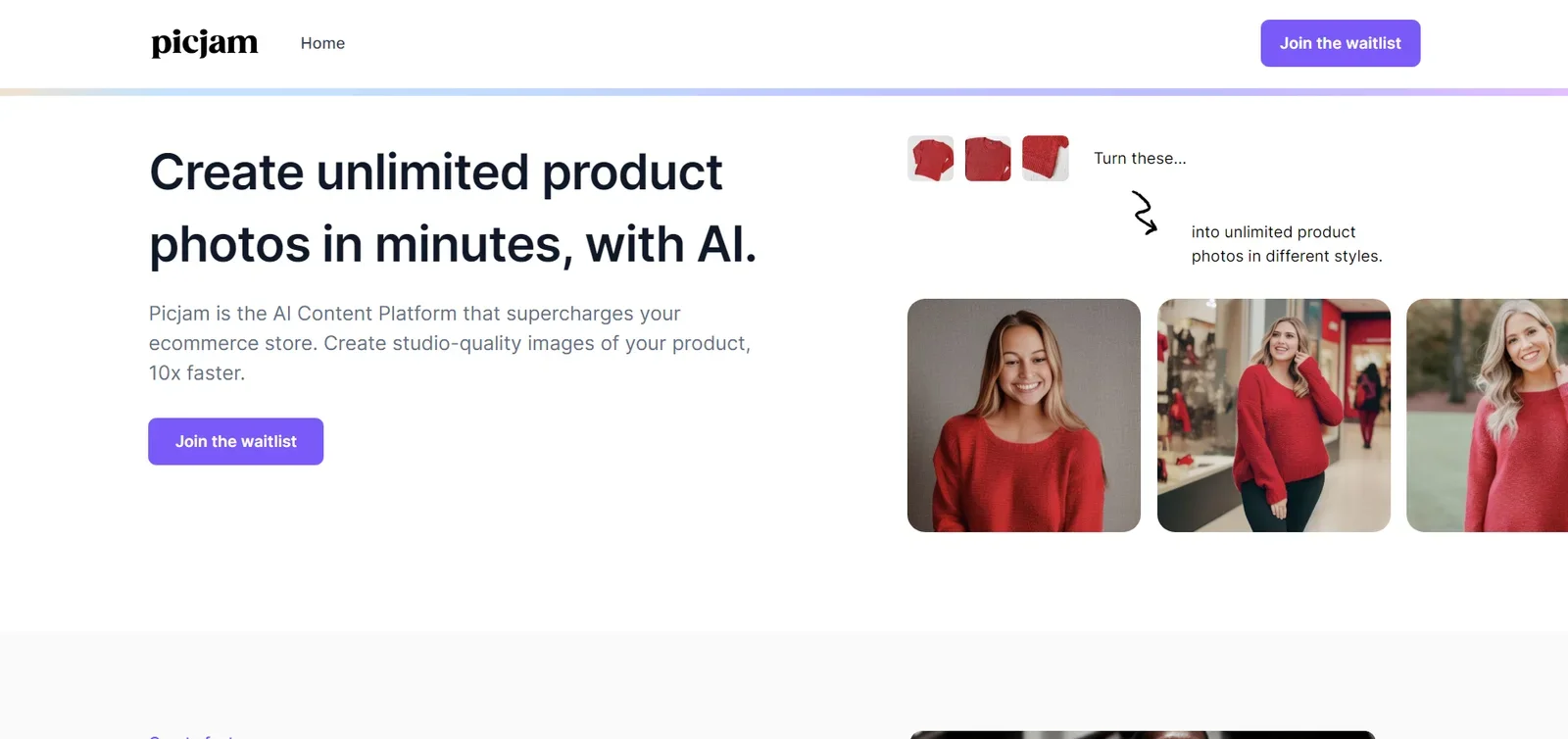
Description
️ 🖼Tool name:
Picjam.ai
🔖 Tool category:
Video, montage, and motion.
Editing/enhancement/resolution improvement.
Remove and replace elements and backgrounds.
Text to speech/speech to text.
Marketing and sales.
Product display and AR/VR.
Automation and smart agents.
️ ✏What does this tool offer?
An AI platform for creating and editing videos, with a focus on "talking to the camera" videos.
Automation of most video production steps, including basic editing and video and audio quality enhancement.
Video and image enhancement tools such as resolution enhancement, noise reduction, lighting and clarity improvement.
Remove backgrounds or watermarks, convert audio to text, and add subtitles automatically.
Create short, engaging content suitable for social media, e-commerce, real estate, and agencies.
⭐ What do you actually offer based on user experience?
Produce professional videos quickly without the need for advanced editing experience.
Simple and straightforward interface: choose the tool, upload the video, adjust a few settings, and AI does the rest.
Suitable for individuals, everyday content creators, and small agencies that need fast, high-quality video production.
🤖 Does it include automation?
Yes, the tool relies on artificial intelligence to fully automate video editing, from basic montage, adding subtitles, improving quality, and removing backgrounds or watermarks.
💰 Pricing model:
Freemium model: Limited free use with monthly paid plans to unlock full features.
🆓 Free plan details:
Priced at $0 per month.
Allows limited use of basic tools and a limited number of daily credits (about 20 credits per day).
Suitable for trying out the tool or very light use.
💳 Paid plan details:
Plus – $9.99 per month
1,000 credits per month.
Access to additional tools: video and image enhancement, background and watermark removal, content generation, higher quality support, and commercial use.
Pro – $29.99 per month
4,500 credits per month.
Higher daily usage limits, advanced tools, higher output quality, more extensive video and image enhancement capabilities, and better processing speeds.
Suitable for small agencies, marketing teams, or professional content creators.
🧭 How to access the tool:
Directly through your browser via the official website: Vmake
🔗 Trial link or official website:
https://www.picjam.ai/contact