Keywords AI
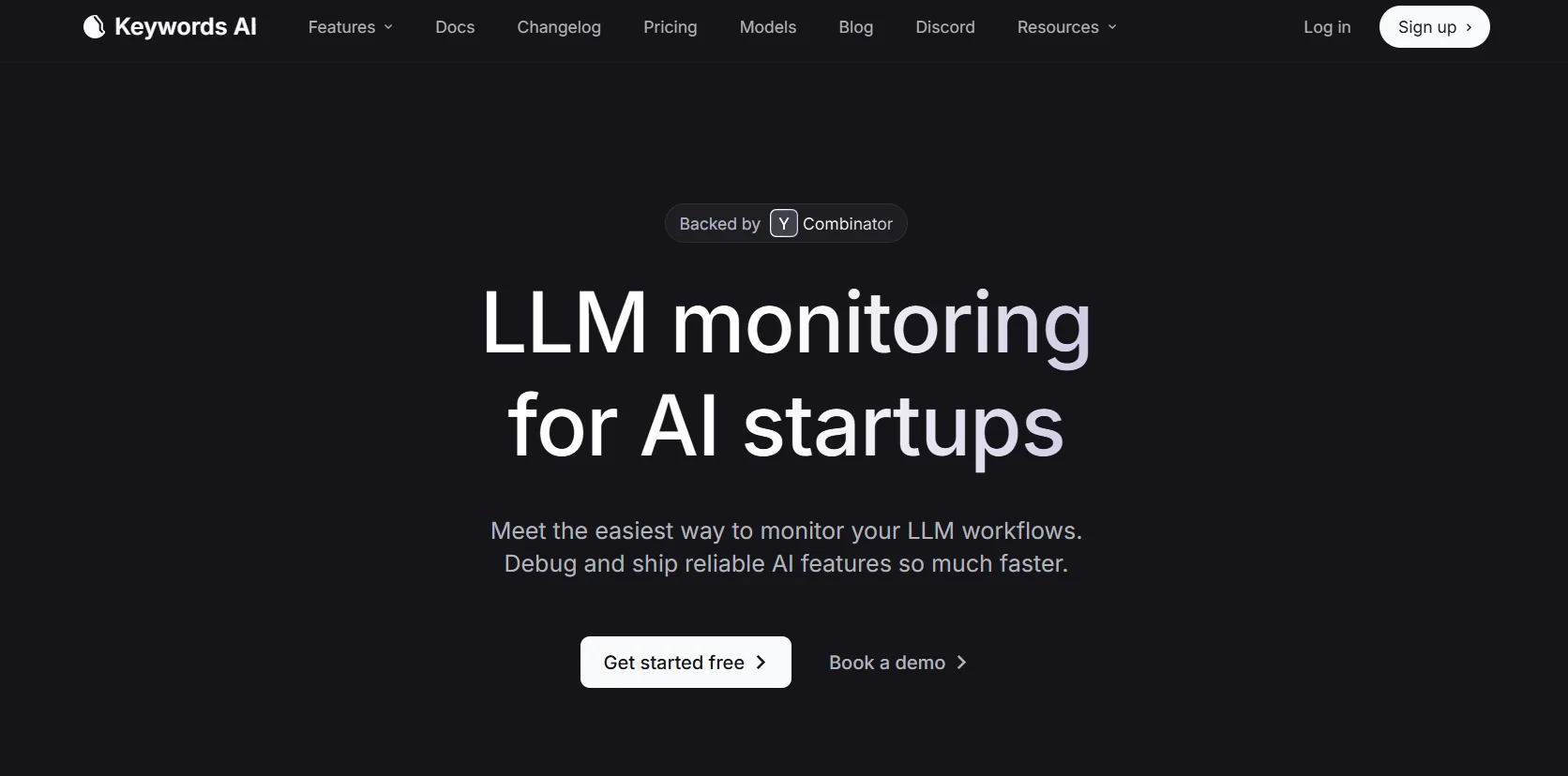
Description
🖼️ Tool Name:
Keywords AI
🔖 Tool Category:
LLM observability & prompt management platform
✏️ What does this tool offer?
Keywords AI lets you monitor all your AI model usage (like OpenAI, Anthropic, etc.) in your product — from the prompt to the response — with full logging. It also includes a playground to test prompts, compare models, and tools to monitor performance, costs, errors, and user behavior.
⭐ What does the tool actually deliver based on user experience?
Full tracking of requests and responses for easier debugging
Dashboard that shows model performance, latency, cost, and number of users
Prompt comparison tools with A/B testing
Alerts and automated performance insights
Lightweight interface with keyboard shortcuts
Trusted by 40+ startups from Y Combinator
🤖 Does it include automation?
Yes! It includes:
Automatic logging and analysis of AI requests
Auto-alerts for errors or performance issues
Smart message updating
Prompt versioning and management in a collaborative environment
💰 Pricing Model:
Pricing is per user (seat), with four tiers:
| Plan | Price | Monthly Logs |
|---|---|---|
| Free | $0/seat | 2,000 logs/month, 2 seats, community support |
| Pro | $9/seat/month | 10,000 logs, 5 prompts, up to 1,000 tracked users |
| Team | $42/seat/month | 100,000 logs, unlimited prompts, Slack support, custom scoring |
| Enterprise | Custom pricing | Unlimited logs, HIPAA/SOC-2 compliance, on-prem deployment, 24/7 support |
🆓 Free Plan Details:
$0/seat
Up to 2 users
2,000 logs/month
Access to all core features (logging, analysis, dashboards)
Community support via Discord/Email
🧭 Access Method:
Sign up on the website
Integrate easily with OpenAI or similar providers using just two lines of code
Monitor everything in a ready-to-use dashboard
🔗 Experience Link:
Visit keywordsai.co