• RPA and repetitive tasks
• Automation robot creation
• Notes and analytics
• Chat/voice agents
Trupeer.ai
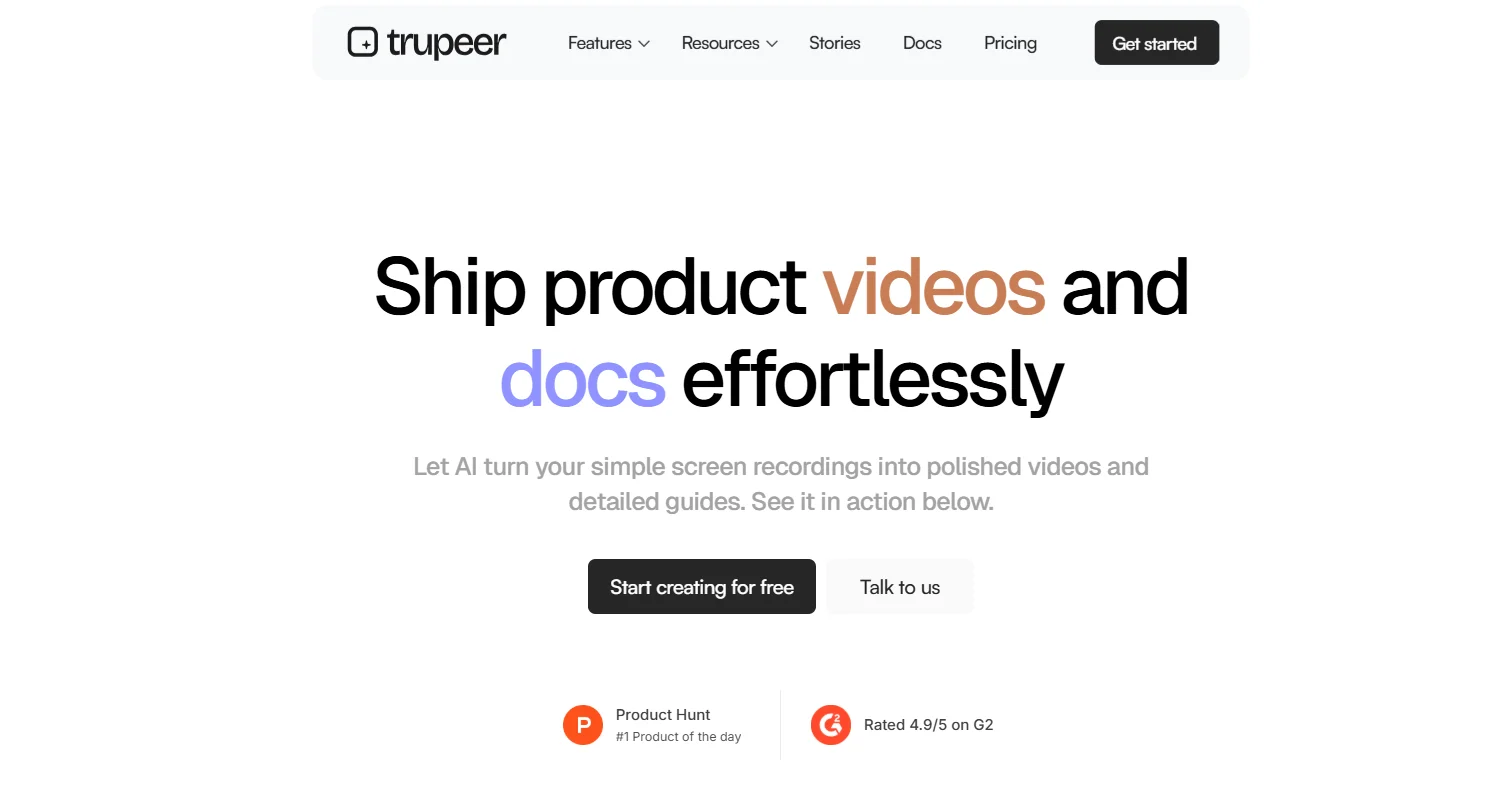
Description
️ 🖼Tool name:
Trupeer.ai
🔖 Tool category:
️ ✏What does this tool offer?
The Trupeer tool allows you to record your screen (with or without sound) using a Chrome extension, then automatically converts the recording into
an AI-generated transcript
narrated explanatory video with voiceover
Automatic zoom effects on key elements
A polished visual presentation including screenshots, transitions, and background music
⭐ What does the tool actually offer based on user experience?
Create professional instructional videos (demonstrations, tutorials, setups, etc.) in minutes
Create automatic step-by-step guides (PDF, Word, Markdown) with screenshots and clear headings
Super easy to use—no video editing skills required
Allows you to choose from over 100 AI voice styles and accents
Supports over 30 languages
Lets you easily export and share your content
🤖 Does it include automation?
Yes—the tool is built entirely on automation. It handles
Automatically creates scripts
Automatic zooming based on screen clicks
Creating voice comments using artificial intelligence
Automatic screenshot capture
creating a complete visual and video guide with minimal manual work
💰 Pricing model:
Freemium - Free tier with paid plans for more advanced usage
🆓 Free plan details:
The free plan allows you to create a limited number of videos and guides
No credit card required to get started
Great for trying out the platform
💳 Paid plan details:
Paid tiers unlock more video minutes and features
Enterprise plans available
Custom branding
Single sign-on (SSO)
Security compliance (SOC2, ISO27001)
Collaboration features
🧭 How to access:
Install the Chrome extension to record your screen
After recording, use the web platform to create content
Customize video text, voiceover, music, and export formats (PDF, DOCX, video)
🔗 Trial link:
https://www.trupeer.ai/?ref=
Pricing Details
This tool uses a freemium pricing model, offering a limited free version that lets you generate videos and content without needing a credit card. It’s a great way to explore the platform before committing. For expanded usage, paid plans are available, providing additional video minutes or generation limits. Enterprise-level features include custom branding support, single sign-on (SSO), SOC2 and ISO27001 security compliance, and team integration. These advanced options make it especially suitable for companies with ongoing training or internal support needs.