️ 🖼Tool name:
deforum-art (GitHub)
🔖 Tool Category:
Generate images from text
Text and images to video
Motion graphics, titles, and subtitles
Text to speech / Speech to text
️ ✏What does this tool offer?
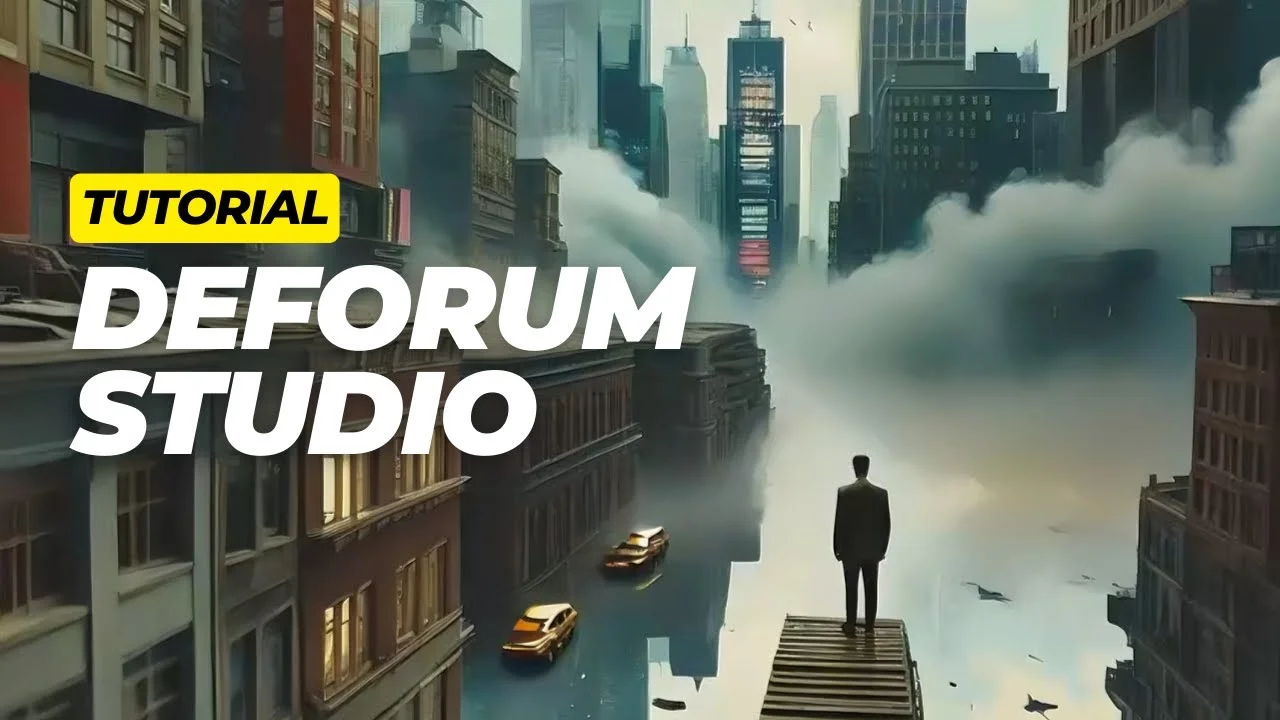
The deforum-art account on GitHub offers a collection of open-source software projects focused on developing AI-powered tools for generating images and animations. This includes multiple software repositories, most notably a fork of the Stable Diffusion project dedicated to image generation using diffusion models.
The account also features other projects aimed at improving the efficiency of AI models on consumer devices, such as the flux-fp8 project, which uses compressed computations to accelerate performance and reduce resource consumption. Additionally, the account features the deforum-kandinsky project, designed to create short animations using AI models.
The repository also provides tools for setting up an Ubuntu environment to run AI applications, as well as technical contributions that help accelerate the operation of neural networks using graphics cards.
⭐ What does it actually offer based on user experience?
The projects on the account allow developers and those interested in AI to use image and animation generation models and run them on their own devices, with a focus on improving performance and efficiency. It also provides tools and configurations that help facilitate the operation of these models on various systems, especially when working on personal computers equipped with GPUs.
🤖 Does it include automation?
Yes, the projects in the account rely on AI technologies and automate image and animation generation using diffusion models, allowing for the automatic creation of visual content based on text inputs or software settings.
💰 Pricing Model:
The projects available on the account are open-source projects published on GitHub, and they can be accessed and used for free. The account does not offer commercial pricing plans; instead, the source code and repositories are provided for developers to use or modify within their own environments.
🆓 Free Plan Details:
All code repositories are available for free as open-source projects, and users can download, run, or modify the code according to their needs. These projects include tools for generating AI-powered images, creating short animations, and optimizing model performance across different devices.
💳 Paid Plan Details:
The account does not offer direct paid plans. Usage depends on downloading and running the projects locally, and there may be indirect costs associated with the operating environment, such as computer hardware or computing resources used to run AI models.
🧭 How to access the tool:
Projects can be accessed by visiting the developer’s GitHub account, where various code repositories are displayed along with documentation and instructions for installing and running each project.
🔗 Demo link or official website:
https://github.com/deforum-art