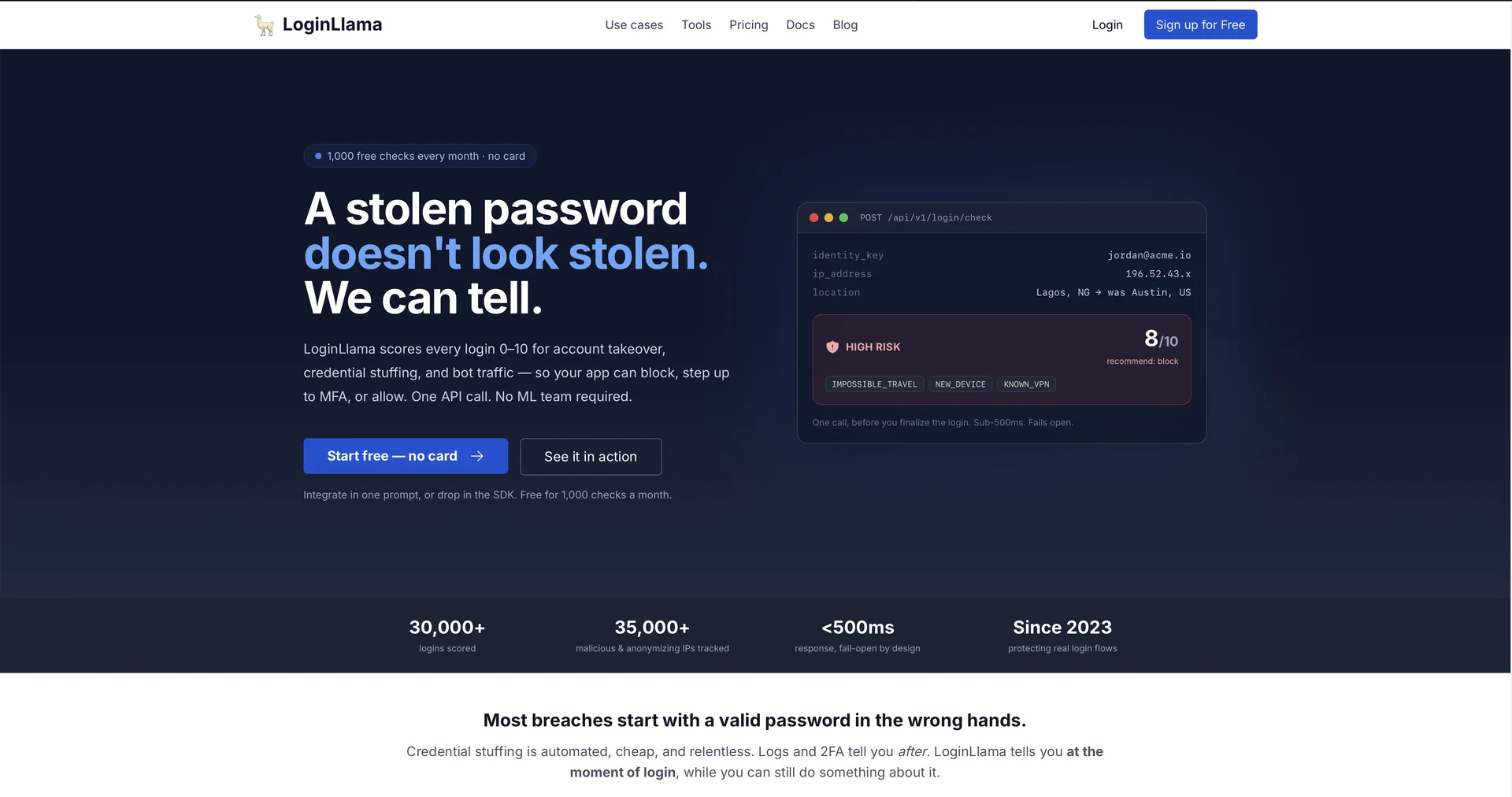
LoginLlama
Detect suspicious logins to protect users from hackers.
5,116 results
Detect suspicious logins to protect users from hackers.
Chat your way to data insights
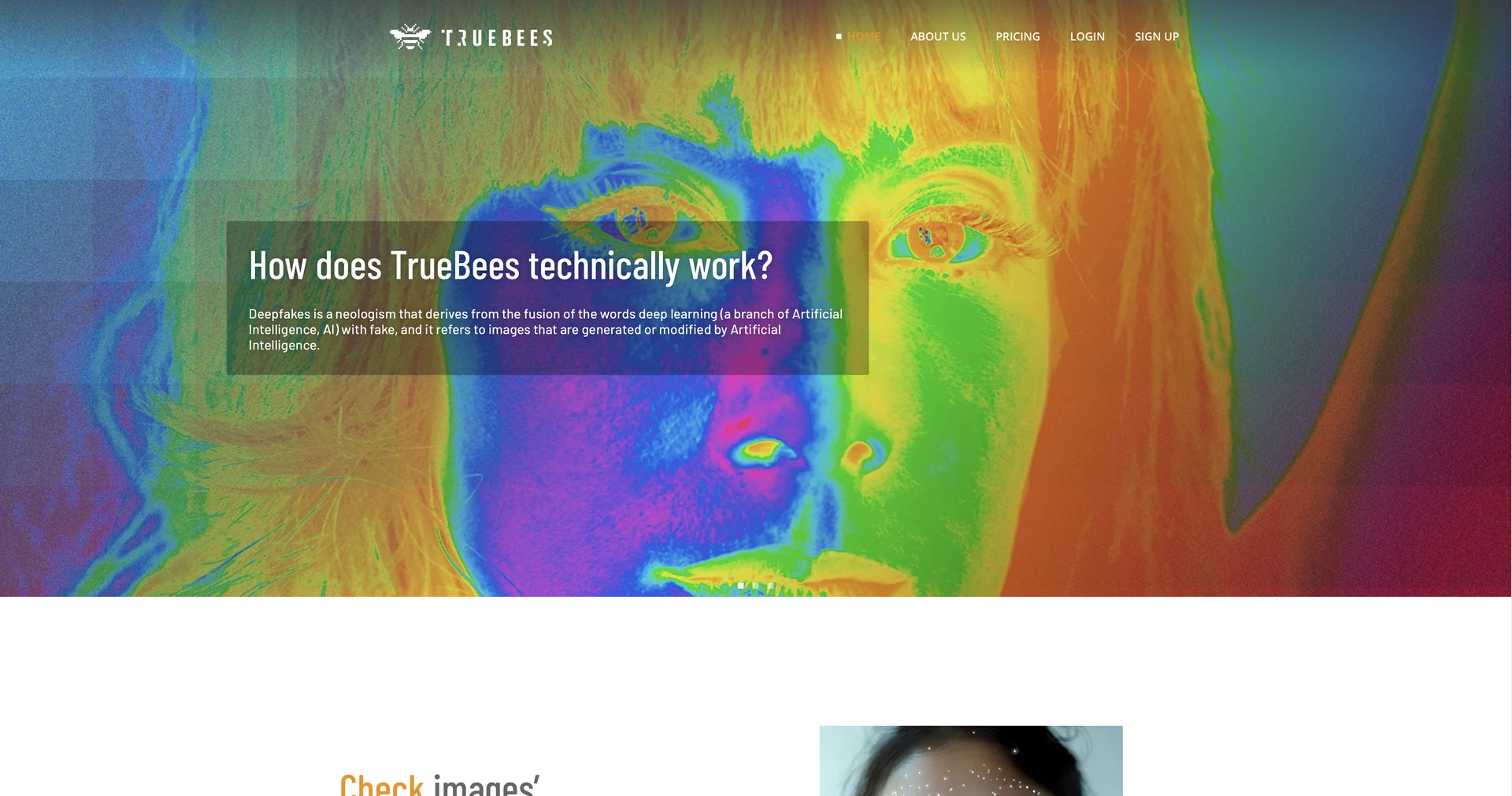
Detect AI-generated portraits on social media
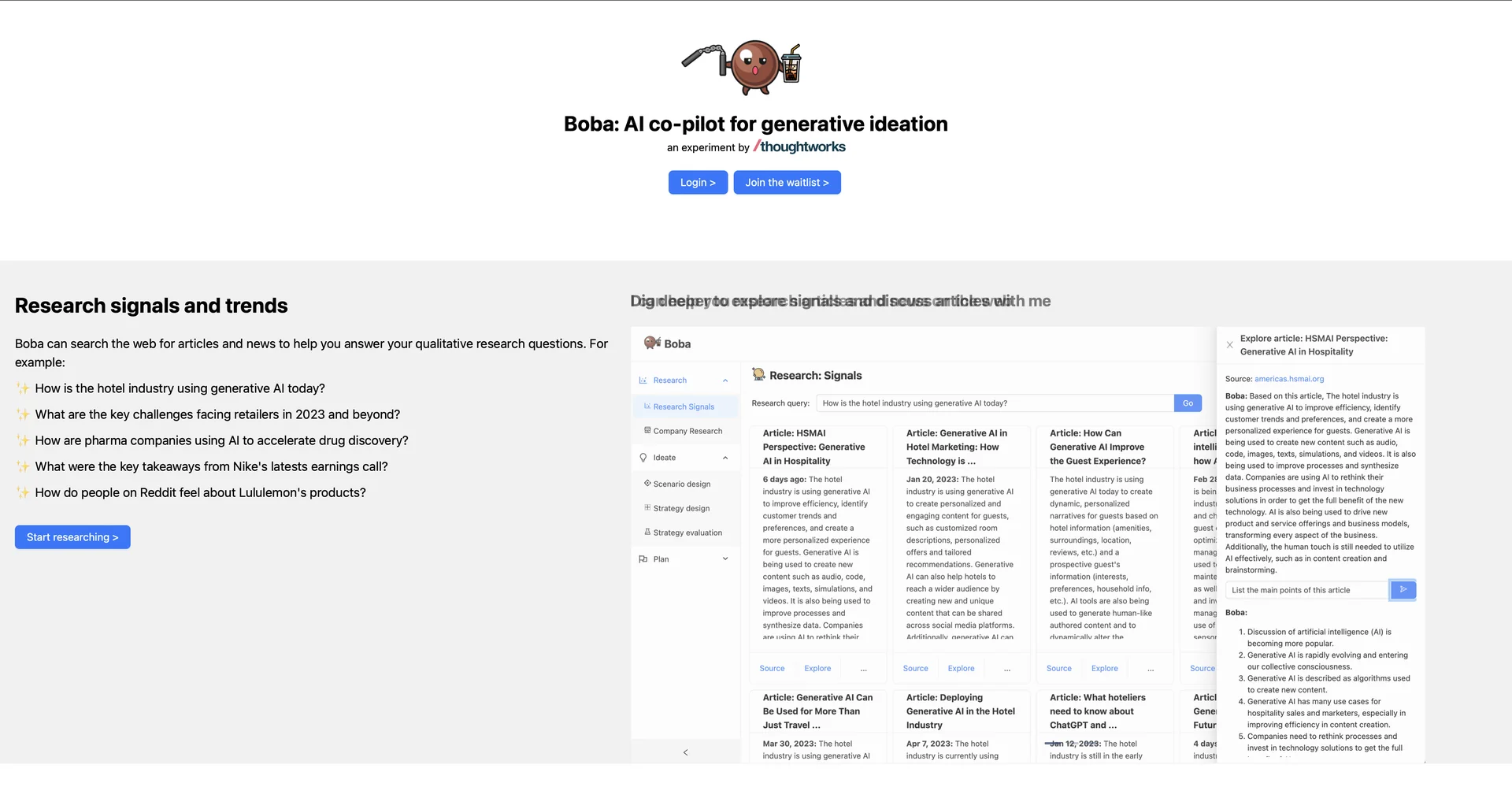
Your AI ideation partner for research and strategy
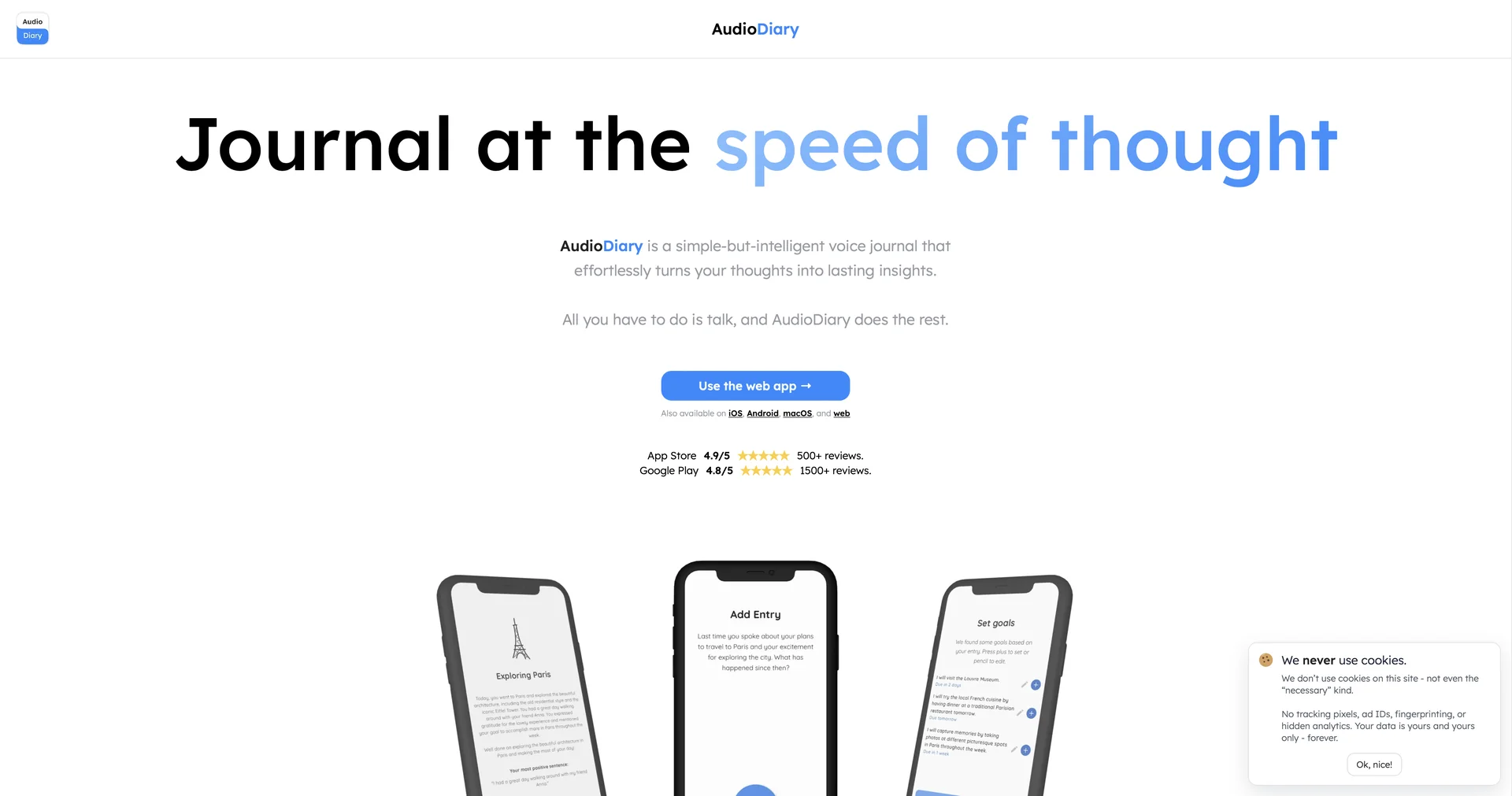
AI-powered diary that listens and chronicles your life.
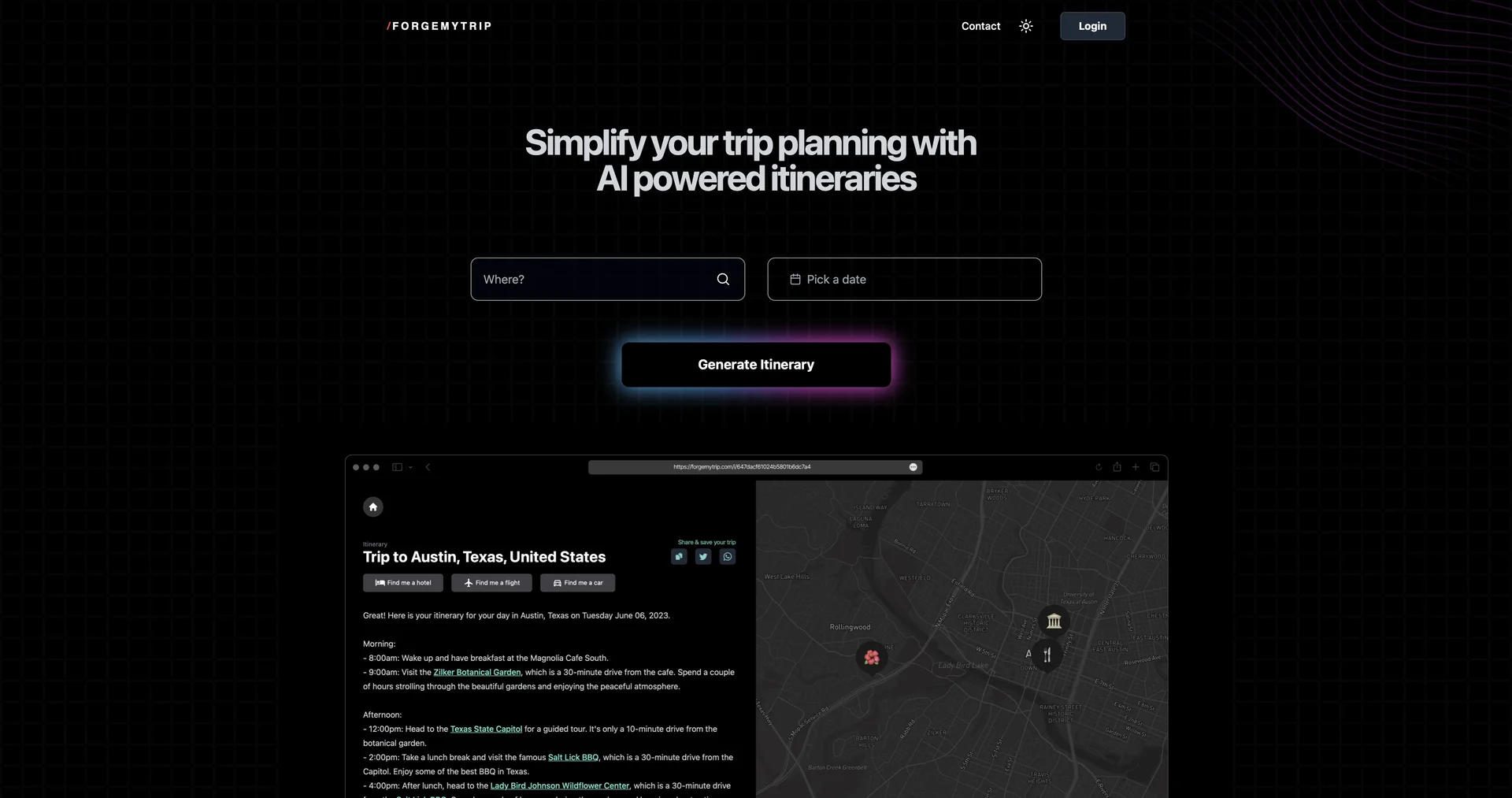
AI-powered itineraries for effortless travel planning.
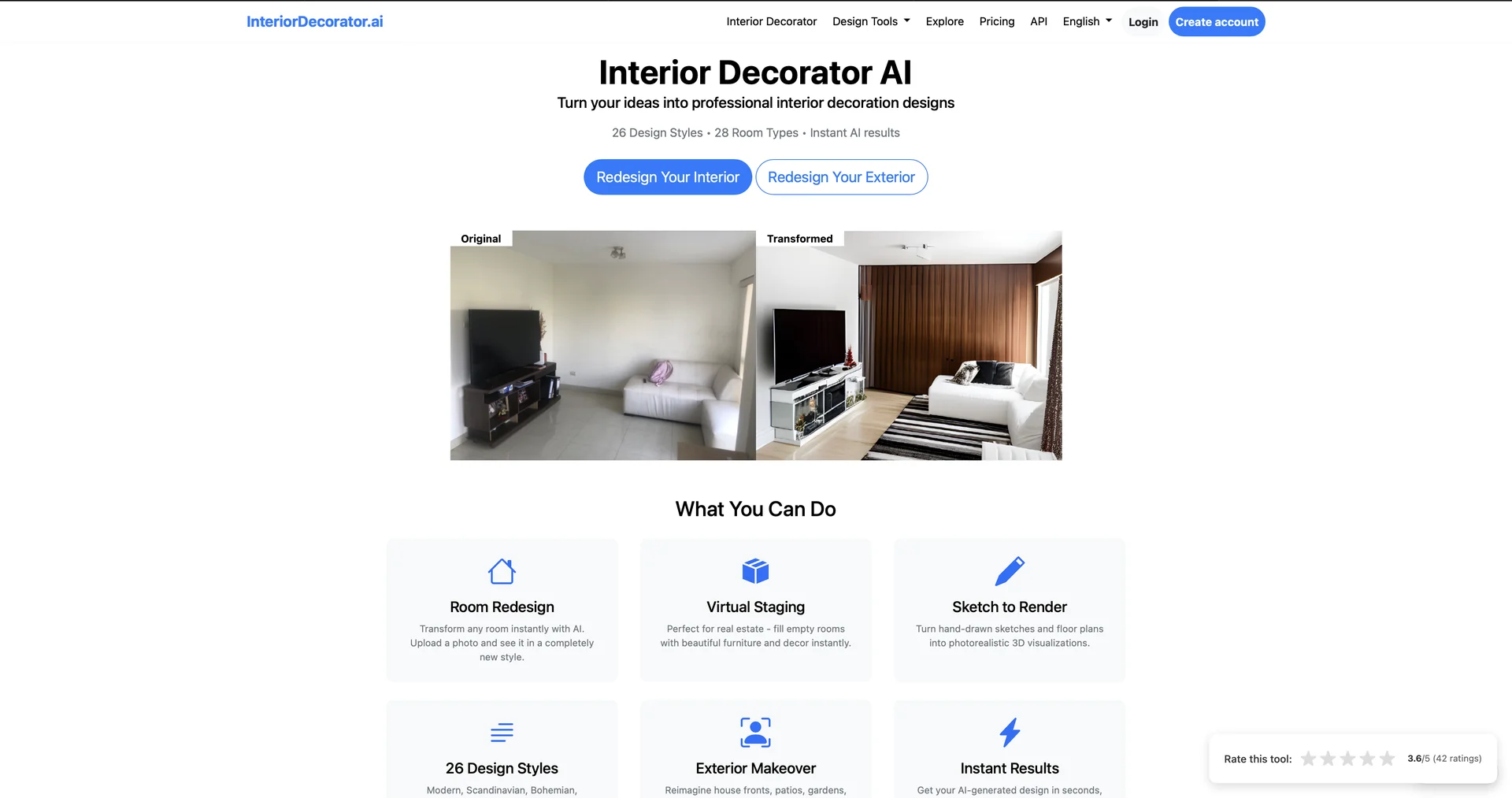
Generate interior design ideas with AI
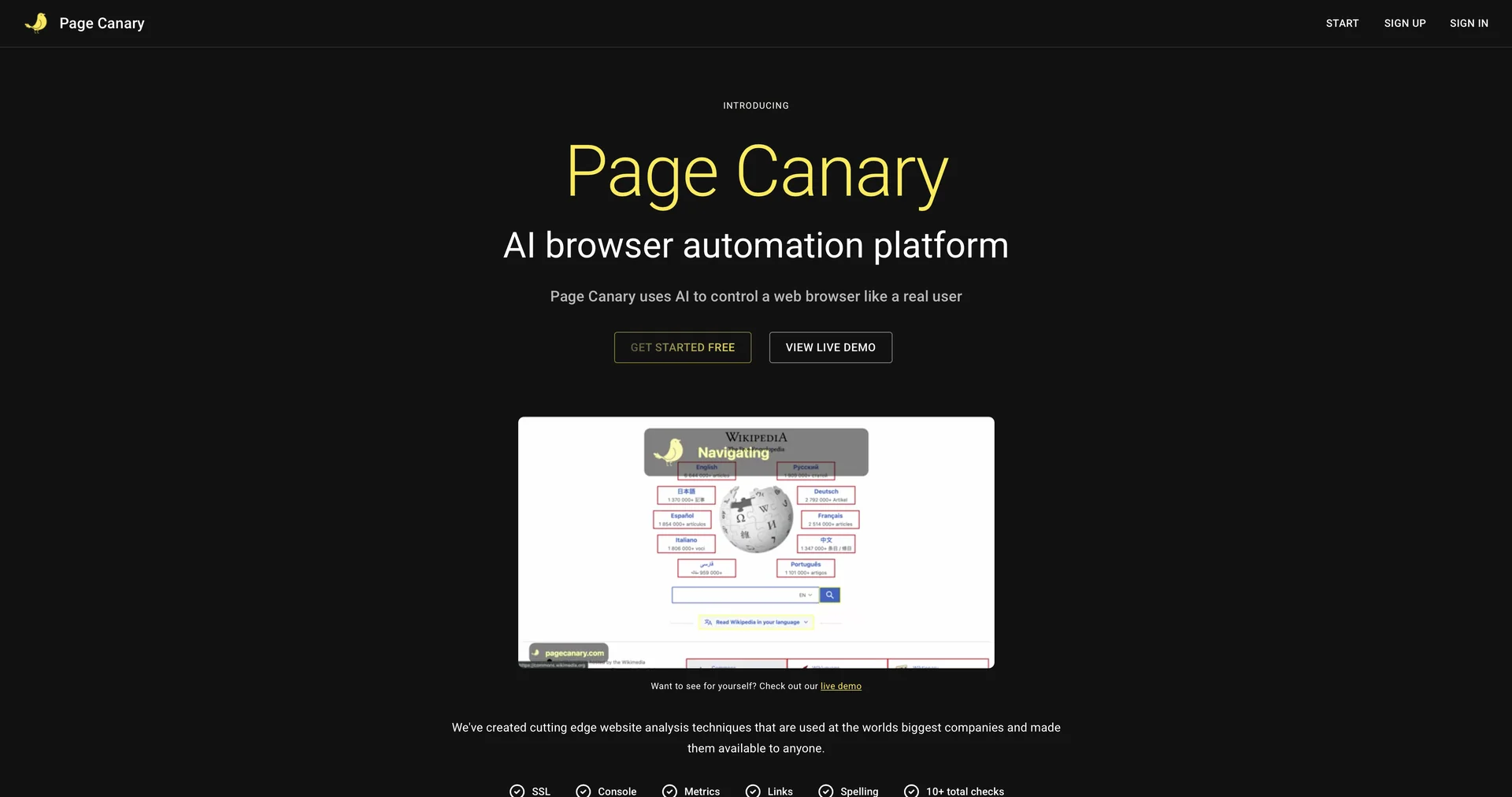
Find website issues before your users do
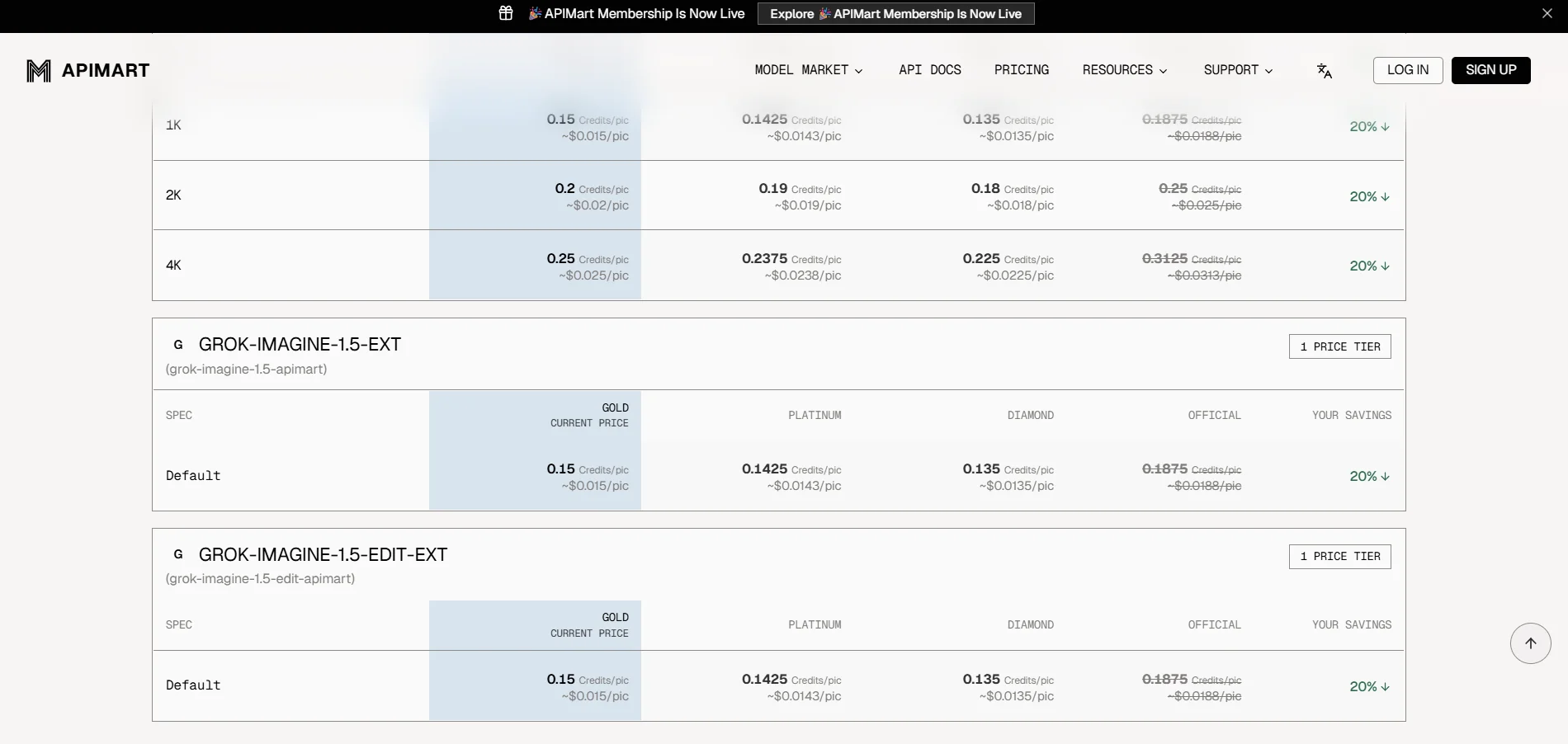
APIMart is a unified platform that provides access to more than 500 AI models through a single OpenAI-compatible API interface, including models for conversation, language, images, video, audio, and music. The platform allows developers to use multiple models from different providers without having to manage separate API keys and accounts for each provider, with the ability to use models such as GPT, Gemini, Claude, Flux, GPT Image, Sora, Veo, Kling, Seedance, Seedream, Suno, Wan, Vidu, and others. It also provides a unified dashboard for managing keys, quotas, usage, billing, and logs, as well as documentation and examples for software integration. APIMart explains that its system is based on pay-per-successful-request and actual usage, with no monthly minimum, and offers volume-based discounts.
Remodel AI is an AI-powered tool for designing and renovating spaces that transforms a photo of a room, house, or outdoor area into a new visual design in about 10 seconds. It offers a choice of more than 30 interior design styles, as well as styles for exterior facades and gardens, and features eight specialized tools, including interior redesign, exterior facade design, garden design, virtual furnishing, floor replacement, wall color testing, removal of unwanted elements, and furniture replacement. Designs can also be saved, shared, and downloaded, and the platform supports the use of designs on the web, iOS, and Android devices. The platform reports that more than two million designs have been created through the service.
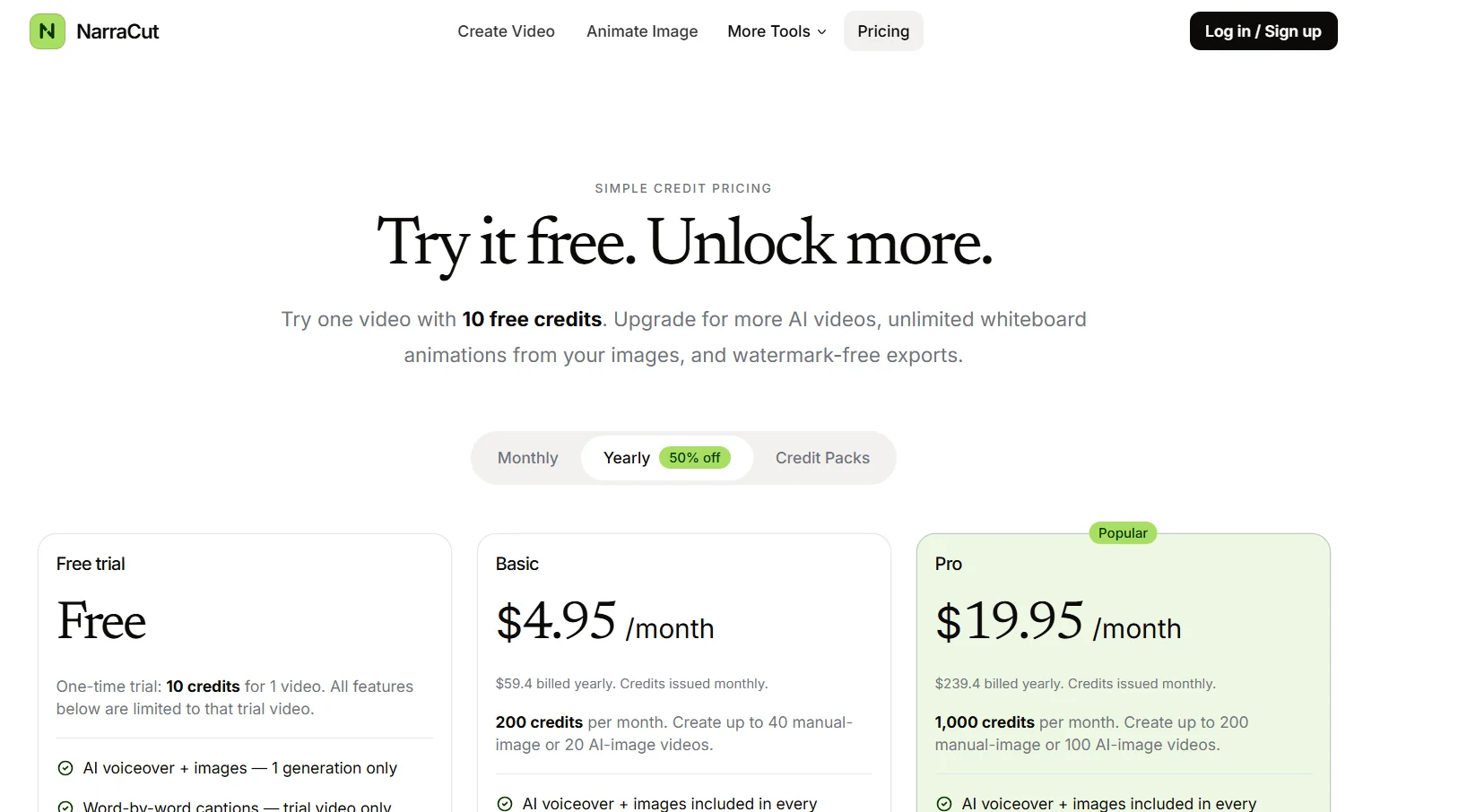
NarraCut is a platform for converting text and visuals into ready-to-use narrated videos, where users can add their own narration and images or let artificial intelligence handle the creation of the visuals, The platform then generates voice-over and word-by-word captions, automatically synchronizes the audio, captions, and visuals, matches each image to the appropriate part of the narration, and exports the video in MP4 format. Users can paste the full script or create a rough draft of a topic using AI Polish, choose a Landscape, Vertical, or Square aspect ratio, select the audio, then upload their own images or generate images using AI, and finally select “Generate a video” to create the video. The platform relies on a unified timing system that uses the generated voiceover as the timing source, so that captions follow the spoken words, and images change according to the meaning of each section of the script rather than cycling through them on a fixed timer. NarraCut allows you to review the entire video, change the aspect ratio and motion settings, replace images associated with specific parts of the text, and export the current result in H.264 MP4 format. You can also start a new project by selecting “Create new video.” The platform supports the use of your own images, including product photos, screenshots, diagrams, and drawings, or create a cohesive set of visuals using artificial intelligence by specifying the number of images and the style, where the platform divides the text into consecutive sections and generates a visual concept for each section. It also offers tools such as AI Explainer Video Maker, Script to Video, Script to Video with Your Images, Whiteboard Animation, Add Voiceover to Video, Add Text to Video, and Photo Slideshow Maker. Uses include creating faceless videos for Shorts, Reels, and TikTok; converting news articles and comments into videos; creating videos for product updates, repurposing articles, news reports, and approved scripts into video format, publishing the same content in Landscape, Vertical, and Square formats, and creating recurring videos for clients within a standardized workflow. It also provides Whiteboard Animation tools to convert a single image into an animated line drawing with gradual color reveal, add AI-generated voiceovers and independently timed subtitles to an existing video, create MP4-format photo slideshows with individual durations, captions, and optional dissolve transitions, and add titles, labels, lower thirds, and text watermarks to existing videos.
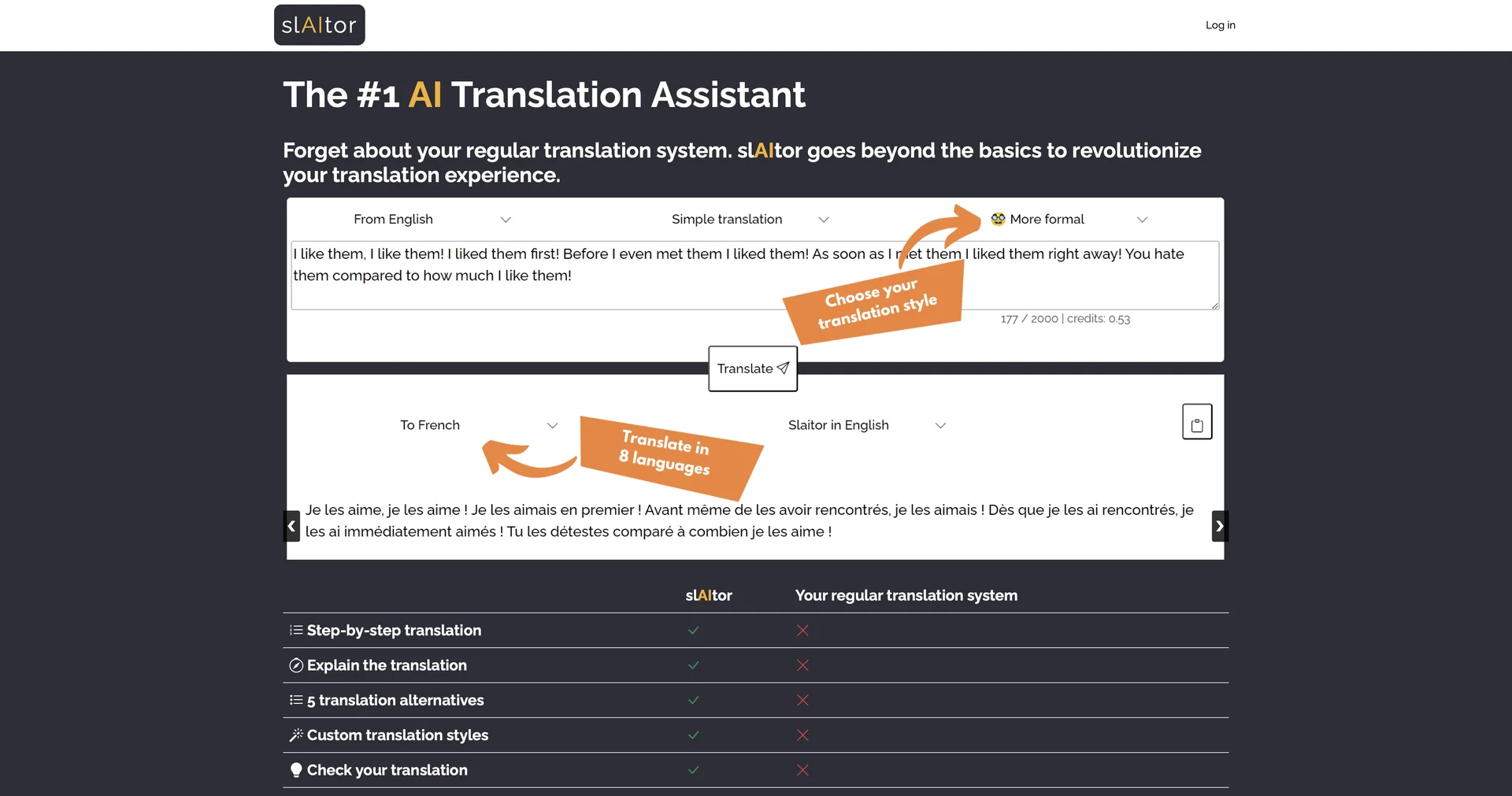
AI-powered translation assistant with enhanced features
Elevate data collection with AI-driven conversations
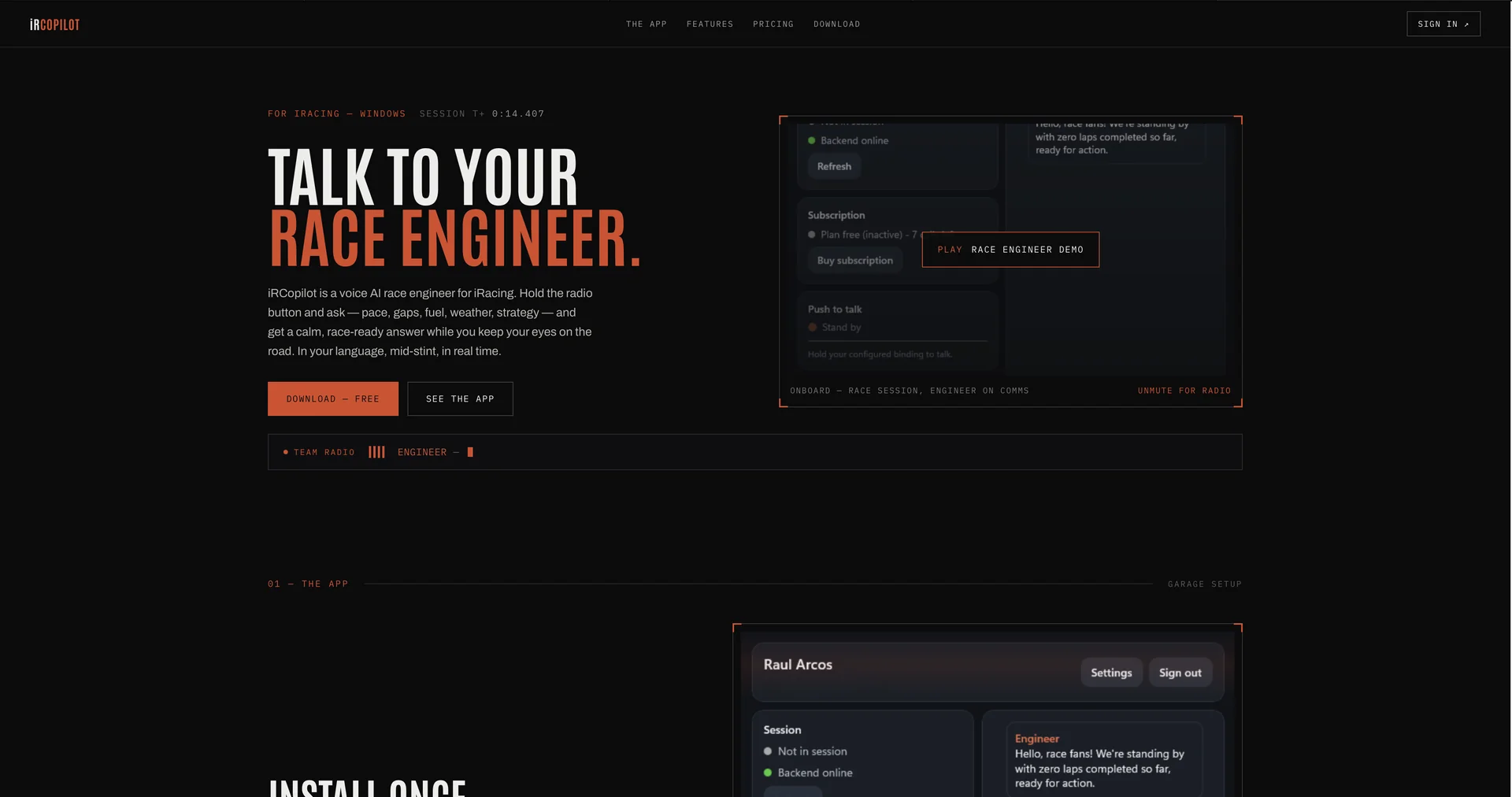
Streamlining investment research.
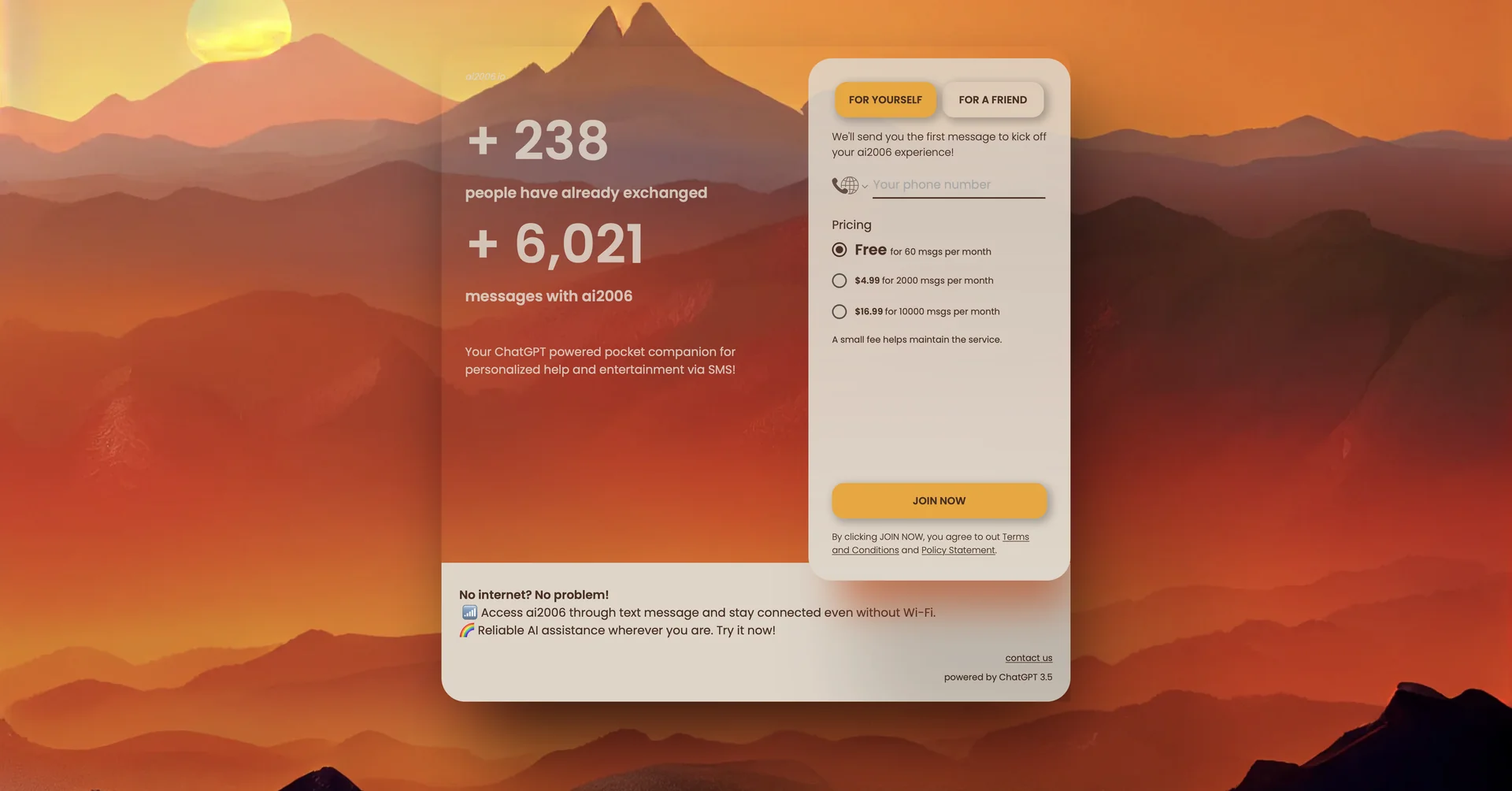
Your ChatGPT pocket companion via SMS
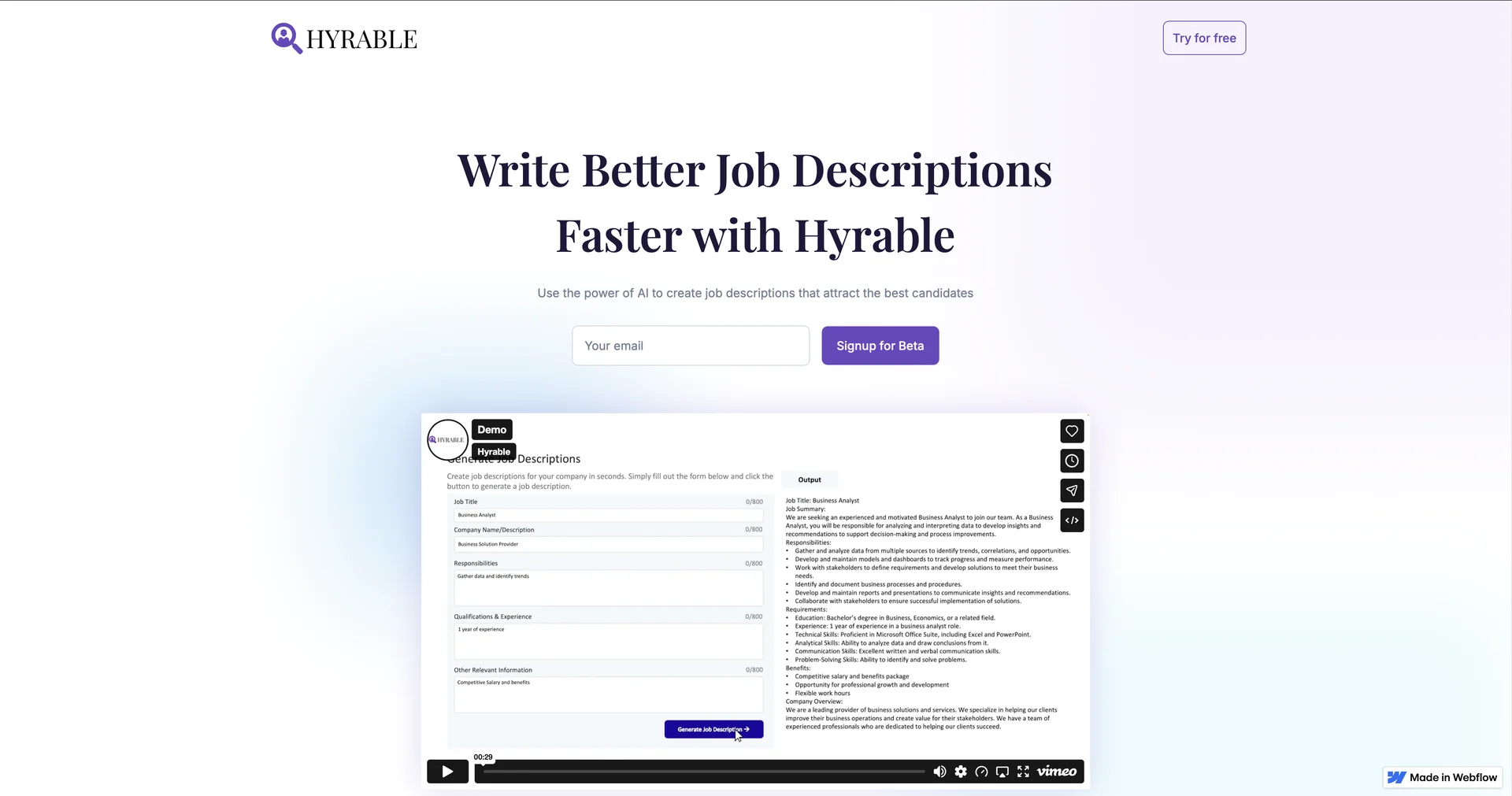
Streamline hiring with AI-powered tools
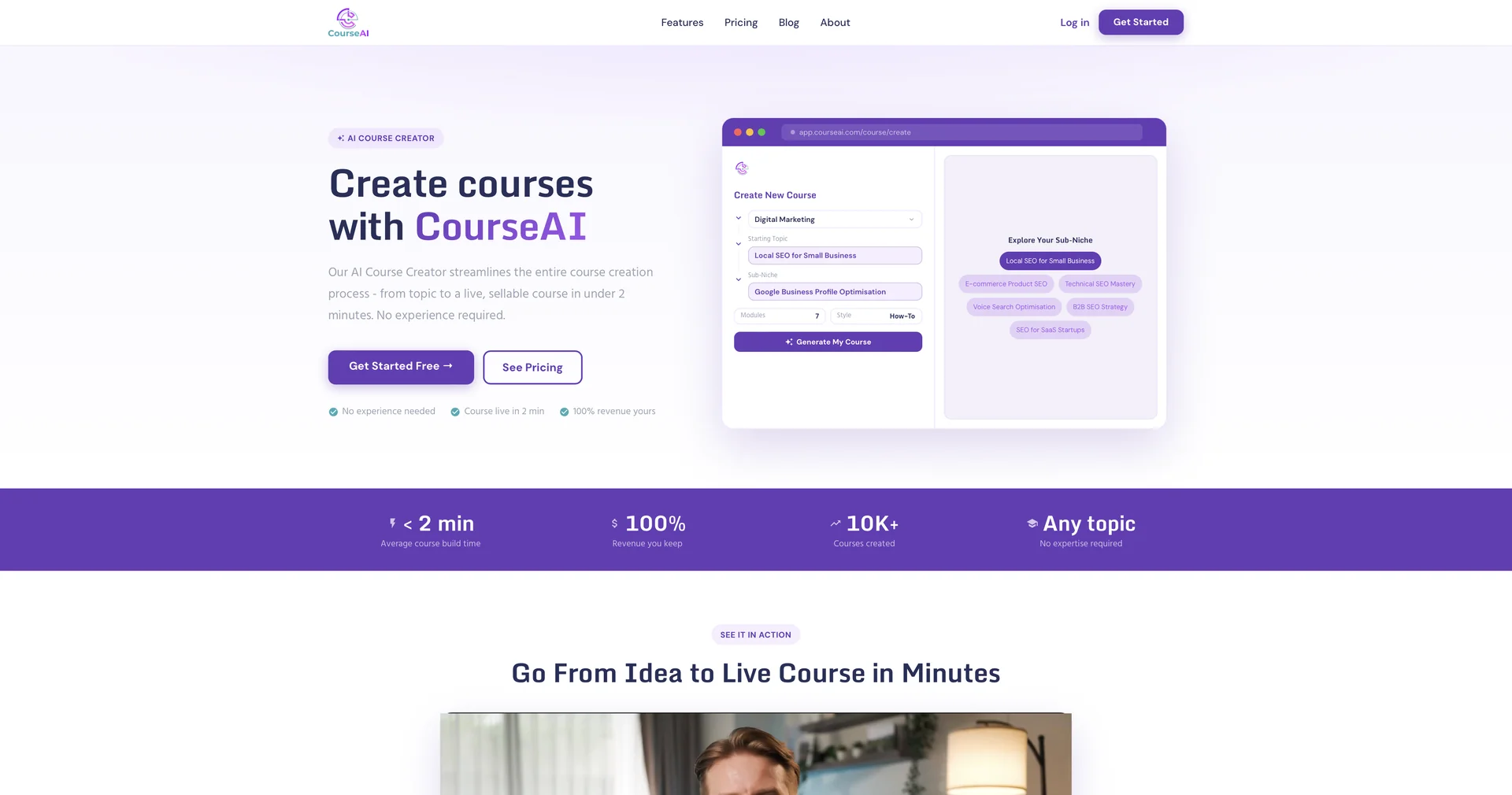
Create online courses effortlessly with AI.
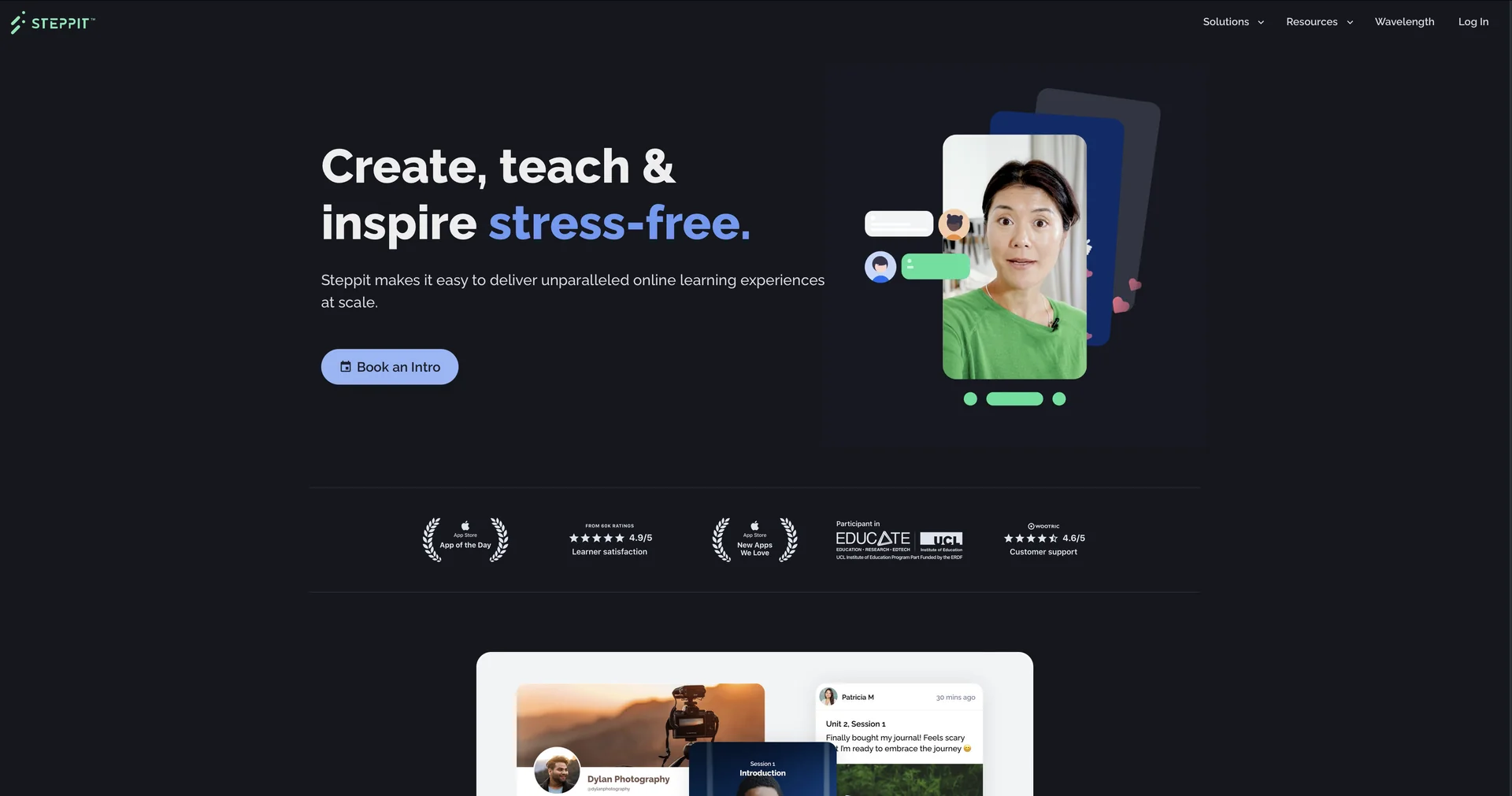
Create and sell AI-powered online courses effortlessly.
AI-powered content tools for Shopify stores
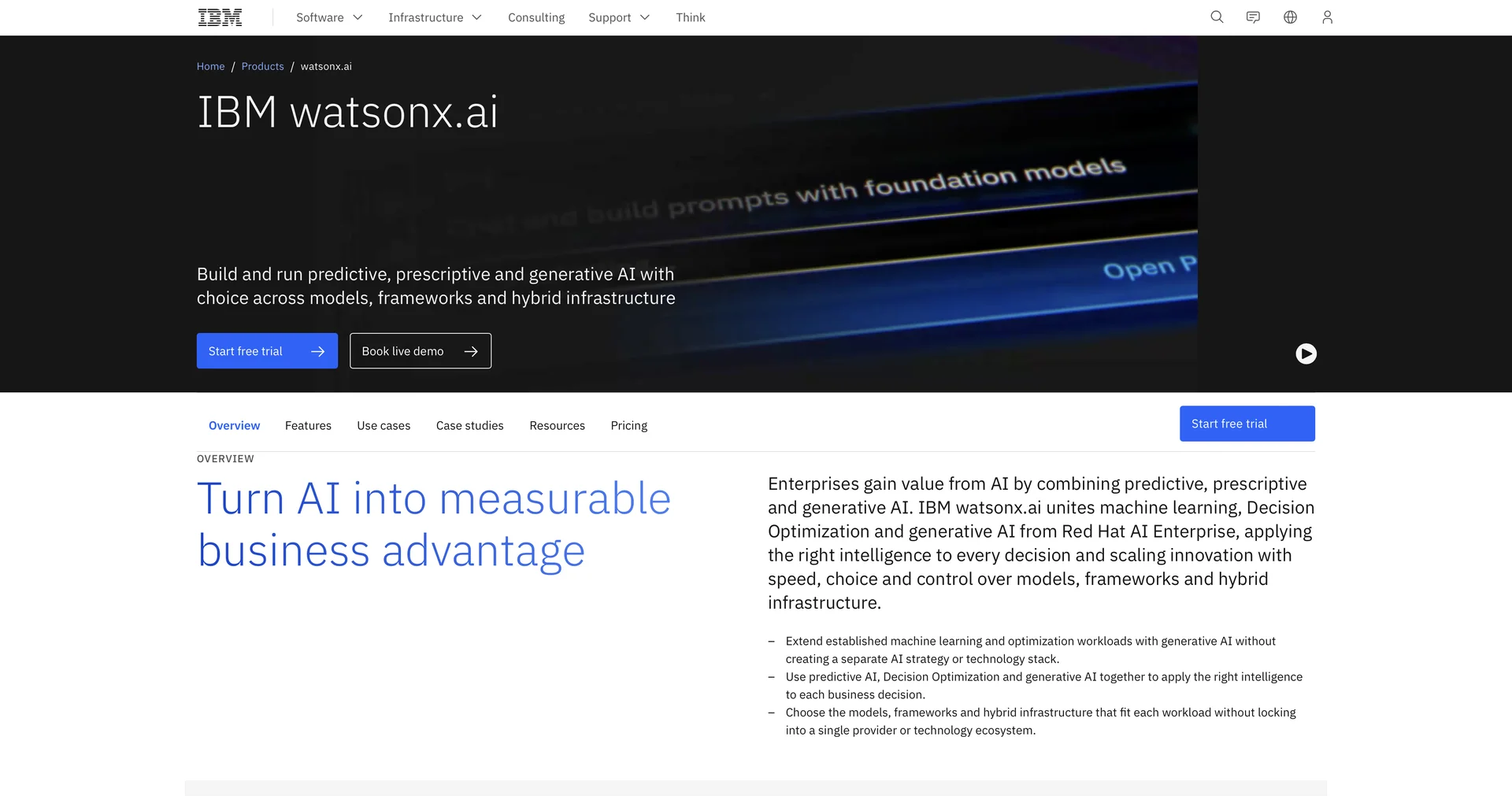
Build AI with foundation models, generative AI and machine learning
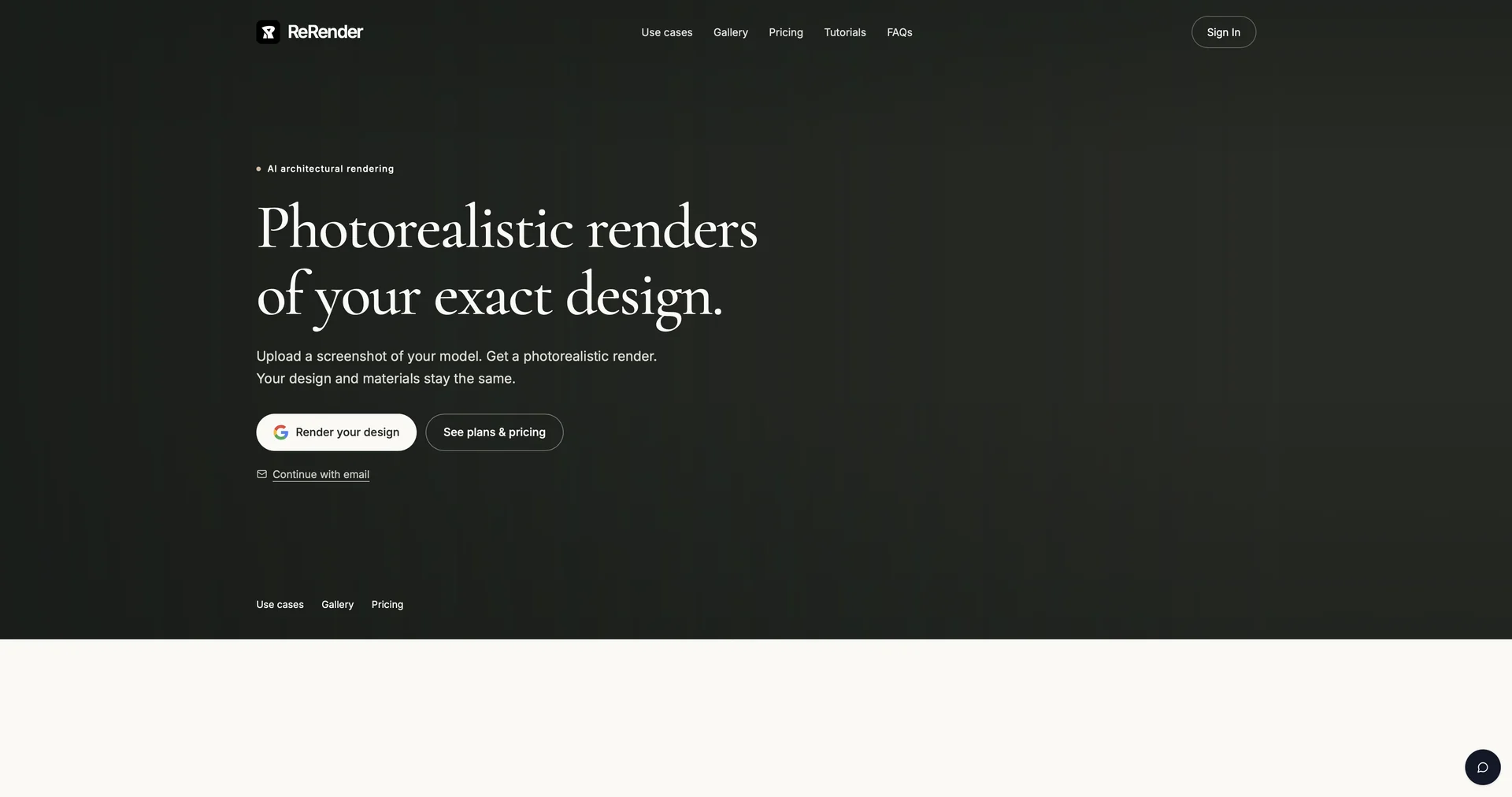
Instant photorealistic renders for architectural designs.
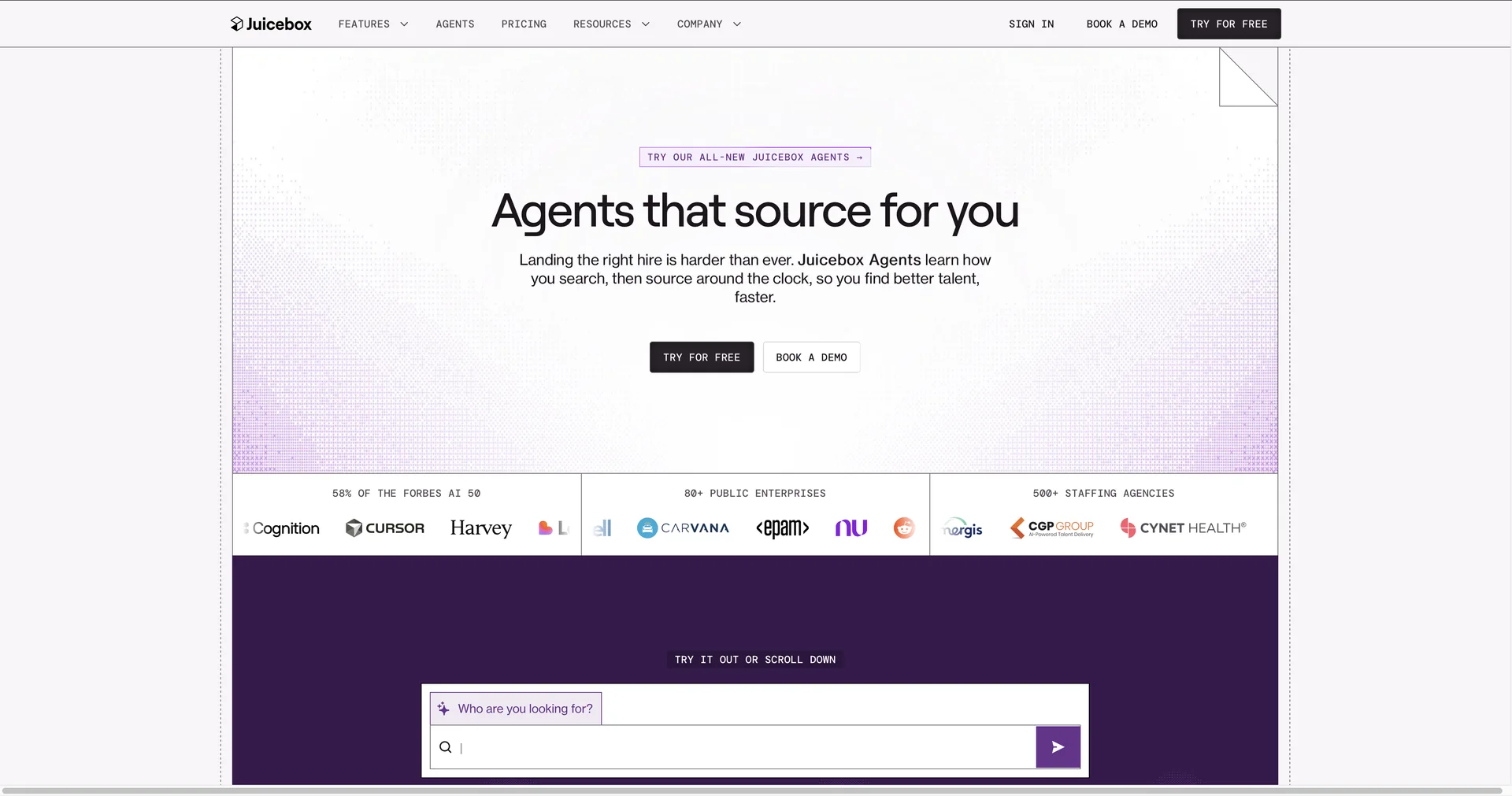
Find qualified talent using natural language search
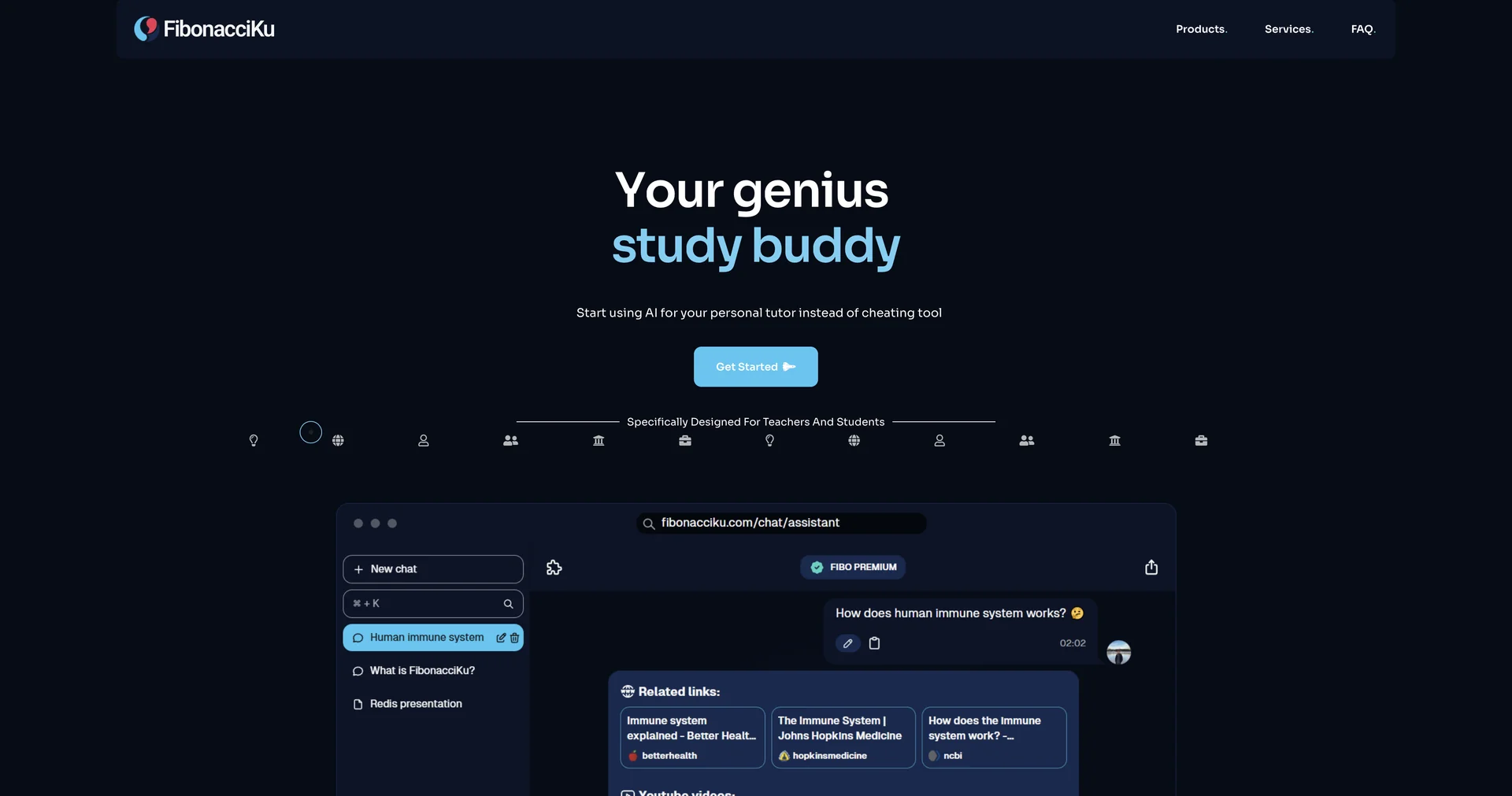
Your genius study buddy: AI tutor, not cheating tool
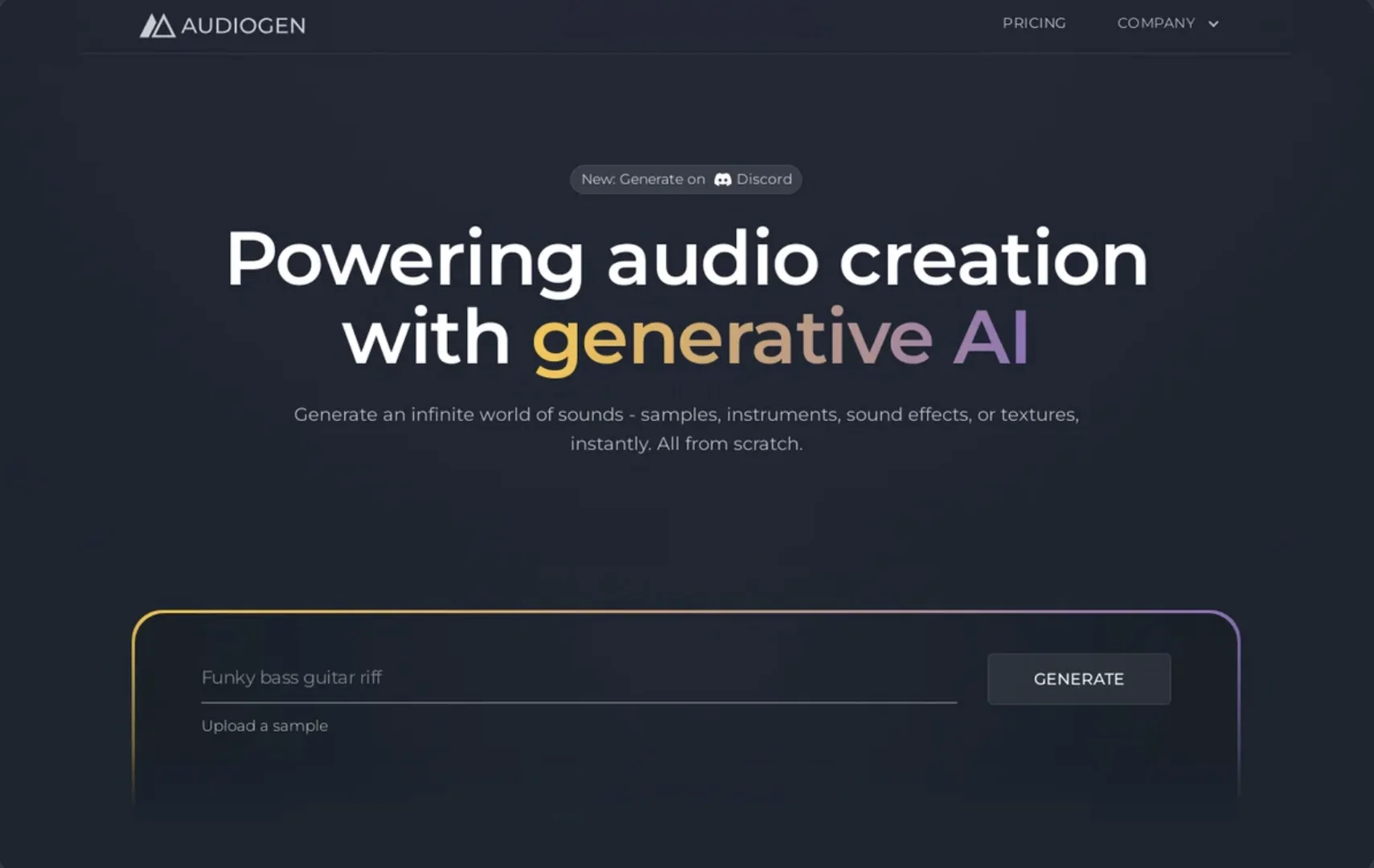
Generate infinite sounds instantly with AI