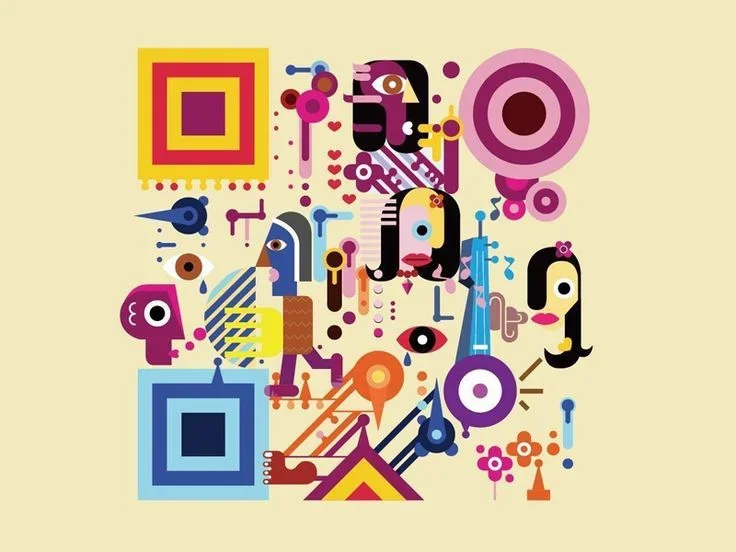
Illustroke is an AI tool specialized in directly converting text into high-quality vector illustrations. It allows users to enter a simple description of their idea (a prompt), such as “a smiling girl’s face,” and the tool then generates illustrations that are ready to use in design, websites, or commercial projects.
Running Stable Diffusion WebUI on Google Colab is a way to use the open-source image generation tool via temporary cloud servers without needing a powerful device. The tool itself (Stable Diffusion WebUI) is completely free and offers a professional interface for generating images from text, editing images, using LoRA and ControlNet, upscaling, and creating high-quality images with full control over settings such as Steps, CFG, and Sampler.
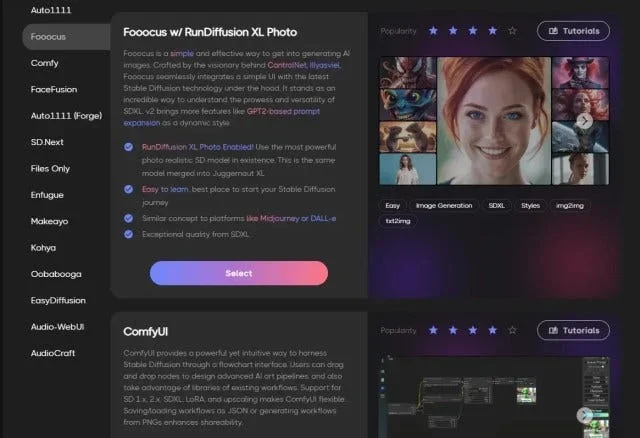
RunDiffusion is a fully integrated cloud platform for running the latest AI models for generating and editing images and videos—such as Stable Diffusion, Flux, Kling, Veo, and others—within a single professional workspace.
Mixture of Diffusers is an open-source project on GitHub that offers an advanced method for generating images using Stable Diffusion models, with significantly improved control over image composition.
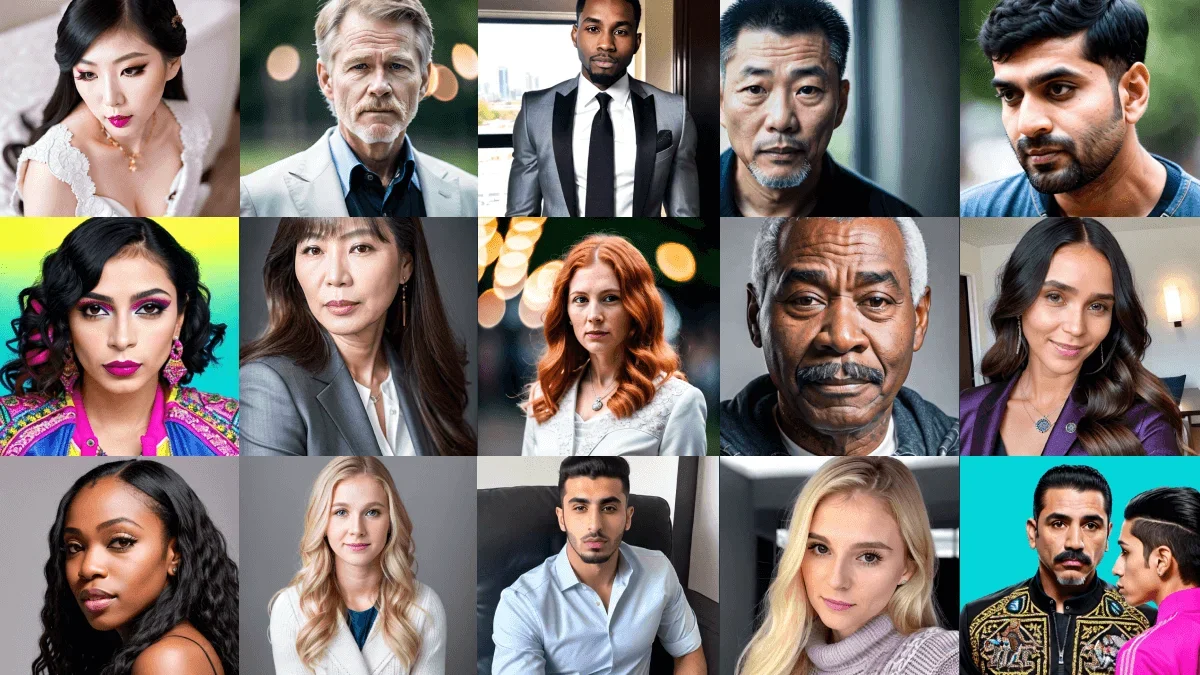
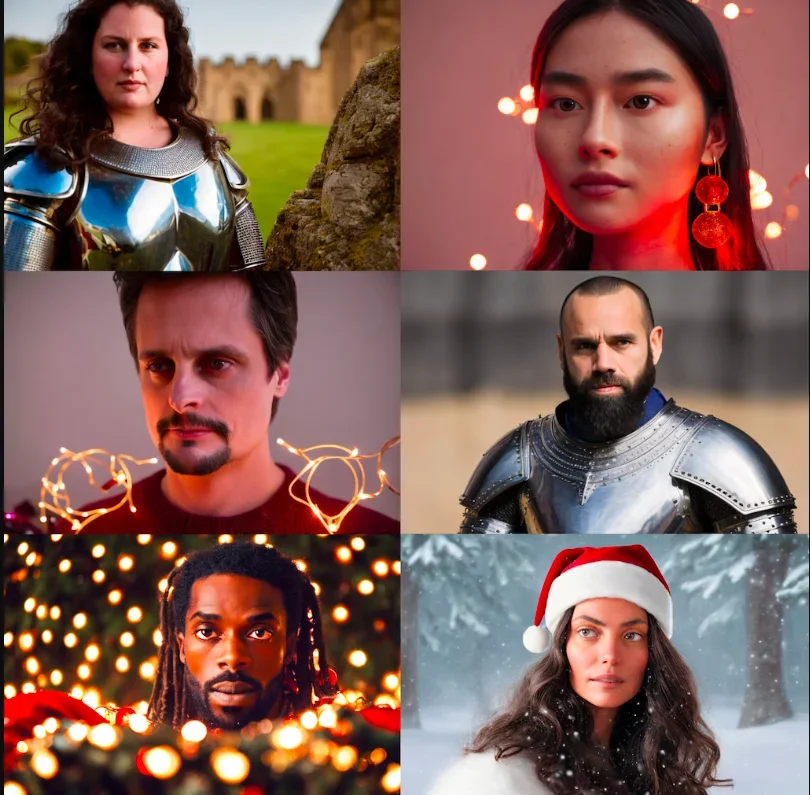
The LUCIDDIC (LucidPic) platform offers an advanced tool powered by generative AI, focusing primarily on the creation of Consistent Digital Characters that can be used to produce professional, repeatable visual content across images and video.
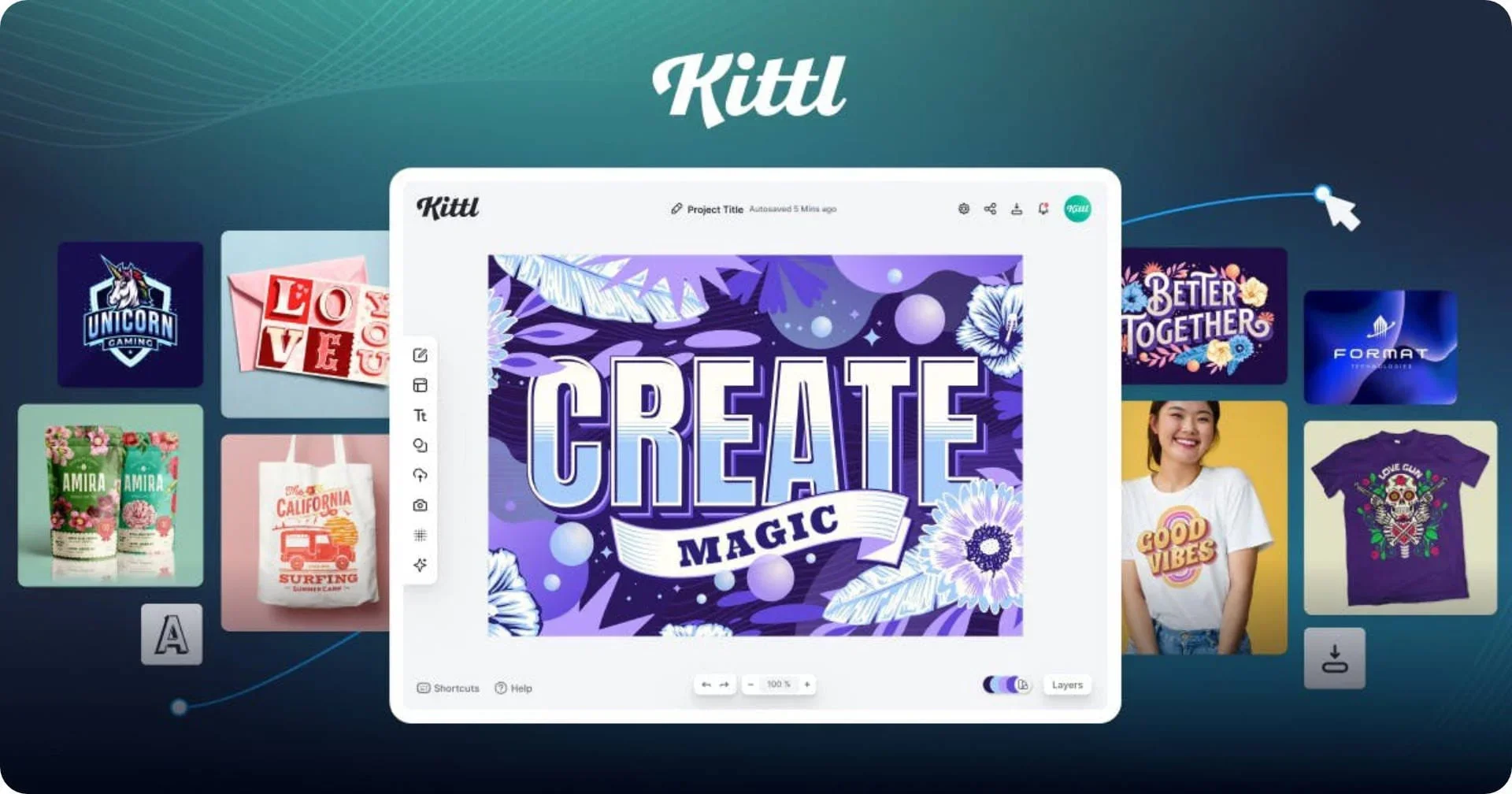
Kittl is an AI-powered design platform aimed at designers, content creators, sellers, and businesses, combining AI tools and professional design tools within a single workspace.
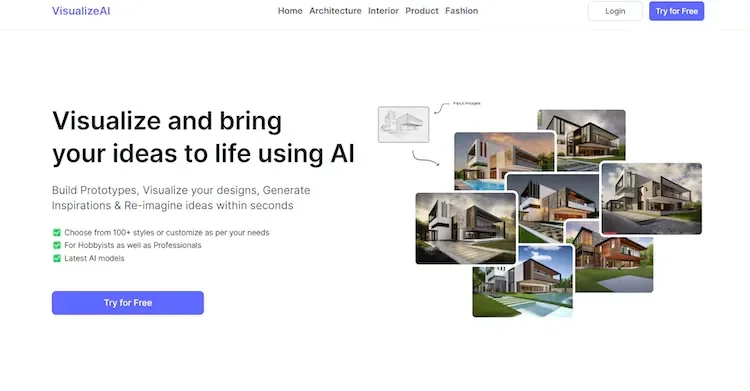
VisualizeAI is an AI-powered design assistant that converts sketches, images, text prompts, wireframes, and elevation drawings into high-resolution, stylized visualizations.
The Infinite Art tool offers a credit-based system for generating visual content, where credits are used to create images and videos. One credit is consumed for each image generated, while generating a single video requires five credits.
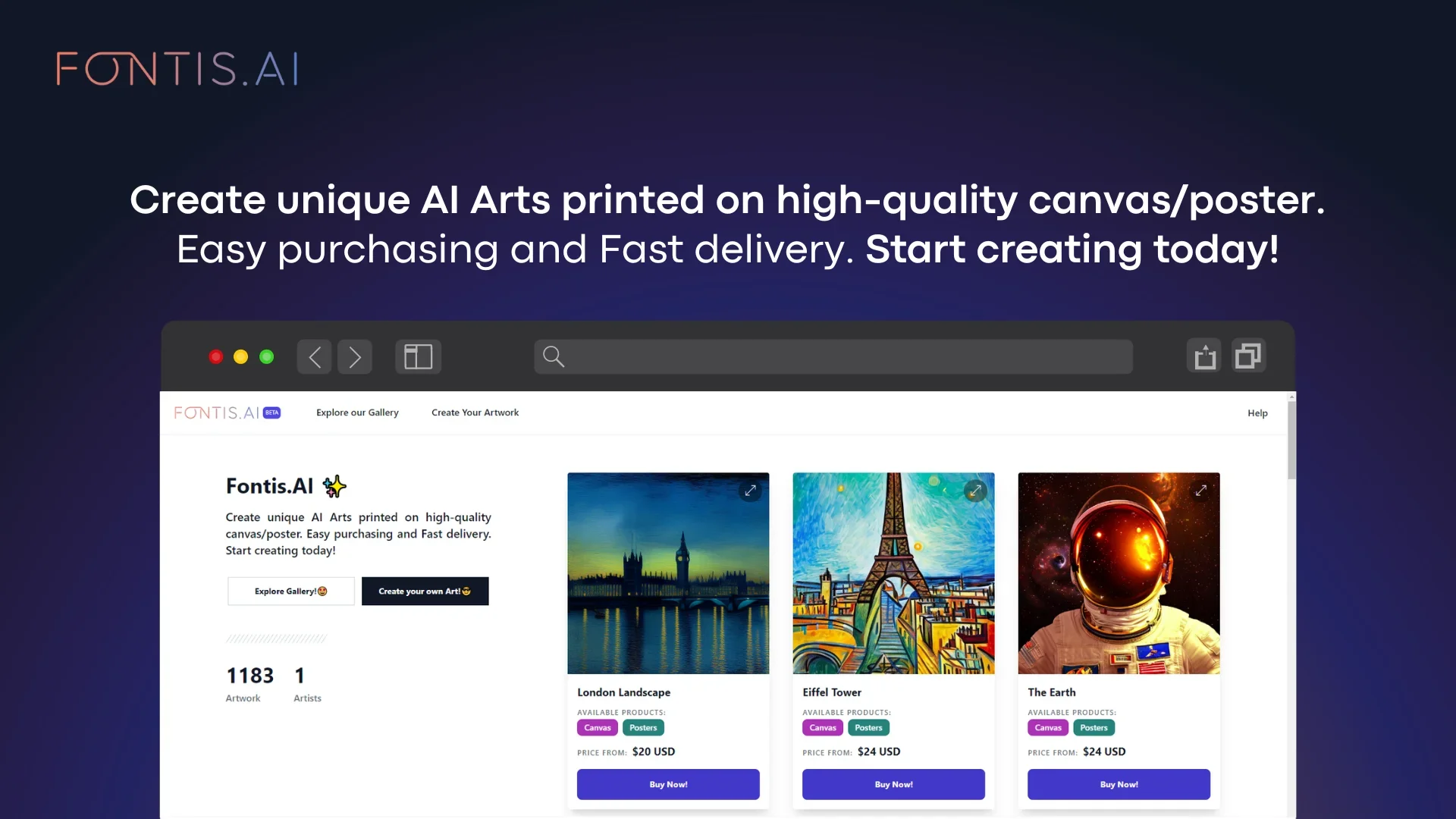
Fontis AI allows you to generate images from text descriptions using artificial intelligence, with the ability to preview the digital design directly on products before printing. The generated images can be used to create personalized gifts such as paintings, posters, mugs, stickers, and puzzles. The tool also automates the conversion of text into digital designs and links them directly to print orders.
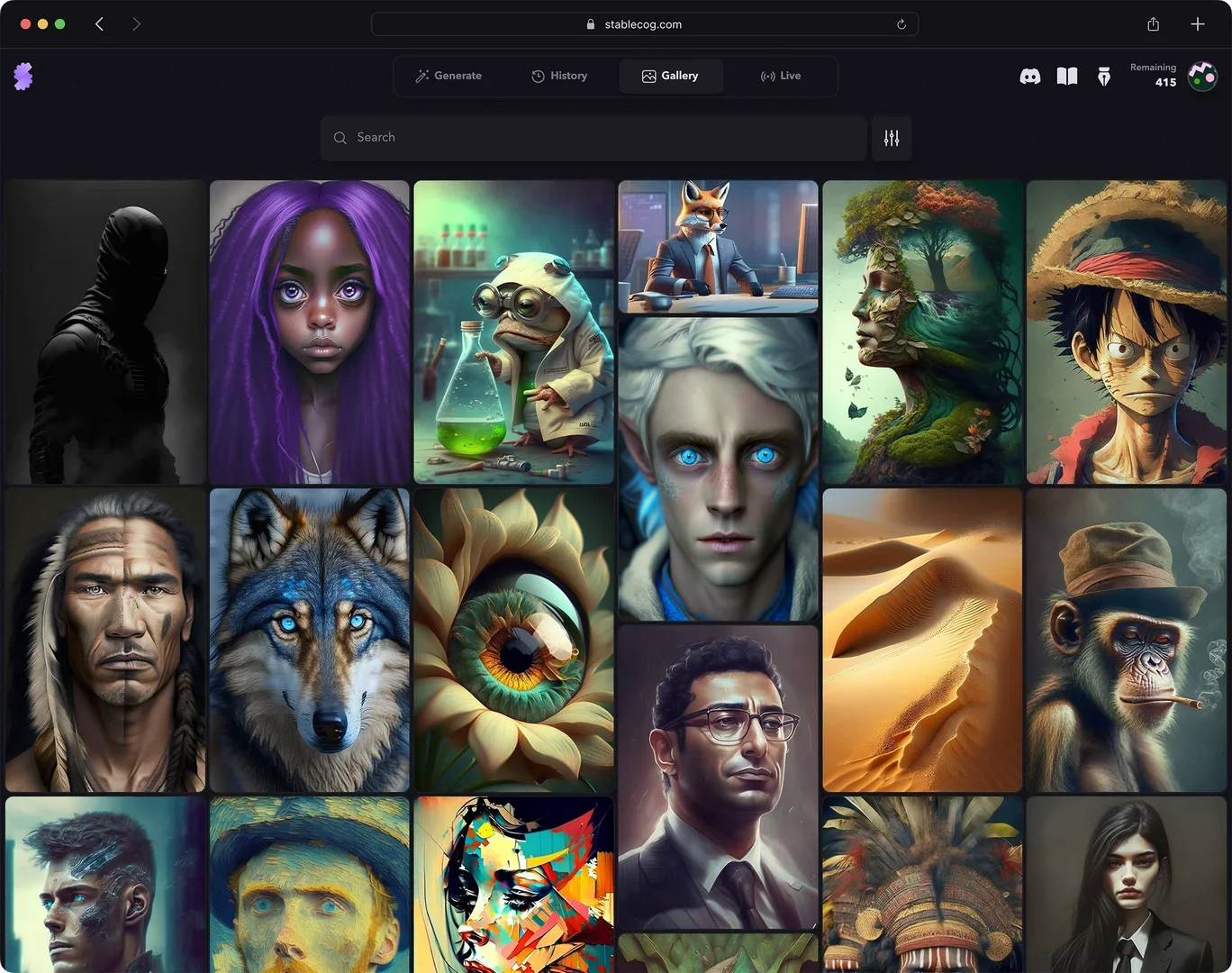
Stablecog offers a comprehensive platform for generating images using artificial intelligence based on Stable Diffusion models. It allows users to convert text into artistic and realistic images in seconds, with advanced options such as specifying aspect ratios, choosing a model (such as FLUX.1 and others like Openjourney, Waifu Diffusion, Arcane Diffusion, and Kandinsky), using Negative Prompts, and specifying the number of images. It also provides built-in educational resources explaining how to write prompts and adjust generation settings.
StarryAI is a platform specializing in AI-powered image generation, making it easy to convert text into professional-quality images. The tool offers over 1,000 different artistic styles, along with the ability to reimagine images, enhance their quality, upscaling, and remove backgrounds. It also supports the creation of various visual assets such as artistic images, creative content, and designs, in addition to offering a video generation option (included in paid plans).
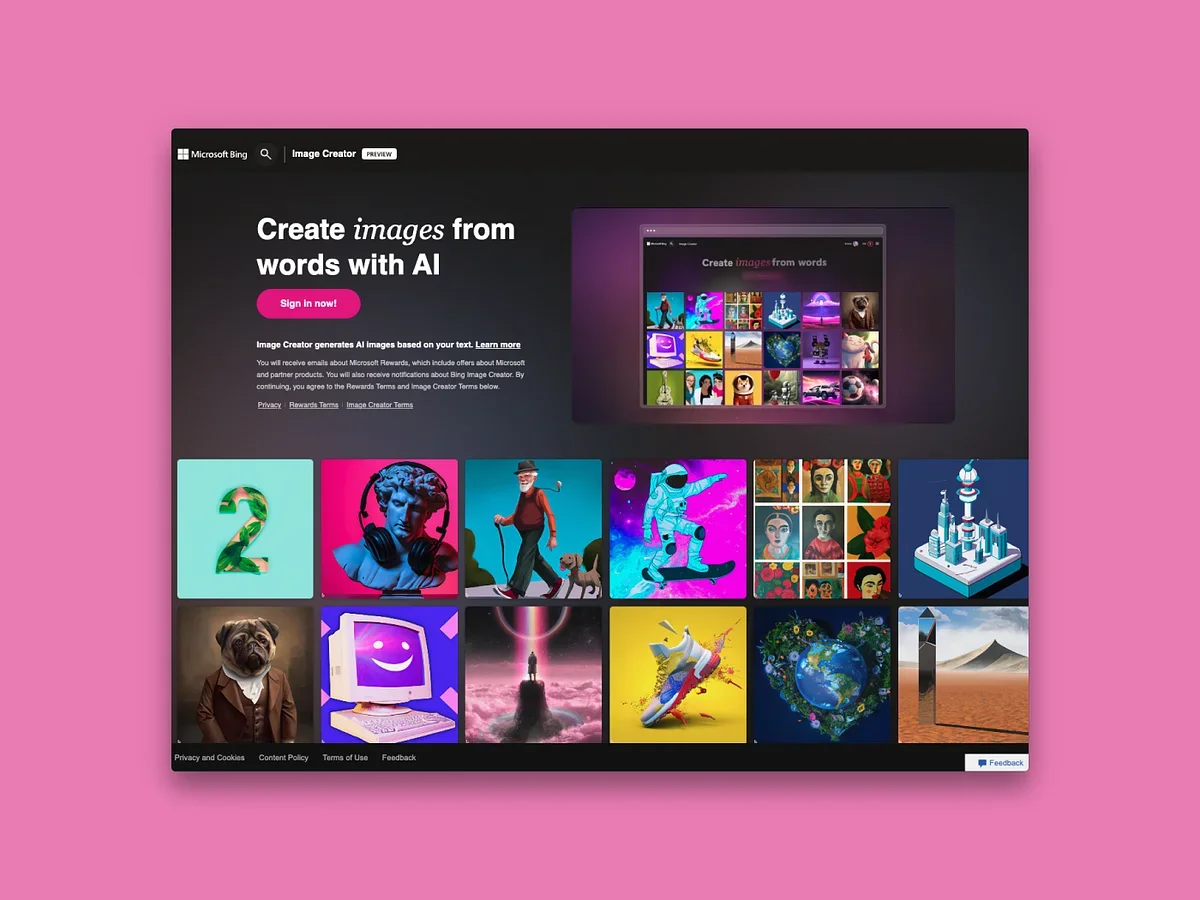
The tool allows users to generate images based on text descriptions using artificial intelligence; it leverages the DALL·E 3 model to generate a variety of images in different styles, such as realistic and artistic. It can also be used for graphic design, game asset production, and creating visual content for social media, with support for generating multiple variations for each request.
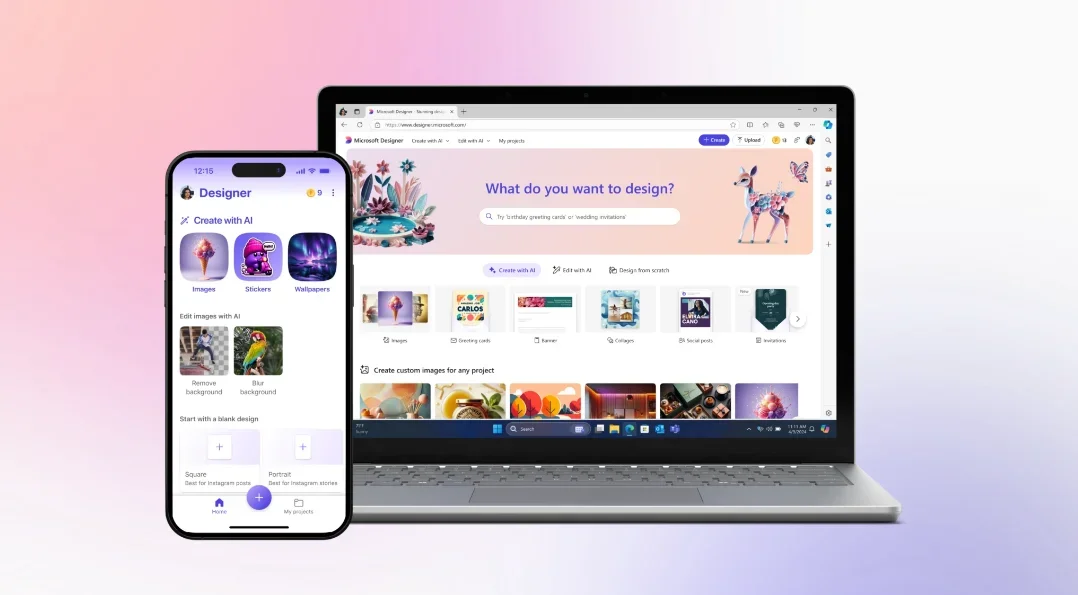
The tool offers an integrated AI-powered design platform that allows users to create images, posters, cards, wallpapers, and avatars using a simple text description. Users can choose a design type or enter an idea directly, and the system will generate ready-to-use, customizable results. It also offers features such as smart editing, color selection, size customization, and the ability to create designs from scratch or using pre-made templates.
Studio AI provides an integrated environment featuring multiple tools for converting text into images, creating animal illustrations, coloring pages, and designing cartoon characters for families. The platform uses a coin-based system to power its various tools, with a user-friendly interface that provides access to all features from a single page, including balance management and activity tracking via “Transaction history.” The platform also offers a free trial that includes 25,000 AI coins, allowing users to try out the tools at no initial cost.
Impossible Images allows users to generate images directly from text via a simple, user-friendly interface, as well as access a library of ready-made images that can be used in digital projects. The platform offers multiple options for accessing content, whether through a monthly subscription or by purchasing individual images using a credit system.
DreamLook AI provides an easy-to-use interface for quickly training custom Stable Diffusion models, allowing users to upload their own data (images, models, or specific styles) and specify the model type and number of training steps. The tool supports options such as LoRA to reduce the size of the resulting files, and after training, it allows for the generation of high-quality images at a speed of up to 4 seconds per image. An API interface can also be used to integrate the training and generation process into third-party applications without the need to manage complex infrastructure or a local GPU.
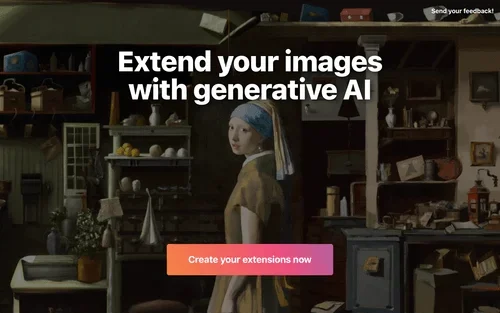
ExtendImageAI allows users to automatically enlarge images using artificial intelligence, while preserving the image's realistic details. Users can adjust the aspect ratio, enhance image quality, and fill in missing parts, making it ideal for design, social media, and advertising.
Kartiv is a powerful AI-assisted design tool that enables creatives to quickly and easily create beautiful visuals from their own photos and brand assets. With its easy-to-use interface, professional editing tools, auto-resize feature, AI-assistant, collaboration capability, and measure and optimize functions, Kartiv helps users bring their creative ideas to life and join the design renaissance.