💡 Compass Tip
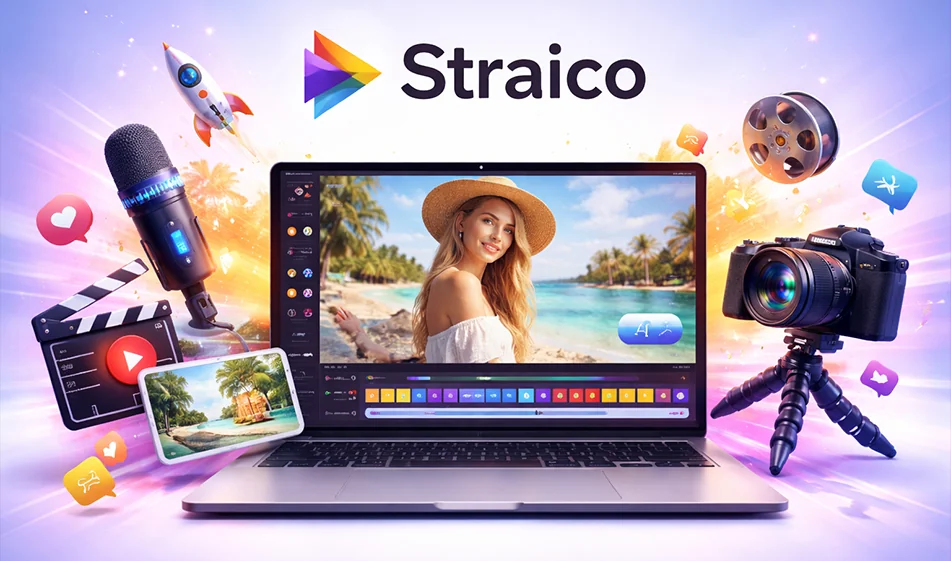
If you want to create short videos quickly without jumping between multiple tools, Straico provides you with a unified platform that helps you generate an AI video (text-to-video or image-to-video, depending on the options available), edit the result and export it in a ready-to-publish format.
️ ⚙ How do you use it in practice to generate a video?
- Write the video idea in a clear sentence:
Product/idea + Place + Motion + Duration
Example: "8 second video of a coffee product on a wooden table, warm lighting, slow moving camera". - Choose the generation type:
- Text to Video: You type the entire scene description to generate a video from scratch.
- Image to video: Upload an image (product or character) and request a smooth animation.
- Optimize the result:
- Tweak the motion and camera angle
- Change the lighting and colors
- Produce more than one version of the same idea to test what works best
⭐ Why is it suitable for content creators and advertisers?
- Combines multiple capabilities in one place instead of spreading the work across multiple locations.
- Suitable for producing multiple versions of the same ad in a short time.
- Useful for entrepreneurs and stores to make quick videos for social media.
💰 Plans and Pricing
- There is often a free option to try with a limited amount of credit.
- Then there are paid plans that give you more credit, higher quality, and additional features.
🧭 Golden Compass Tip
Write a video ad promo in this format to guarantee a strong result:
"9:16 7 second vertical video, close-up, soft lighting, slow camera movement, clean background, clear call to action, closing shot."
Then repeat the same promo with only the backgroundand camera angle changed to get 5 campaign-ready versions.
For more AI tools: bosala.ai