Description
️ Tool Name: 🖼
MagicForm
Categories: 🔖
Question Banks and Test Generation
Study Aids and Smart Notes
Content Management and Publishing
Education and Research
️ What does this tool offer? ✏
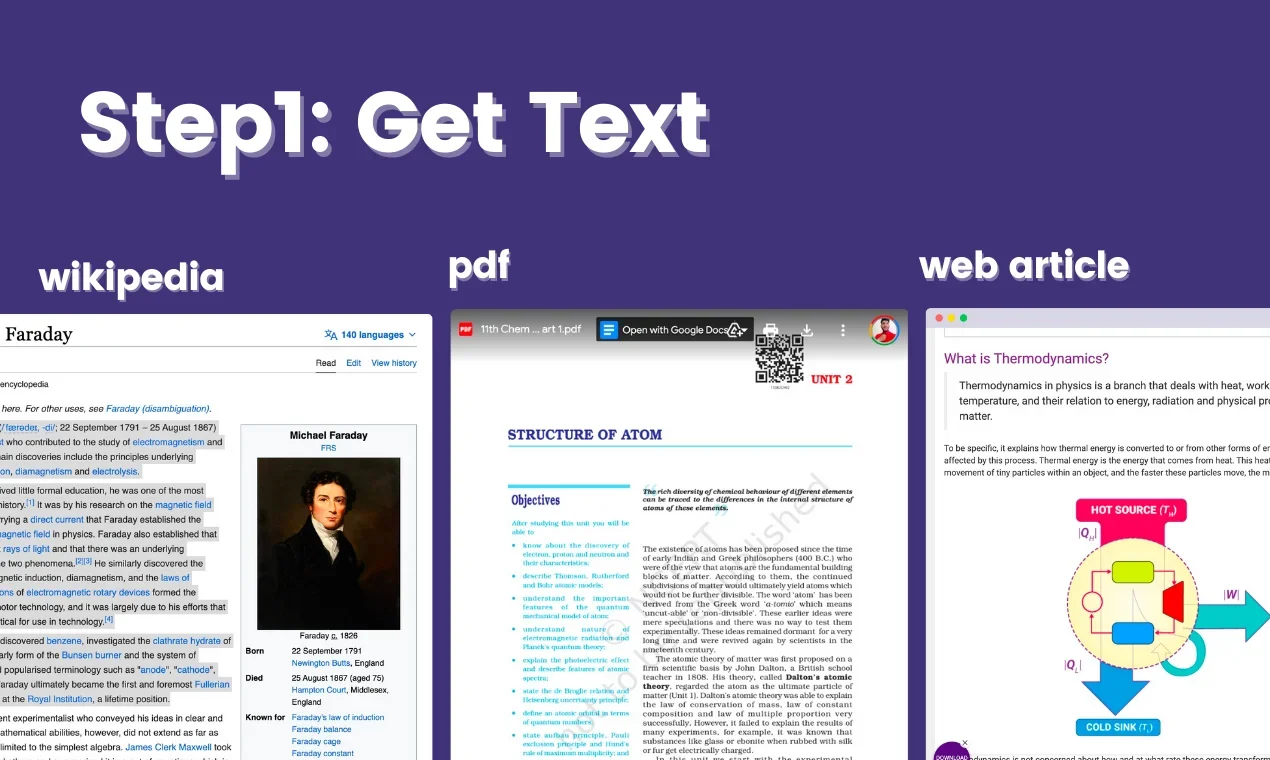
MagicForm is an AI-powered platform that automatically generates quizzes from various sources such as text, PDF files, YouTube links, web pages, images, or even general topics. The tool analyzes the content, extracts key ideas, and converts them into multiple-choice questions (MCQs) that can be edited and exported.
It also allows you to export quizzes to Google Forms or PDF, or share them as a direct link, and supports customization of difficulty level, number of questions, and language, making it suitable for educational and training purposes.
What does it actually offer based on user experience? ⭐
- Create quizzes in seconds from a variety of sources
- Support for text, PDFs, YouTube, web content, and images
- Convert content into multiple-choice questions
- Ability to edit quizzes after creation
- Export to Google Forms, PDF, or a direct link
- Support for over 100 languages
- Maya AI, an AI assistant that generates questions
- Suitable for teachers, training, and HR testing
Does it include automation? 🤖
Yes, it relies on full automation for creating tests, where the AI automatically analyzes the entered content and extracts questions without manual intervention, with the ability to regenerate or modify questions as needed. It also supports automated export and sharing to external platforms such as Google Forms.
Pricing Model: 💰
Freemium (Free Plan + Paid Plan)
🆓 Free Plan Details:
| Plan | Details |
|---|---|
| Free | $0 per month, create 5 quizzes per month, up to 12,000 characters of input, maximum of 8 questions per quiz, support for YouTube, PDF, and URLs, over 100 languages, access to past quizzes |
Paid Plan Details: 💳
| Plan | Price | Features |
|---|---|---|
| Pro | $7.42 per month (billed annually ~$89) | Unlimited tests, up to 12,000 characters of input, up to 40 questions per test, branding customization, and management of past content |
How to access the tool: 🧭
| Method | Details |
|---|---|
| Web | Via browser through the MagicForm platform |
| Integrations | Export to Google Forms, PDF, and sharing links |
Demo link or official website: 🔗
https://www.magicform.app/