GPT for Sheets™ and Docs™
Description
️ Tool Name: 🖼
GPT for Sheets™ and Docs™
Tool Category: 🔖
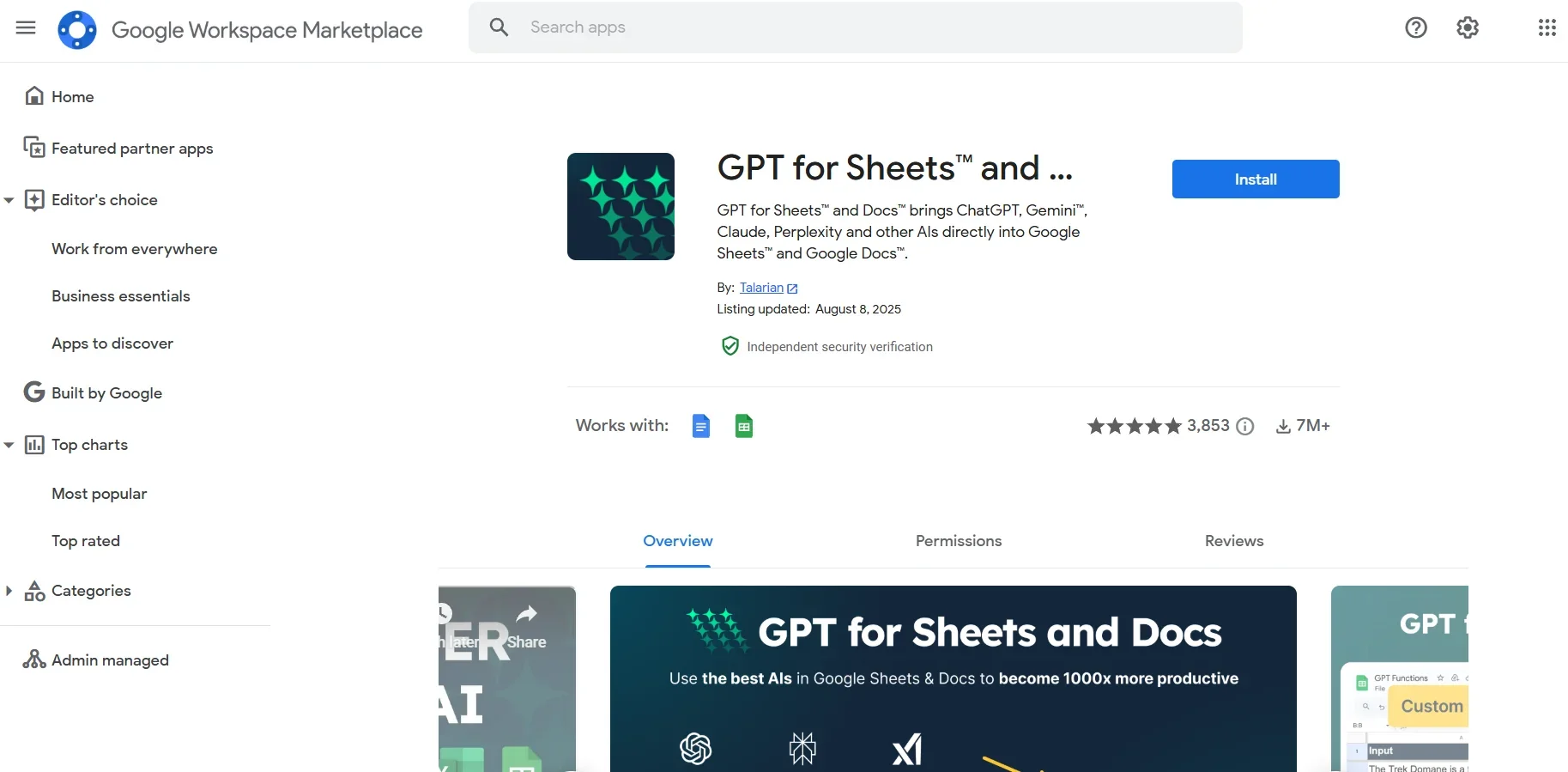
An AI extension for Google Sheets and Google Docs that integrates the most powerful AI models (such as ChatGPT, Gemini, Claude, Mistral, and others) directly inside your files.
️ What does this tool offer? ✏
Generate, translate, summarize, analyze, and categorize data directly within Sheets or Docs.
Process and clean unstructured data into a structured format for analysis.
Automatically write or modify Google Sheets formulas.
Perform Bulk Tasks on columns or entire texts at once.
What does the tool actually deliver based on user experience? ⭐
Significantly speeds up work and minimizes the need to copy and paste between tools.
Easy to use even for non-technical people.
Effective for marketing, search engine optimization (SEO), customer feedback analysis, content creation, and data management.
Does it include automation? 🤖
Yes, all functions are fully automated - once you specify the instructions, the plugin automatically writes, edits, or analyzes the content.
Pricing Model: 💰
Free with paid features - installation and basic use is free, while paid features are charged by consumption.
🆓 Free Plan Details:
Free installation from the Google Workspace Marketplace.
No API key required.
Access to basic functions such as translation, summarization, categorization, and formula generation.
Paid Plan Details: 💳
Usage-based payment.
Purchase credit packs or tokens that are deducted as tasks are performed.
Ability to use your own API key to minimize cost.
Prices vary depending on the number of tokens or tasks, and some special functions are billed on a per-execution basis.
Access Method: 🧭
Install the extension from the Google Workspace Marketplace → Open Google Sheets or Docs → From the Extensions menu, select the extension and launch it.
Experience Link: 🔗
https://workspace.google.com/marketplace/app/gpt_for_sheets_and_docs/677318054654