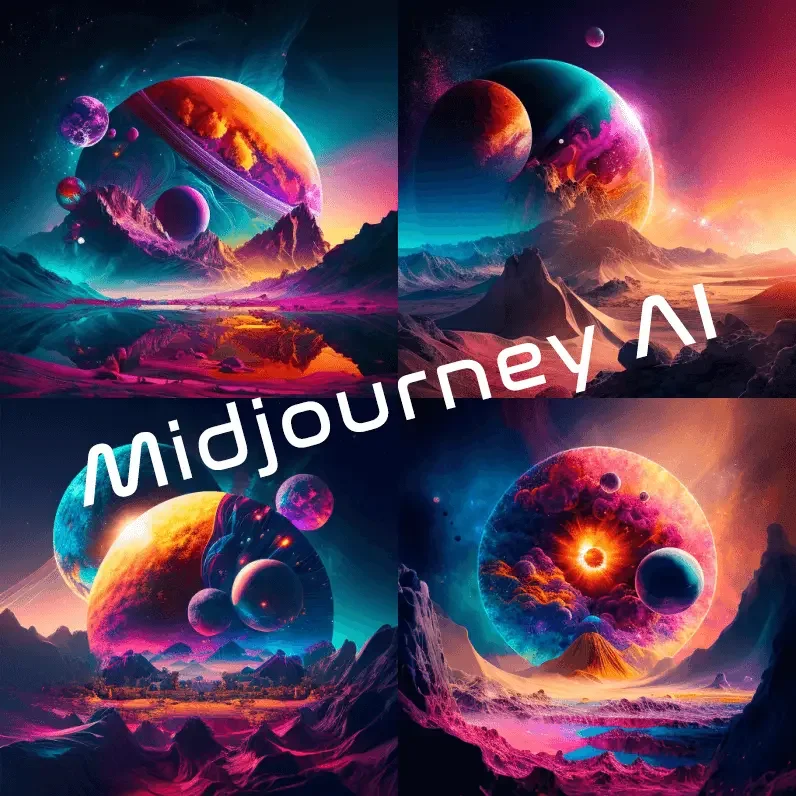
Description
🖼️ Tool Name:Midjourney 🔖 Tool Category:AI Art & Image Generation Tools ✏️ What does it offer?Midjourney is an AI-driven platform for creating exceptional artistic images by entering textual descriptions. Running on Discord, it allows users to create accurate, creative, realistic or fictional images through simple, customized Prompts. ⭐ What does the tool actually offer based on user experience?Midjourney allows users to:
- Create advanced images in very high resolution by typing a simple prompt.
- Customize the art style (cartoony, realistic, cyberpunk, oil paintings, etc.)
- Use different generation modes (fast mode or slow mode).
- Save images and organize them in a personal gallery.
- Create multiple copies of the same image and choose the best result.
- Community collaboration on the Discord server with thousands of creators.
- Develop your own artistic style using repetitive commands and fine-tuning.
- Automatically analyzing text commands and converting them into images.
- Processing images via cloud servers quickly and efficiently.
- Providing an automated Discord bot to receive and execute commands without manual intervention.
- Support automatic pattern customization when presets are selected.
- Access to the Midjourney bot via Discord.
- Varying number of Fast Hours depending on the plan.
- Relaxed Mode support in Medium and High plans for unlimited generation with longer wait times.
- Save full image history and reuse previous commands.
- Access to Stealth Mode on higher plans to protect image privacy.
- The tool is accessed by subscribing from midjourney.com
- The tool is used by joining Midjourney's official Discord server and executing commands there.
- There are no standalone apps or interface outside of Discord.