CodeRide
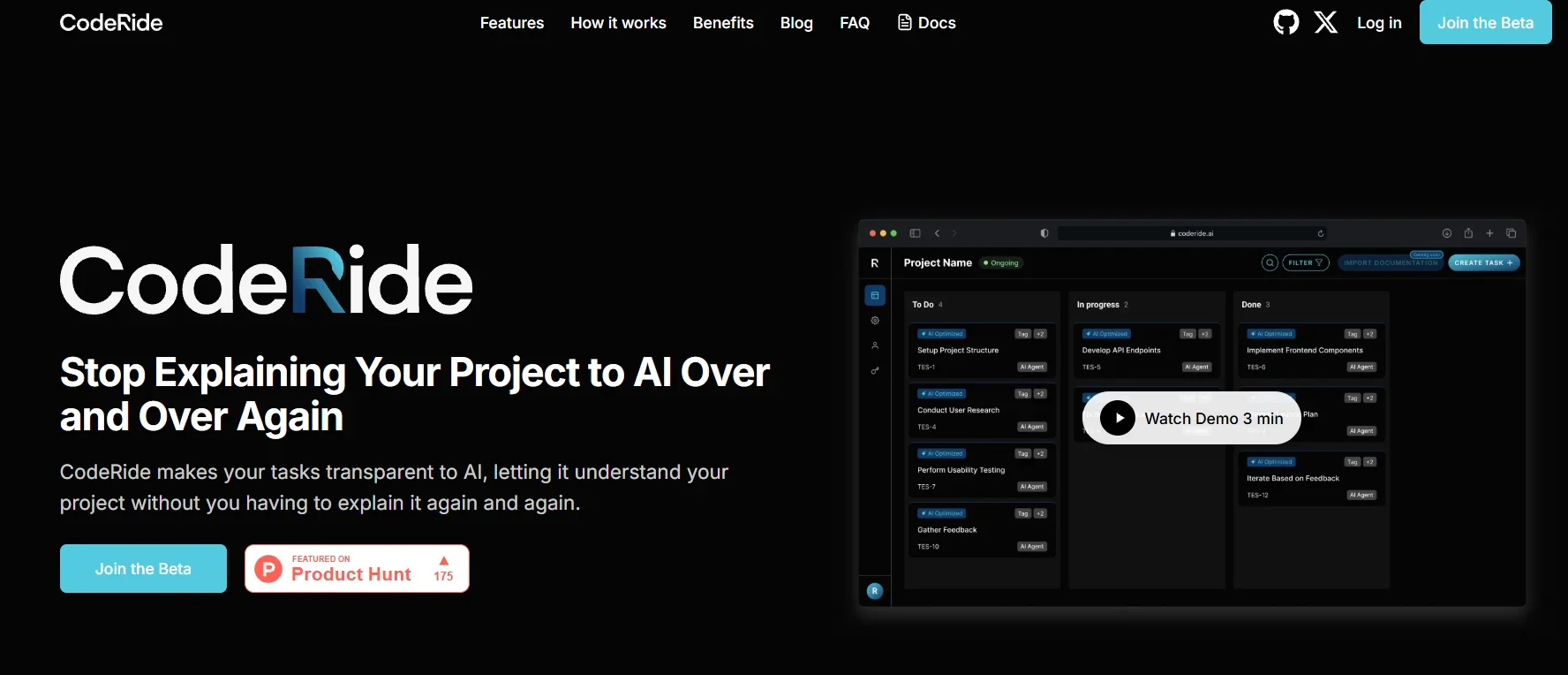
Description
️ Tool Name: 🖼
CodeRide (Beta)
Tool Category: 🔖
AI-Powered Task & Workflow Management for Developers.
Not just a traditional Kanban Board, it blends project organization, code understanding, and full context with AI agents.
️ What does this tool offer? ✏
CodeRide offers complex features that directly benefit development teams:
Full Codebase Context:
Instead of having to re-explain to the AI every time you explain the nature of the code or files, CodeRide automatically collects this context and provides it to the agents.
The result: the AI responds faster and more accurately because it already "knows the code".
Kanban powered by AI:
You can add tasks like "Add an OAuth login system" or "Fix an API issue," and the tool turns them into clear Kanban tickets.
With each ticket, the AI knows which files need to be modified and which steps to apply.
Coordinate tasks between developers and AI Agents:
Instead of wasting time between Slack, Trello, and GitHub, CodeRide unifies everything: Tasks, code, and context.
Use AI as a fellow programmer:
The tool not only generates code, but also understands your entire project and suggests solutions, refactoring, or even writing test units.
What does the tool actually deliver based on user experience? ⭐
From user experience (especially on Product Hunt and AI tool directories):
Higher productivity: No need to re-explain your project or guide AI step-by-step.
Reduced errors: Because the AI has a "contextual memory" of the code, decisions are smarter.
Clearer project management: Kanban with AI makes moving tasks between columns not just "drag and drop," but with intelligent updating of context and execution instructions.
Connected team experience: Developers can work with AI as if it were a real team member with all the information.
Does it include automation? 🤖
Yes, the tool is highly automated:
Automatically collect context from the code + update with every modification.
Kanban ticket management: the tool not only displays the columns, but links them directly to the required technical steps.
Automate code generation: From ticket to code ready for execution or review.
Automatically follow the workflow between team members and the AI agent.
Pricing Model: 💰
Currently: Final pricing has not been announced.
CodeRide is still in the Betastage, and therefore geared towards free trials and feedback from developers.
It is expected that after the official launch there will be paid plans (Starter / Pro / Teams), but so far it has not been announced.
🆓 Free Plan Details:
Available now during the beta for free.
You can use the platform with all its basic features to test the idea.
Often at this stage there are strong restrictions (such as a limited number of tickets or projects), because their goal is to gather user feedback.
Paid Plan Details: 💳
Not yet available.
Expected with the official launch:
Starter Plan: For individual developers (small monthly fee).
Pro Plan: For small teams (extended Kanban + storage + additional support).
Enterprise Plan: For large companies (customized support, advanced context control + security).
Access Method: 🧭
Direct Access
Registration is free (Beta Access).
An email is often requested to try the tool and join the beta list.
Experience Link: 🔗
https://coderide.ai/#features