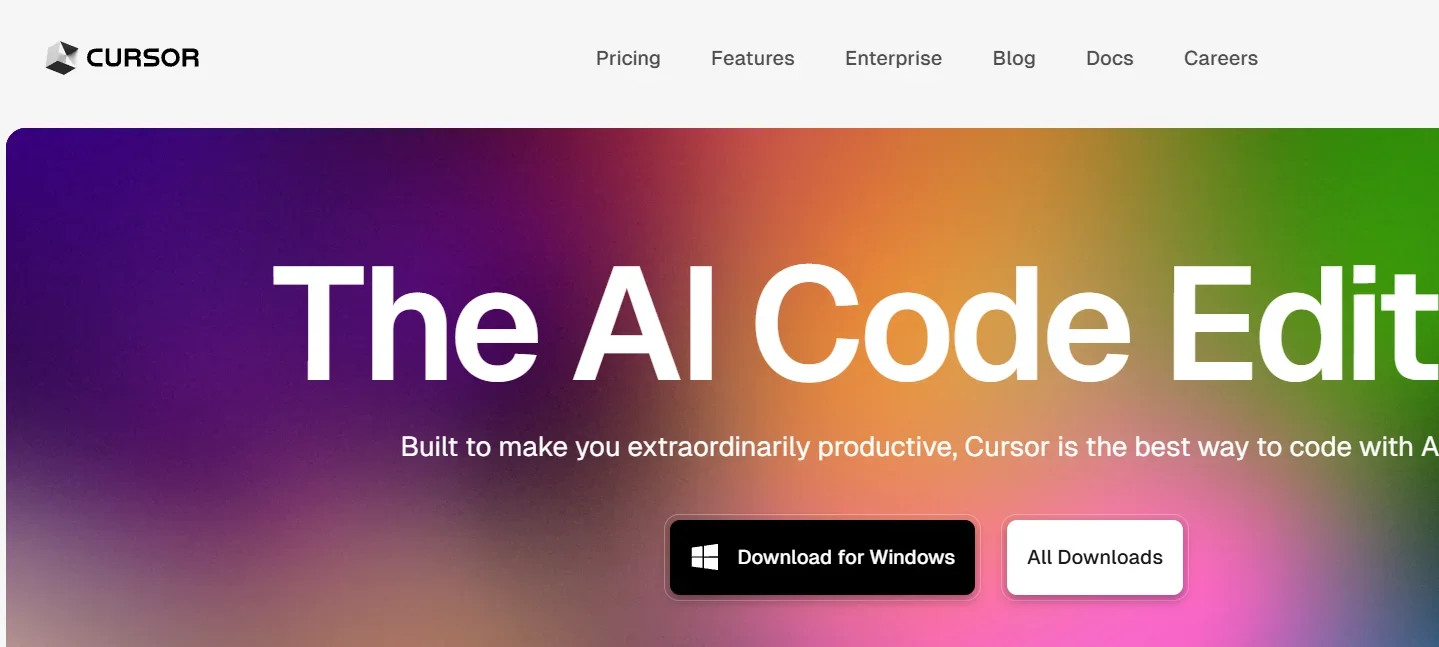
Description

️ 🖼Tool Name:
Cursor

🔖 Tool Category:
An AI-powered Integrated Development Environment (IDE), built on VS Code, designed to accelerate developer productivity and improve the coding experience.

️ ✏What does this tool offer?

  • Write or modify code via Natural Language commands.

  • Understanding the entire project (Codebase-aware), not just a single file → Example: If you ask "change a variable name throughout the project", it will do it.

  • Smart features:
    - Autocompletion (Cursor Tab): Suggests complete lines with high accuracy.
    - Smart Rewrites: Correct errors and optimize code style.
    - Agent Mode (Ctrl+I): Perform required tasks instead of you.
    - Automatically run Terminal commands within the IDE.

  • Privacy Mode + SOC 2 certification to ensure security and privacy (code is not stored without your permission).

What does the tool actually deliver based on user experience?

  • Developers described it as a "silent but contextual programming colleague" → helps them work faster and with higher quality.

  • College students who got free grants and reported that it saved a lot of time writing boilerplate and optimizing code.

  • Users on Reddit said they've eliminated copying Prompt to ChatGPT because Cursor maintains context within the IDE and works directly with the project.

🤖 Does it include automation?
Yes ✅

  • Refactor the entire code via text commands.

  • Write and run Terminal commands automatically.

  • Perform project-wide tasks (not just individual files).

💰 Pricing Model:

  • Hobby (Free): Limited supplements + trial version of Agent.

  • Pro - $20/month: Unlimited extensions, full Agent, Bugbot, background processing.

  • Ultra - $200/month: All Pro features + 20x usage and priority access to new features.

  • Teams - $40/user/month: Team collaboration features, Dashboard, Single Sign-On (SSO), Group Privacy Mode.

  • Enterprise: Customized plan for businesses with full support and advanced control.

🆓 Free Plan Details:

  • The Hobby plan is completely free.

  • Offers Limited Tab Completions and an Agent experience.

  • Ideal as a starter and initial experience.

💳 Paid Plan Details:

  • Pro ($20/month): Unlimited extension, full Agent, Bugbot, background processing.

  • Ultra ($200/month): Intended for heavy use + priority features.

  • Teams ($40/user/month): For teams with enterprise security and SSO integration.

  • Enterprise: Customized pricing and advanced support for large enterprises.

🧭 Access Method:

  • Download Cursor from the official website (available for Mac/Windows/Linux).

  • Compatible with VS Code plugins.

  • After installation:
    - Type with normal commands.
    - Use the Tab button to continue.
    - Press Ctrl+I for Agent mode.

  • Ability to customize project rules via a .cursorrules file (such as Naming Conventions or Patterns).

🔗 Experience Link:
https://cursor.com/?ref=

Pricing Details

The tool's pricing system is flexible and covers different types of users. The plan starts with the free Hobby plan, which provides a limited number of completions and a trial of Agent, suitable for starter or trial use. The Pro plan at $20/month gives you unlimited completions, full Agent, background processing, and Bugbot. If you have heavy usage or want to be one of the first to try new features, the Ultra plan at $200/month offers all the benefits of the Pro plan with 20x more usage and priority updates. For teams, the Teams plan costs $40/user/month and includes Dashboard for work management, Single Sign-On (SSO), and Privacy Mode for a higher level of privacy. The Enterprise plan is for large enterprises and offers full support and control based on each organization's needs.