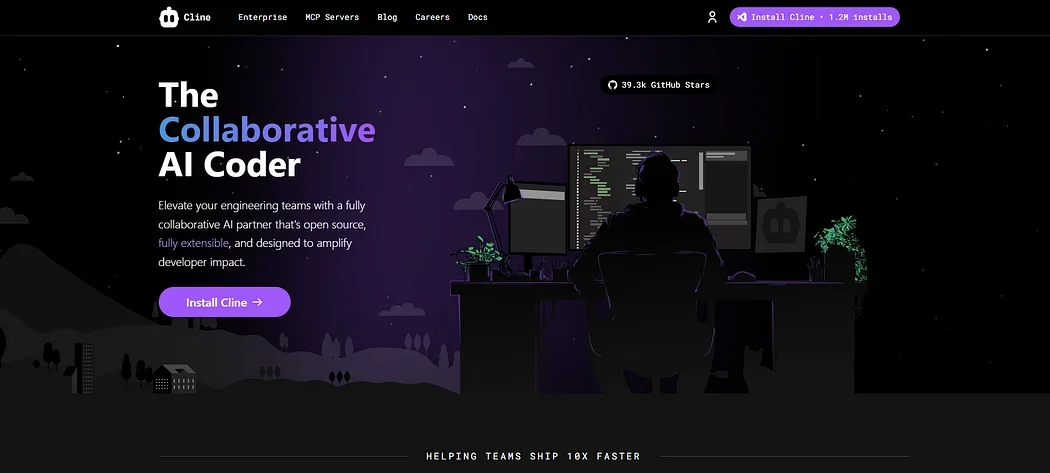
Description
🖼️ Tool Name:
Cline (commonly referred to as Cline AI)
🔖 Tool Category:
AI-powered autonomous coding assistant; fits in Programming & Development, Productivity & Automation, and Engineering Design.
✏️ What does this tool offer?
Cline is an open‑source AI coding agent that works as a VS Code extension, capable of understanding entire codebases, planning and executing multi-step tasks, editing files, running shell commands, performing end-to-end debugging in a browser, and integrating custom tools via the Model Context Protocol (MCP). It supports multiple LLM providers (e.g., Claude Sonnet 3.5, OpenAI GPT‑4, Gemini) and runs entirely client-side using your own API keys.
⭐ What does the tool actually deliver based on developer experience?
Creates and edits code directly in your VS Code workspace with diff view for approval.
Runs terminal commands (e.g.
npm install,npm run dev) and adapts to output again or debug automatically.Launches browser sessions to test UI, capture console logs and screenshots for debugging.Adds task-specific tools using MCP (e.g., fetching Jira tickets, managing AWS EC2) fully integrated and automated.
Records workspace snapshots (checkpoints) for easy comparison and rollback.
Highly praised for transparency and compliance: all decisions visible, open-source code, ideal for security-sensitive teams.
🤖 Does it include automation?
Yes — Cline automates full coding workflows with human-in-loop control: task planning, code generation, editing, execution, testing, debugging, and tool integration (via MCP). Every step is previewed for approval.
💰 Pricing Model:
Free and open source—no subscription fees. You only pay for usage via the AI model providers you choose (e.g. OpenAI, Anthropic, Gemini), with no extra cost from Cline.
🆓 Free Plan Details:
Since Cline is completely free, you can install and use it in VS Code without charge. Your only cost comes from the AI model providers you link.
💳 Paid Plan Details:
Not applicable: Cline has no paid tiers. Enterprise features like centralized billing and usage analytics are offered via optional Cline Teams, but the core usage remains free.
🧭 Access Method:
Install the Cline extension in Visual Studio Code or supported fork.
Connect your chosen AI model provider via API key.
Use natural-language prompts to initiate tasks like “Create new React component,” “Fix bug in app.tsx,” or “Run npm test.”
Approve each change via diff view before committing to workspace.
Optionally add custom tools via MCP for integrations with systems like Jira, AWS, or PagerDuty.
🔗 Experience Link:
