Description
️ 🖼Tool Name:
Livestorm AI Studio
🔖 Categories:
- Video Summarization and Clips
- Video, Editing, and Motion Graphics
- Text and Images to Video
- Automation and Smart Agents
- Content Management and Publishing
- Marketing and Sales
️ ✏What does this tool offer?
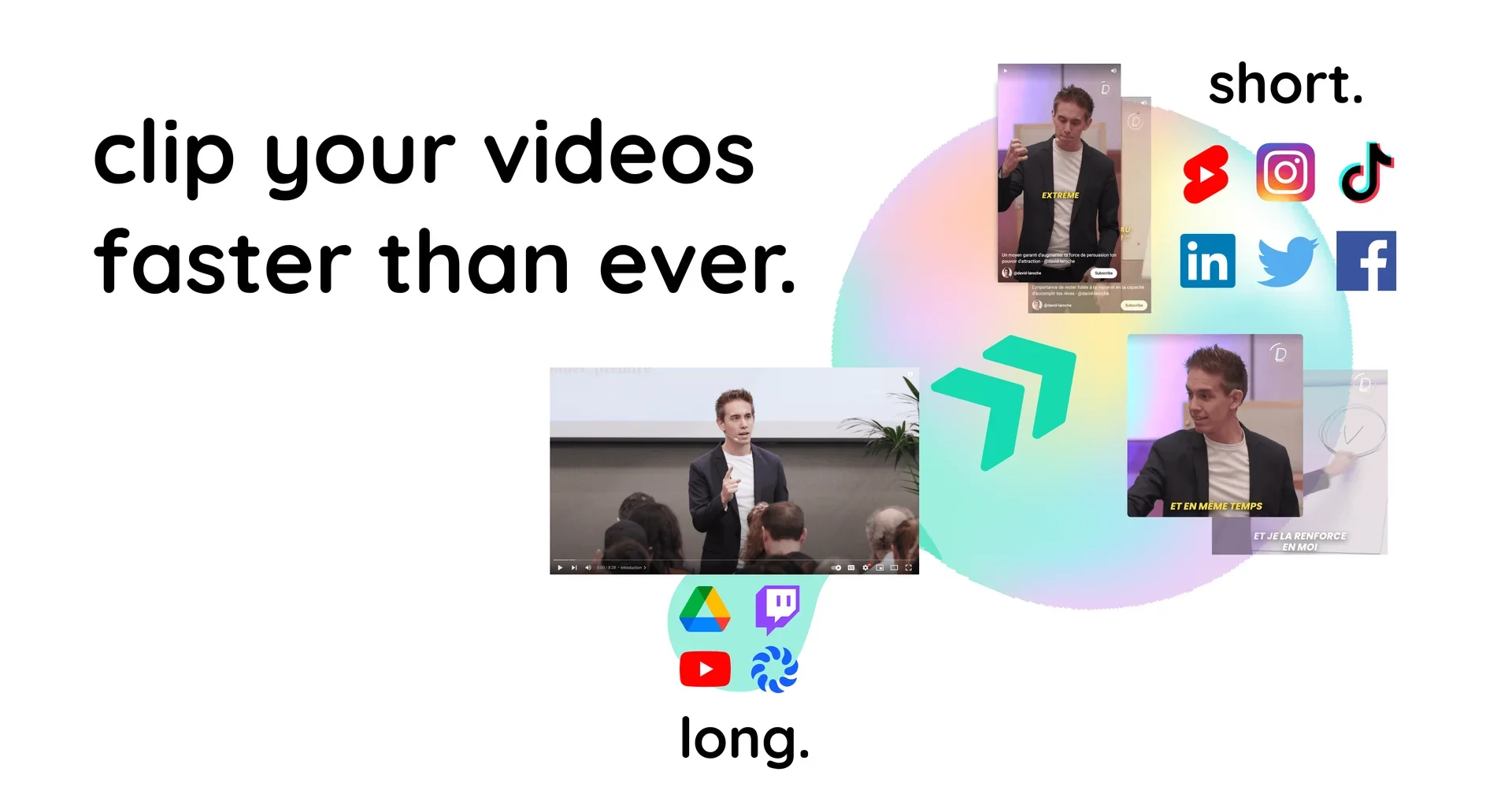
Livestorm AI Studio is an AI-powered tool designed to convert webinar recordings into short, shareable video clips. The tool analyzes webinar recordings to identify the most important and shareable moments, then converts them into a collection of short clips that can be used for weeks of content.
The tool is based on the idea of repurposing pre-recorded content and turning it into short visual pieces that help brands and teams get more out of past webinars and turn them into shareable marketing content.
Livestorm AI Studio is still in the pre-launch phase, allowing users to sign up for the waitlist by entering their email address to receive a notification when the service launches this summer.
⭐ What does it actually offer based on user experience?
- Converting long webinar recordings into short videos.
- Automatically identifying key, shareable moments.
- Reusing content from past webinars as marketing clips.
- Create a series of clips that can be published over the course of several weeks.
- Helping you get more out of your recorded webinar content.
🤖 Does it include automation?
Yes. Livestorm AI Studio uses artificial intelligence to automate the process of analyzing webinar recordings, identifying key moments, and converting them into short, share-ready clips.
The core Livestorm platform also offers event automation features, including:
- Creating multi-session events.
- Creating on-demand events.
- Automating event management processes.
- Organizing recordings and content.
💰 Pricing model:
Currently unavailable for Livestorm AI Studio,as no pricing or subscription plans have been announced for the tool, and the service is still in the pre-launch phase with only a waitlist available.
The basic Livestorm platform, however, uses a pay-per-attendance model based on Attendee Credits.
🆓 Free Plan Details:
| Feature | Details |
|---|---|
| Livestorm AI Studio Free Plan | No information indicates that a free plan is available |
| Access to AI Studio | Sign up for the waitlist only before launch |
| Livestorm Free Trial | Available for the basic platform without a credit card or software installation |
💳 Paid plan details:
| Plan | Price | Features |
| Livestorm AI Studio | Not disclosed | No paid plans have been announced for this tool |
| Pro (Livestorm Basic) | €2.50 per attendee | Based on purchasing attendance credits; sessions up to 4 hours; unlimited events and recordings; unlimited team members; multilingual support; integrations such as HubSpot and Zapier |
| Enterprise | Custom pricing | All Pro features plus sessions up to 12 hours, Enterprise Integrations, custom analytics, customer success support, live event shadowing, and multilingual VIP support with an SLA |
| Usage Details | Pro | Enterprise |
| Live Attendees | 3,000 people per event | 3,000 people per event |
| Session Duration | Up to 4 hours | Up to 12 hours |
| Team members | Unlimited | Unlimited |
| Team Roles | Available | Available |
| Session Roles for Team Members | Available | Available |
| Number of Streams in the Event Room | Up to 25 streams | Up to 25 streams |
| Moderators | Unlimited | Unlimited |
| Optional Add-ons | Details |
| Livestorm AI Studio | Find key moments in webinar recordings and turn them into clips |
| Live Translations | AI-powered real-time subtitle translation |
| Multiple Workspaces | Manage multiple workspaces under a single contract |
| Video Hosting Region | Choose between EU or USA video hosting regions |
| SAML SSO | Secure team access |
| Restreaming | Simultaneous streaming to LinkedIn, YouTube, X, and more |
| RTMP Input | Enhanced Professional Streaming Capabilities |
| 100k Extra Monthly API Calls | Develop integrations via API and Webhooks |
🧭 How to access the tool:
| Access Method | Available |
| Web | ✅ |
| App | Not listed |
| API | Available as a Livestorm add-on |
| Add-on | Not specified |
| Waitlist | For Livestorm AI Studio ✅ |
🔗 Demo link or official website:
https://www.livestorm.co/