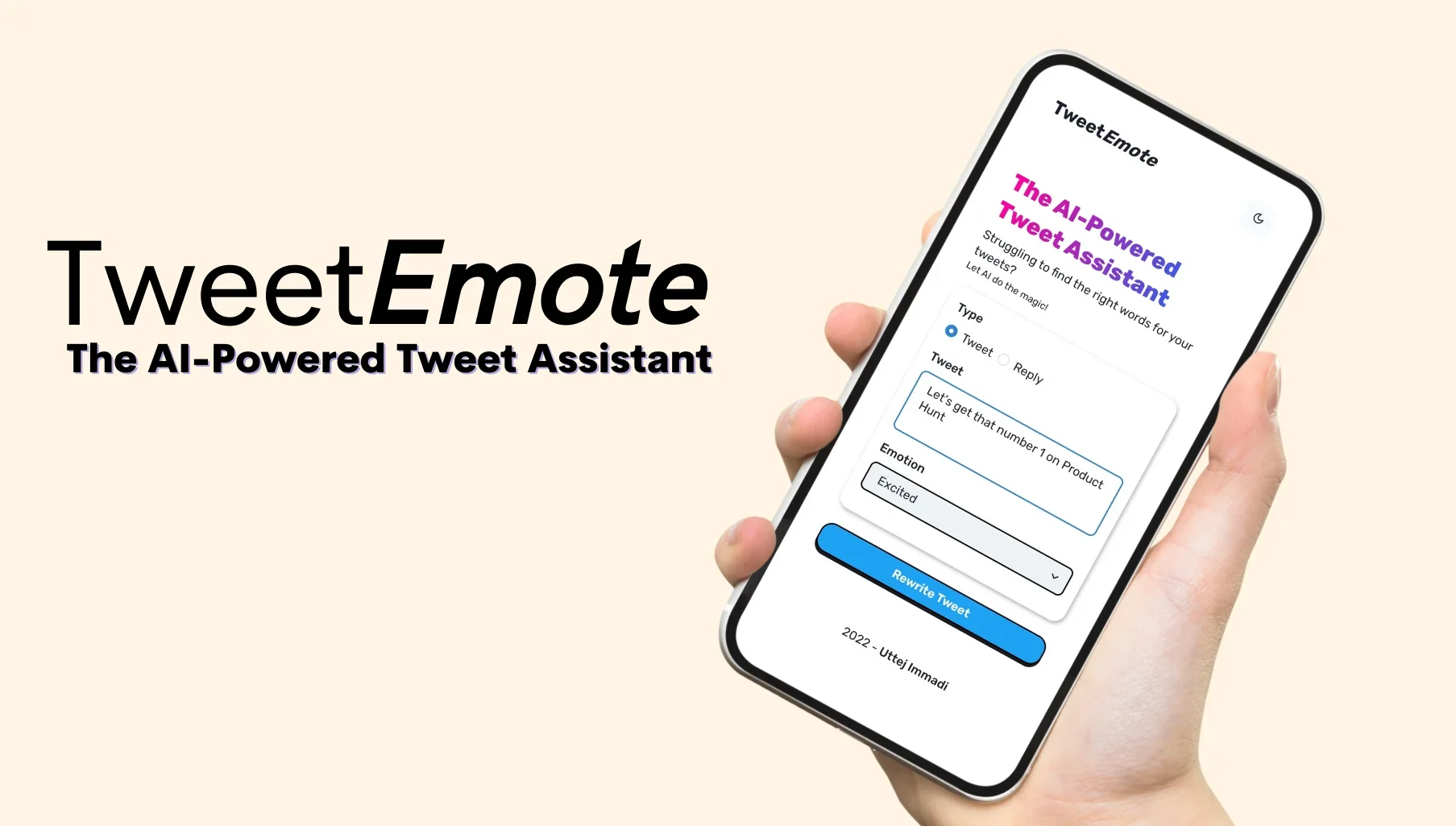
Description

️ Tool Name: 🖼

TweetAssist.AI

Categories: 🔖

  • Content and Copywriting
  • Automation and Smart Agents
  • Calendars and Content Scheduling
  • Marketing and Sales
  • Integrations and APIs

️ What does this tool offer? ✏

TweetAssist.AI is an AI-powered tool that helps users easily create tweets and replies on Twitter/X by adding a Chrome extension that works directly within the platform.

The tool aims to simplify the content creation process by providing tweet ideas and helping users start creating engaging content on topics they specify, while allowing them to choose the appropriate tone that aligns with their style and personality.

The tool also helps generate instant replies to followers’ tweets without the need to type responses manually, and allows users to customize their writing style by using pre-set tones or creating a unique tone that suits their personality and communication style.

TweetAssist.AI relies on OpenAI GPT artificial intelligence technologies to generate tweets and replies based on topics specified by the user, while maintaining the user’s full control over the content before publication.


What does it actually offer based on user experience? ⭐

  • Generating ideas and suggestions for tweets on Twitter/X.
  • Helping to write engaging content on topics specified by the user.
  • Generating quick replies to followers.
  • Customizing writing style using different tones.
  • The ability to add a custom tone that reflects the user’s style.
  • Work directly within the Twitter/X platform via a Chrome extension.
  • Provide multiple tweet suggestions for each request.
  • Help users find inspiration rather than relying entirely on artificial intelligence.

The tool clarifies that it is not intended to replace human-generated content, but rather serves as an assistant to generate ideas and improve the writing process, with the understanding that content must be reviewed and edited to reflect the user’s style before posting.


Does it include automation? 🤖

No, the tool does not include automation for automatic posting.

TweetAssist.AI functions solely as a writing assistant, where:

  • It generates tweets and replies using artificial intelligence.
  • It does not automatically post tweets or replies.
  • The user remains responsible for reviewing, editing, and posting the content.
  • It gives the user full control before sharing any content on Twitter/X.

Pricing Model: 💰

Freemium + Paid Lifetime Deal.

The tool offers:

  • Limited free trial access.
  • A Lifetime Deal subscription option.
  • Requires the user’s own OpenAI API Key for the paid plan.

🆓 Free Plan Details:

FeatureDetails
UsageFree Trial
Number of Requests10 requests to create tweets or replies
Tweet Recommendations3 tweet suggestions per request
How to UseVia Chrome Extension

Paid Plan Details: 💳

PlanPriceFeatures
Lifetime Deal$99 (one-time payment)Unlimited lifetime use of the tool; users must provide their own OpenAI API key. Use the discount code LIFETIME50 to get 50% off.

How to access the tool: 🧭

MethodAvailable
Web
AppNot specified
APIRequires an OpenAI API key from the user
Add-on (Extension)Chrome Extension ✔

Demo link or official website: 🔗

https://tweetassist.ai/

Pricing Details

TweetAssist.AI uses a Freemium + Lifetime Deal pricing model, offering limited free access to let users try the service, as well as a paid Lifetime Deal subscription that provides ongoing access to the tool. The paid plan requires users to provide their own OpenAI API key to access the AI features. The free plan offers limited access to the tool, including 10 requests to generate tweets or replies, with 3 tweet suggestions provided per request. The tool is used by installing the Chrome extension, which works directly within the Twitter/X platform. The Lifetime Deal plan is available for a one-time fee of $99 and grants users unlimited lifetime access to the tool; users must provide their own OpenAI API key. You can also use the discount code LIFETIME50 to get a 50% discount. 🧭 How to access the tool: You can access TweetAssist.AI by installing the tool’s Chrome extension, then creating an account and using the free version or subscribing to the Lifetime Deal to take advantage of the available features.