HeyPhoto
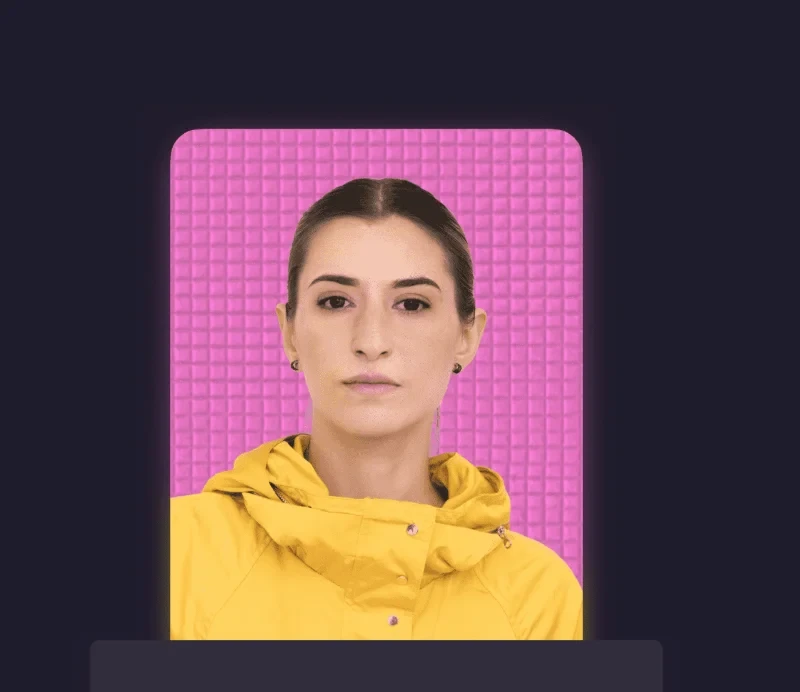
Description
️ Tool Name: 🖼
HeyPhoto
Categories: 🔖
Photo Design and Editing
Editing/Enhancement/Resizing
️ What does this tool offer? ✏
HeyPhoto lets you enhance and edit selfies and group photos using AI technology, allowing you to make precise adjustments to facial features and overall appearance without having to edit the photos manually.
Users can change the direction of gaze, adjust the shape of the nose, alter skin tone, adjust apparent age, change hairstyles, and make other adjustments to facial features to achieve the desired result.
The tool provides a quick and easy way to enhance personal photos and make customized adjustments to appearance, while preserving the natural look of the original photo.
What does it actually offer based on user experience? ⭐
- Enhancing selfies using artificial intelligence.
- Editing group photos.
- Changing the direction of gaze.
- Adjusting the shape of the nose.
- Adjusting skin tone.
- Adjust perceived age.
- Change the hairstyle.
- Make other adjustments to facial features.
- Make adjustments without having to manually edit the photos.
- Preserve the natural look of the original photo while making adjustments.
- Add a watermark to the resulting images when using the free plan.
Does it include automation? 🤖
Yes. The tool uses artificial intelligence to automatically apply facial and appearance adjustments, so the user doesn’t need to edit the images manually.
Pricing Model: 💰
Freemium
🆓 Free Plan Details:
| Feature | Details |
|---|---|
| Price | $0 |
| Watermark | A watermark is added to the resulting images |
| Specified image size limit | 5 MB |
| Specified face size limit | Up to 1024×1024 px |
Paid plan details: 💳
| Plan | Price | Details |
| Paid Plan | Not currently listed | No price is currently listed on the official website |
How to Access the Tool: 🧭
- Web: The tool can be accessed via the official website.
Trial link or official website: 🔗
https://hey-photo.com/