Description
️ 🖼Tool Name:
GPTExcel
🔖 Categories:
- Data and Analytics
- Data Preparation and Cleaning
- Finance, Forecasting, and Dashboards
- Automation and Smart Agents
- Programming and Development
- Business Document Creation
- Productivity and Scheduling
️ ✏What does this tool offer?
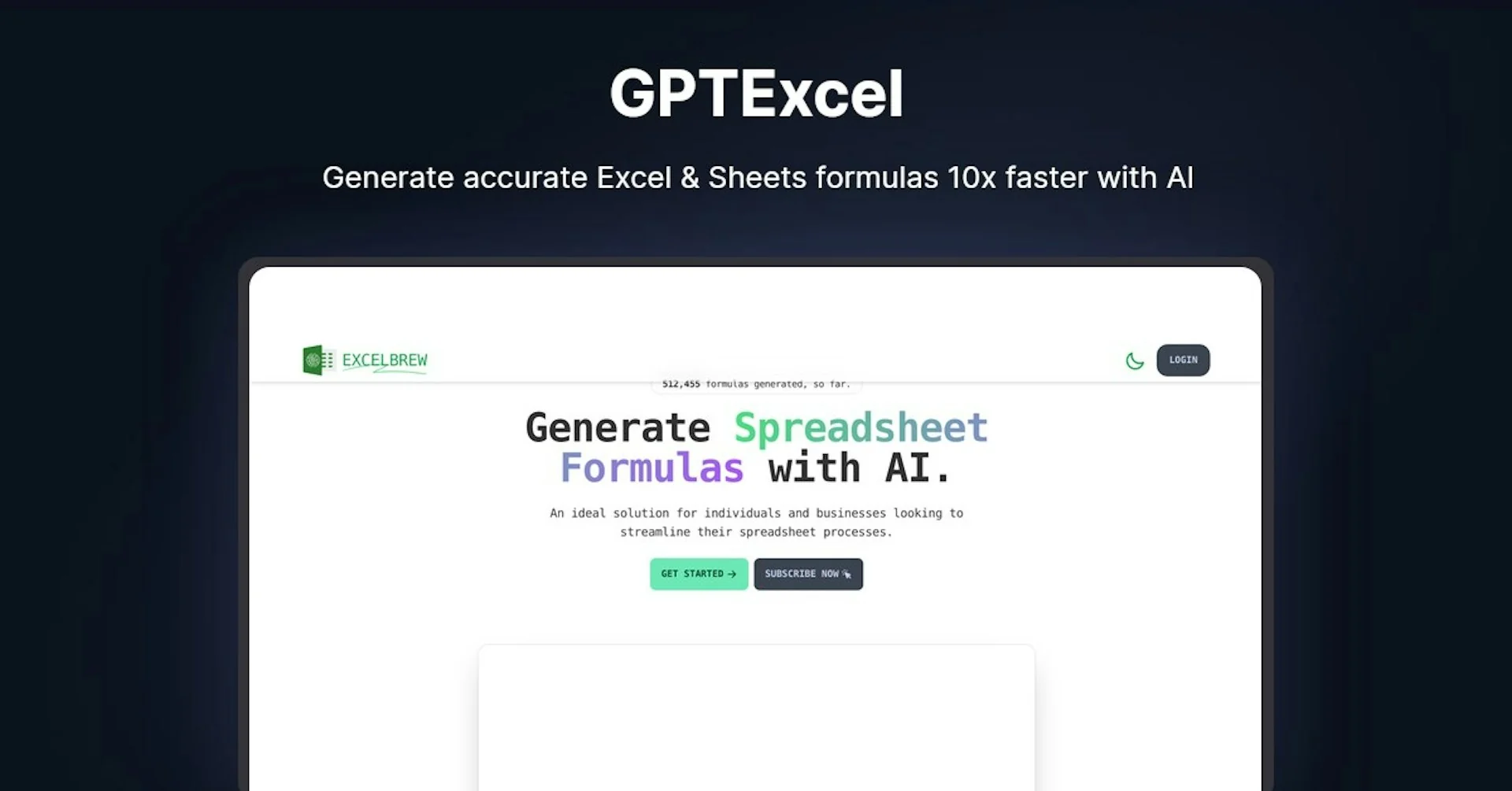
GPTExcel is an AI-powered platform designed to help users create, understand, and automate spreadsheet tasks and data analysis.
The platform supports Excel, Google Sheets, Airtable, and LibreOffice Calc,and provides tools for creating and understanding formulas, creating and modifying Pivot Tables,analyzing data, and generating charts and reports.
GPTExcel also provides tools for generating code and queries, including VBA, Google Apps Script, Airtable Script, SQL, and Regex, as well as an Excel spreadsheet template generator.
The platform offers a free trial that allows users to test the AI tools before upgrading to paid plans, with monthly and annual subscription options; users can save up to 30% by choosing annual billing .
⭐ What does it actually offer based on user experience?
- Create and understand Excel formulas.
- Create and understand Google Sheets formulas.
- Support for Airtable formulas.
- Support for LibreOffice Calc.
- Creating and modifying pivot tables.
- Analyze data.
- Create charts and reports.
- Generate VBA code.
- Generate Google Apps Script.
- Generate Airtable Script.
- Create SQL queries.
- Create Regex.
- Create Excel spreadsheet templates.
- Use AI Chat to assist with spreadsheet tasks and data analysis.
- Upload and analyze files within plan limits.
- Increase usage with paid plans tailored to user needs.
🤖 Does it include automation?
Yes. GPTExcel provides AI-powered tools to automate a number of spreadsheet tasks and data analysis.
These include creating formulas, creating and modifying Pivot Tables, generating VBA, Apps Script, and Airtable Scriptcode, as well as creating SQL and Regex queries.
The limits on AI tool usage vary by plan; paid plans offer a higher number of AI Chat messages and tool uses compared to the free plan.
💰 Pricing Model:
Freemium + Monthly Subscription + Annual Subscription.
GPTExcel offers a free plan at $0,as well as the paid Pro andPro Plus plans, with the option to pay monthly or annually.
Subscribers receive a discount of up to 30% when choosing annual billing.
🆓 Free Plan Details:
| Plan | Price | Details |
|---|---|---|
| Free | $0 | Up to 10 AI Chat messages, refreshed every 30 days; up to 4 tool uses, refreshed every 12 hours; and file uploads of up to 5MB per file, with a maximum of 5 files per conversation. Includes creating and editing Pivot Tables, formula assistance for Excel, Google Sheets, LibreOffice Calc, and Airtable, script creation assistance, SQL and Regex tools, and an Excel table template generator. |
💳 Paid Plan Details:
| Plan | Price | Features |
|---|---|---|
| Pro – Monthly | $9 per month | Up to 3,000 AI Chat messages per month, along with essential AI tools for optimizing schedules and analyzing data. |
| Pro – Annual | $6.30 per month when billed annually, for a total of $75.60 per year | Same features as Pro, with a 30% discount compared to the monthly price. |
| Pro Plus – Monthly | $18 per month | Up to 10,000 AI Chat messages,with Pivot Tables, formulas, scripts, SQL, Regex, and Excel templates. |
| Pro Plus – Annual | $12.60 per month when paid annually,for a total of $151.20 per year | Up to 10,000 AI Chat messagesand 10,000 tool uses, with file uploads of up to 100 MB per file and a maximum of 15 files per conversation,plus all Pivot Tables, formulas, scripts, SQL, Regex, and Excel templates. |
🧭 How to access the tool:
| How to Access | Details |
|---|---|
| Web | GPTExcel can be accessed through the website using AI tools for spreadsheets. |
| Uploading Files | You can upload files to the platform for analysis, with limits on file size and number varying by plan. |
| Excel / Google Sheets / Airtable | The platform provides specialized tools for formulas, analysis, and tasks related to these environments. |
🔗 Trial link or official website: