Description
️ 🖼Tool Name:
Autodesk FlexSim
🔖 Categories:
Warehouse and Modeling, Analytics and Dashboards, Business and Operations Management, CAD Engineering Design, Forecasting and Applied Machine Learning
️ ✏What does this tool offer?
Autodesk FlexSim is a platform specializing in 3D simulation and discrete-event simulation, used to model, analyze, and optimize production processes, logistics, supply chains, and warehouses.
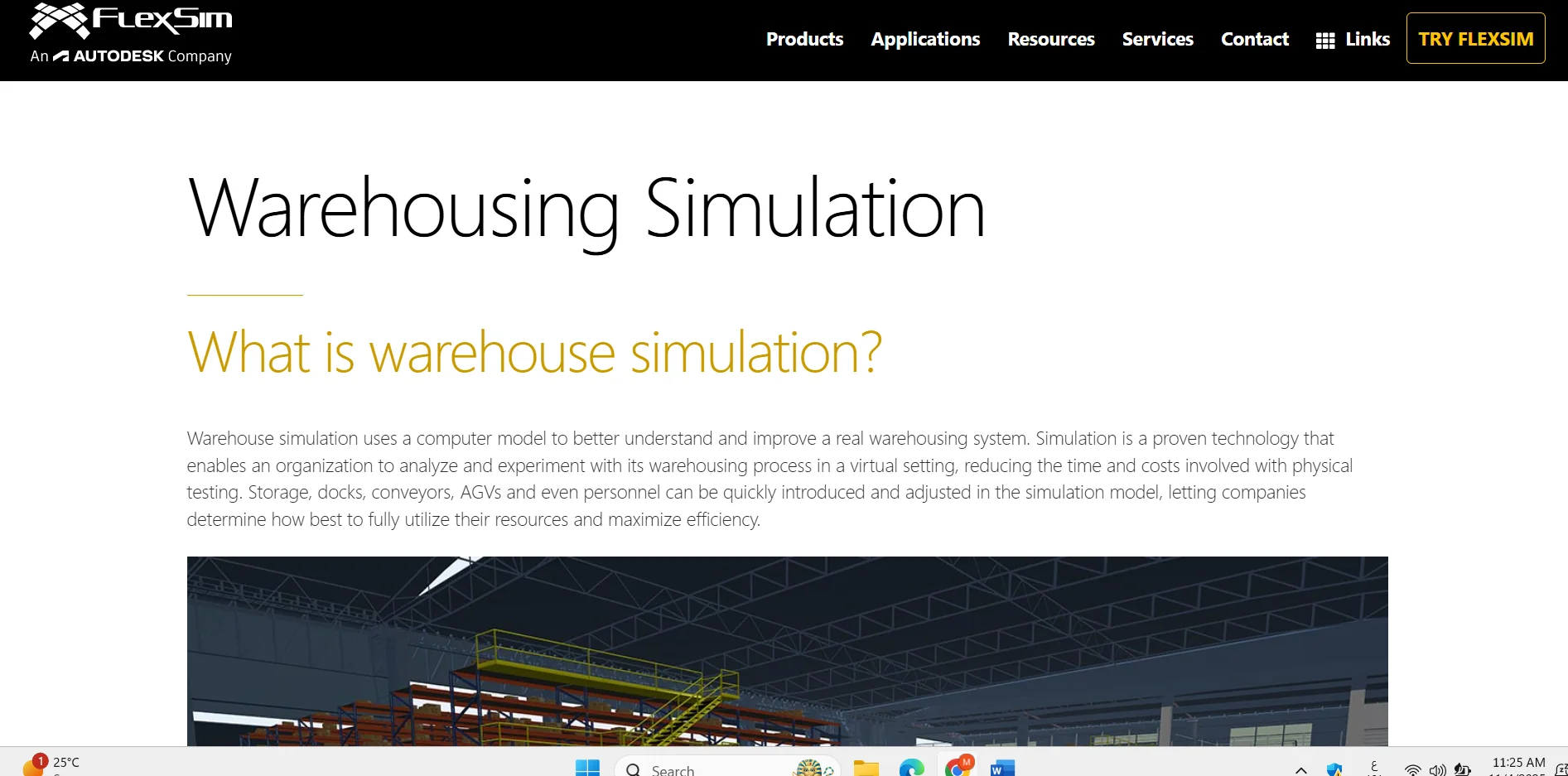
In the warehouse sector, the tool allows you to create a virtual 3D model that simulates a real or proposed warehouse environment, with the ability to represent elements such as storage areas, loading docks, conveyor belts, automated guided vehicles (AGVs), employees, and material flow. This allows users to study the impact of changes in layout, resources, and operations before actually implementing them.
The tool relies on a drag-and-drop modeling environment and pre-built libraries of warehouse elements, including storage systems, conveyor belts, AGVs, docks, and material handling systems. It also provides a Scenario Manager for testing different scenarios and comparing their results, along with tools for statistics, reporting, and analysis.
It can be used to study bottlenecks, capacity, labor and equipment utilization, layout efficiency, material flow, and the impact of automation and new investments—all without disrupting actual warehouse operations during testing.
FlexSim also supports the simulation of operations such as receiving, storage, order fulfillment, transportation, and shipping; these operations can be run over time to see how resources and materials interact and to identify bottlenecks and inefficiencies.
The tool isn’t limited to warehouses; Autodesk explains that it’s also used to model production, logistics, and supply chain operations, with ready-made modules for conveyor belts, AGVs, warehouse systems, and more.
⭐ What does it actually offer based on user experience?
- Creating realistic 3D models of warehouses and material-handling operations.
- Testing warehouse layout changes before implementing them in reality.
- Simulate the movement of materials, resources, labor, and equipment.
- Analyze bottlenecks, congestion, and material flow issues.
- Compare different scenarios using simulation and analysis tools.
- Test the impact of changes in staffing levels, equipment, or layout.
- Evaluate investments in automation and equipment before implementation.
- Analyze productivity, capacity, and resource utilization.
- Use pre-built libraries of warehouse components instead of building everything from scratch.
- According to published user reviews, FlexSim is regarded as a powerful and versatile tool, though it is noted that the learning curve can become more challenging as users delve deeper into its advanced features. This point is based on external reviews and is not an official claim by Autodesk.
🤖 Does it include automation?
FlexSim is not an automation tool for office tasks in the traditional sense, but it does allow you to simulate automated systems within a virtual environment. AGVs, conveyor belts, storage and material handling systems, and more can be modeled, and you can then test how they affect process flow, resources, and productivity.
Simulations can also be used to test automation scenarios and equipment investments before they are actually implemented, helping to reduce the risks associated with decisions and changes in real-world operations.
💰 Pricing Model:
Autodesk FlexSim currently operates on a paid subscription model + Autodesk Flex pay-as-you-go,with a 30-day free trial available. Autodesk explains that the subscription is suitable for frequent users, while Flex allows users to purchase prepaid tokens to use the products on a daily basis.
As for Autodesk Flex,FlexSim requires 33 tokens per day, and the official U.S. pricing page lists an estimated cost of $99 per day. The Autodesk page for the Middle East also shows the same price of US$99/day for 33 tokens.
🆓 Free Plan Details:
| Feature | Free Trial |
|---|---|
| Price | $0 during the trial period |
| Trial Duration | 30 days |
| 3D Simulation | Available for trial |
| Warehouse modeling | Available |
| Production and Logistics Modeling | Available |
| Scenario Manager | Available |
| Drag-and-Drop Modeling | Available |
| Access | Download and Try the Software |
| Usage | Evaluate and Try the Software Before Subscribing |
Autodesk confirms that FlexSim offers a 30-day free trial,and the official system requirements indicate that the trial version can be used to build and run basic simulation models.
💳 Paid Plan Details:
| Plan / Payment Method | Current Price | Details |
|---|---|---|
| Autodesk FlexSim – Subscription | Paid subscription | Continuous access to FlexSim for the duration of the subscription; ideal for frequent users |
| Autodesk FlexSim – Flex | 33 tokens/day | Equivalent to $99/day based on the current U.S. price list |
| Flex – Middle East | 33 tokens/day | US$99/day according to Autodesk’s pricing page for the region |
| Annual/Multi-Year Subscriptions | Depending on the offer and region | Subscription options are available for purchase through Autodesk or its partners |
Autodesk explains that Flex is based on the purchase of tokens in advance, and daily usage of the included products is calculated every 24 hours. Tokens purchased through Flex are valid for one year from the date of purchase and do not roll over to a later period after they expire.
Autodesk notes that FlexSim is currently included among the products accessible through Flex at a rate of 33 tokens per day.
🧭 How to access the tool:
| How to Access | Details |
|---|---|
| Desktop Software | Yes, FlexSim is a simulation program that must be downloaded and installed |
| Operating System | Windows, according to current system requirements |
| Free Trial | Available for 30 days |
| Autodesk Account | Used to access and manage the license |
| Autodesk Flex | Available on a pay-as-you-go basis |
| Subscription | Available for users who need regular access |
| Integration | Current versions support interoperability with AutoCAD, Inventor, and Revit |
Autodesk states that FlexSim runs on Windows devices, and the official support page provides product downloads, subscription management, and a trial through Autodesk Account. Autodesk also notes that FlexSim has added interoperability capabilities with AutoCAD, Inventor, and Revit.
🔗 Trial link or official website:
Autodesk FlexSim page for warehouse simulation