Alteryx One Platform
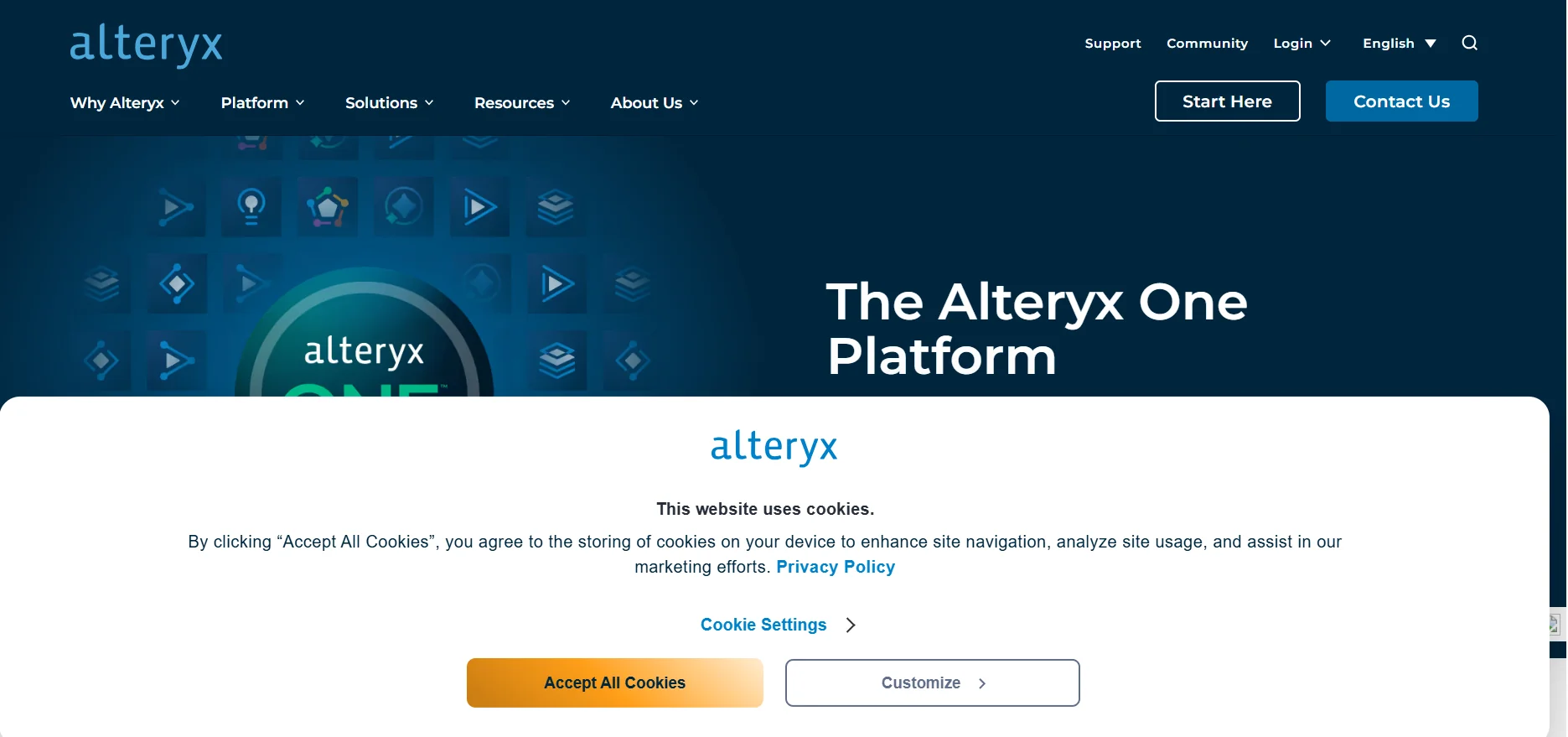
Description
️ Tool Name: 🖼
Alteryx One
Categories: 🔖
Data and Analytics
Analytics and Dashboards
Automation and Smart Agents
Integrations and APIs
Education and Research
️ What does this tool offer? ✏
Alteryx One is a unified analytics platform that brings together data preparation, analysis, artificial intelligence, and workflow automation into a single platform, designed to help teams move from data to insights and then to decisions and actions within a unified, reusable workflow. The platform provides drag-and-drop tools for data preparation, integration, and analysis, with the ability to use artificial intelligence within analytics workflows to help clean data, discover patterns, outliers, and trends, and generate insights and summaries in natural language.
Alteryx One enables the standardization of analytics across teams, data, and systems through shared logic and definitions, while providing governance capabilities, data lineage, and auditable workflows. It also helps reduce manual processes, errors, and duplication of effort by building workflows once and reusing them across teams and use cases.
The platform includes AI Analytics, AI-ready Data, Workflow Automation, and Workspace capabilities, as well as Agentic Analytics, predictive modeling, AutoML, and integration and extension tools. The platform can also be connected to existing data stacks and systems, including cloud data platforms, and uses APIs and extension points to integrate analytics into enterprise systems and workflows.
Alteryx One also provides an environment that combines a browser-based cloud experience with a desktop experience, enabling users to connect to spreadsheets, databases, cloud applications, and cloud data warehouses without needing to write SQL for certain connection and analysis operations. The platform supports running workflows directly on cloud data platforms such as Snowflake, Databricks, and BigQuery, with enterprise governance and control capabilities.
Alteryx also focuses on organizations’ requirements for security, governance, and transparency, providing visual and auditable workflows with built-in data lineage, as well as integration capabilities via APIs, MCP, and various connectors. The company describes its platform as falling within the realm of “Agentic Analytics and Automation,” with the goal of transforming complex data into reliable insights, decisions, and actions.
What does it actually offer based on user experience? ⭐
- Preparing, integrating, and analyzing data using a drag-and-drop interface.
- Data cleaning and insight extraction using built-in artificial intelligence.
- Automation of repetitive tasks and analytics workflows.
- Connecting spreadsheets, databases, and cloud applications.
- Run analytics on cloud data stored on platforms such as Snowflake, Databricks, and BigQuery.
- Collaborate by sharing workflows and built-in tools.
- Create reusable workflows instead of manually repeating analysis steps.
- Use Designer via a cloud experience or through the desktop application.
- Build a complete analytical workflow; Alteryx officially provides a tutorial on creating a workflow in five minutes.
- Provide analytical AI capabilities and Agentic Analytics within the existing platform.
Does it include automation? 🤖
Yes. Workflow and analytics automation is a core capability of Alteryx One, where you can create reusable workflows to automate data preparation, analysis, and repetitive tasks. The platform also offers Agentic Analytics and process automation capabilities, along with the ability to use connectors, APIs, and MCP to link workflows to other systems and data platforms.
Pricing Model: 💰
Freemium / Free Trial / Paid Subscription
🆓 Free Plan Details:
| Feature | Details |
|---|---|
| Free Trial | 30 days |
| Platform | Alteryx One Platform |
| Environment | Cloud + Designer Desktop |
| Workspace | Single Workspace |
| Additional Users | Ability to invite up to 10 additional users |
| Roles | Workspace Admin and Full User |
| Available Products | Designer Desktop, Designer Cloud, Auto Insights, Orchestrator, and App Builder |
| Trial version | Closely tied to the Enterprise Edition |
| Support | The trial does not include Alteryx Support |
| After the trial ends | Tasks and scheduled tasks are canceled, and you will no longer have access to workflows, datasets, and items created within the product; APIs will also be unavailable |
| Credit Card | Not required to start the free trial, according to the Start Your Trial page |
Current Alteryx documentation confirms that the standard Alteryx One trial lasts 30 days, includes the web environment and Designer Desktop, and allows you to invite up to 10 additional users.
Alteryx also offers the SparkED educational program, which allows eligible students to receive a free, renewable one-year Alteryx Designer license, while teachers receive free educational resources and curricula.
Paid plan details: 💳
| Plan | Price | Details |
|---|---|---|
| Starter | Not listed on the demo page | Paid plan; pricing varies based on the number of users and billing type |
| Professional | Not listed on the demo page | Paid plan with more features; pricing varies based on the number of users |
| Enterprise | Not listed on the demo page | Enterprise plan; details and pricing vary based on the organization’s needs and the number of users |
Alteryx documentation states that paid subscriptions can be monthly or annual,and that current plans include Starter, Professional, and Enterprise, with pricing varying based on the number of users. No fixed price figures for the plans appeared on the verified official demo page, so I am not providing any unverified figures.
How to access the tool: 🧭
| How to Access | Details |
|---|---|
| Web | Alteryx One via browser |
| Desktop application | Designer Desktop, accessed through the Alteryx One experience |
| Cloud | Designer Cloud and running workflows on cloud data platforms |
| API | Available within the platform; access varies by subscription type |
| Data integrations | Connection to spreadsheets, databases, cloud applications, and data warehouses |
| MCP | Support for connecting AI stacks and data platforms using MCP |
| Tutorials | Alteryx Community, SparkED, and official learning resources |
To access Designer Desktop in the current system, users begin by trying Alteryx One and can then download the application and installer from the Alteryx One environment; the current experience does not rely on separate license keys.
Trial link or official website: 🔗
Alteryx One – Official Free Trial