Description
🖼️ Tool Name
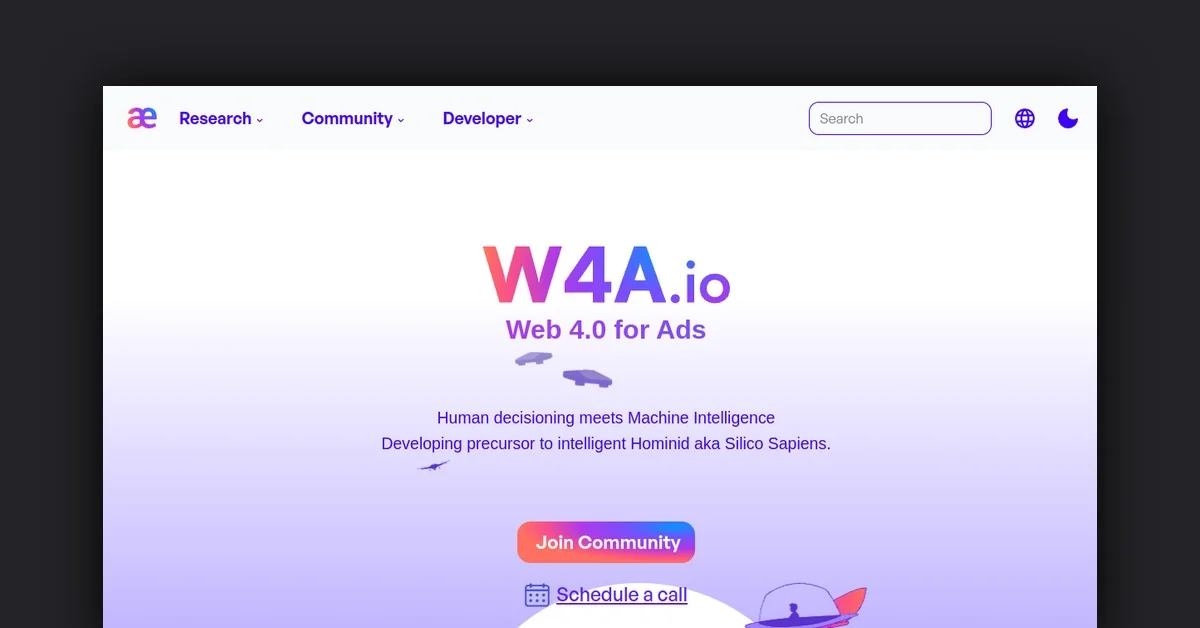
W4A.io
🔖 Tool Category
AI-powered web & accessibility assistant; it falls under the category of tools for web accessibility auditing, real-time issue detection, and actionable fixes for websites.
✏️ What does this tool offer?
W4A.io enables users (developers, content teams, agencies) to scan a website for accessibility issues (WCAG, ARIA, keyboard navigation, contrast, etc.) and provides prioritized actionable fixes
It also emphasises the concept of “Web 4.0” — a smarter web where human-machine symbiosis and intelligent interactions are core.
Key features include real-time scanning, clear issue explanation, recommendations, exportable reports, and collaboration links.
⭐ What does the tool actually deliver based on user experience?
• Fast website scans with clear results and actionable suggestions.
• Prioritised list of accessibility issues (with plain-language explanation) — helpful for teams not specialising in WCAG.
• Shareable results for clients or stakeholders.
• Some limitations: fewer integrations (e.g., with Jira/Trello) and performance can slow on large media-heavy sites.
🤖 Does it include automation?
Yes — W4A.io includes automation elements:
• Automated scanning of full websites for accessibility issues.
• Automated generation of actionable repair suggestions and prioritized list.
• Potential for continuous monitoring and alerts (implied by the web4 / stack context) though not fully detailed in available sources.
💰 Pricing Model
Freemium and paid tiers: Free basic scans (one domain, limited weekly scans) and paid plans for more domains, larger sites and advanced reporting.
🆓 Free Plan Details
Free plan with limited features: e.g., one domain, weekly scans, basic issue detection.
💳 Paid Plan Details
Paid plan unlocks: more domains, full scan depth, more advanced checks (keyboard focus, ARIA landmarks), enhanced exports/collaboration and possibly enterprise integrations.
🧭 Access Method
• Via web platform: https://www.w4a.io/
• Upload or input website URL → get scan results.
• Export results or share via link.
🔗 Experience Link