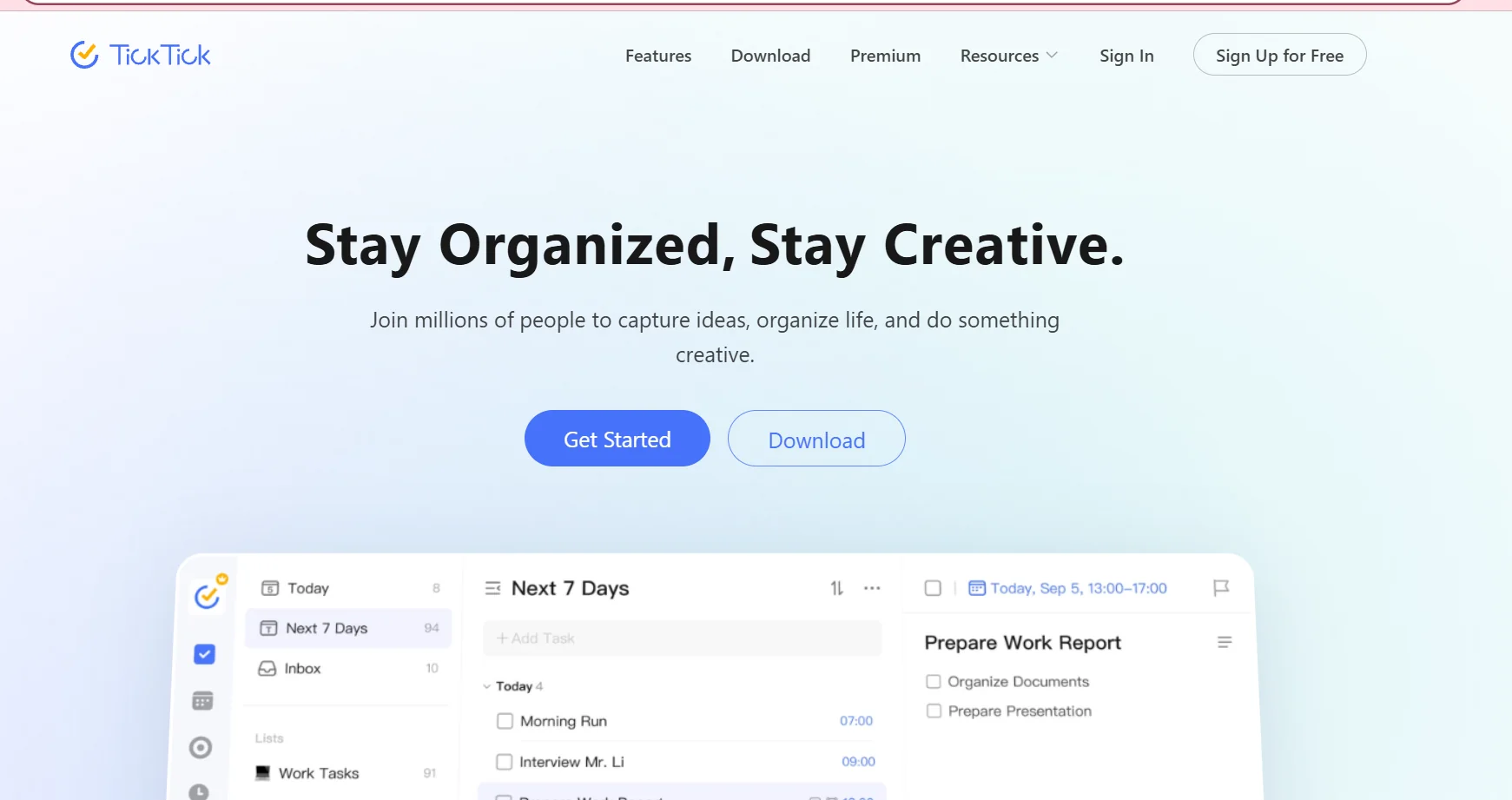
️ 🖼Tool name: TickTick
🔖 Tool categorization:
A tool for managing tasks, habits, daily planning and projects (Productivity - Task & Project Management)
️ ✏What does this tool offer?
Provides a platform to organize tasks, lists, habits, schedules, and calendars. It enables you to schedule your tasks, track habits, divide projects into subtasks, set deadlines and reminders, as well as focus tools like the Pomodoro timer and prioritization.
⭐ What does it actually offer based on user experience?
Easy, clear, and intuitive interface.
Comprehensive support for all devices: Web, desktop, mobile, and synchronization.
Flexible task organization: Lists, categories, priorities, subtasks, division of labor, appointments, and reminders.
Additional tools to increase focus and productivity such as: Habit tracking, focus timer, calendar view to track tasks and appointments, and multiple views of tasks (list, kanban, timeline).
🤖 Does it include automation?
Yes, it supports some smart features such as natural language analysis when adding tasks to automatically schedule appointments, automatic reminders, repeating tasks/habits regularly, and smart alerts by time or location.
💰 Pricing model:
There is a free plan as well as a paid plan that covers users who need additional features and expanded usage limits.
🆓 F ree plan details:
Create basic tasks and lists.
Limited enumeration of lists/tasks/reminders.
Synchronization between basic devices.
Ability to use features like recurring tasks, split into lists, and simple organization of habits.
💳 Details of paid plans:
Unlimited lists, tasks and subtasks.
Advanced reminders, multiple calendars, sharing lists with a team.
Additional features like advanced Pomodoro timer, performance statistics, customizations like themes and smart filter.
Subscription available monthly or yearly, geared towards higher productivity or managing small teams.
🧭 How to access the tool:
Available as a web app, mobile apps (iOS & Android), and desktop, with synchronization between all devices.
🔗 Experience Link or official website - Experience Link:
ticktick.com