TMetric
Description
️ 🖼Name of the tool: TMetric
🔖 Tool Category:
Time-Tracking & Project/Team Management (Productivity - Time-Tracking & Project/Team Management)
️ ✏What does it do?
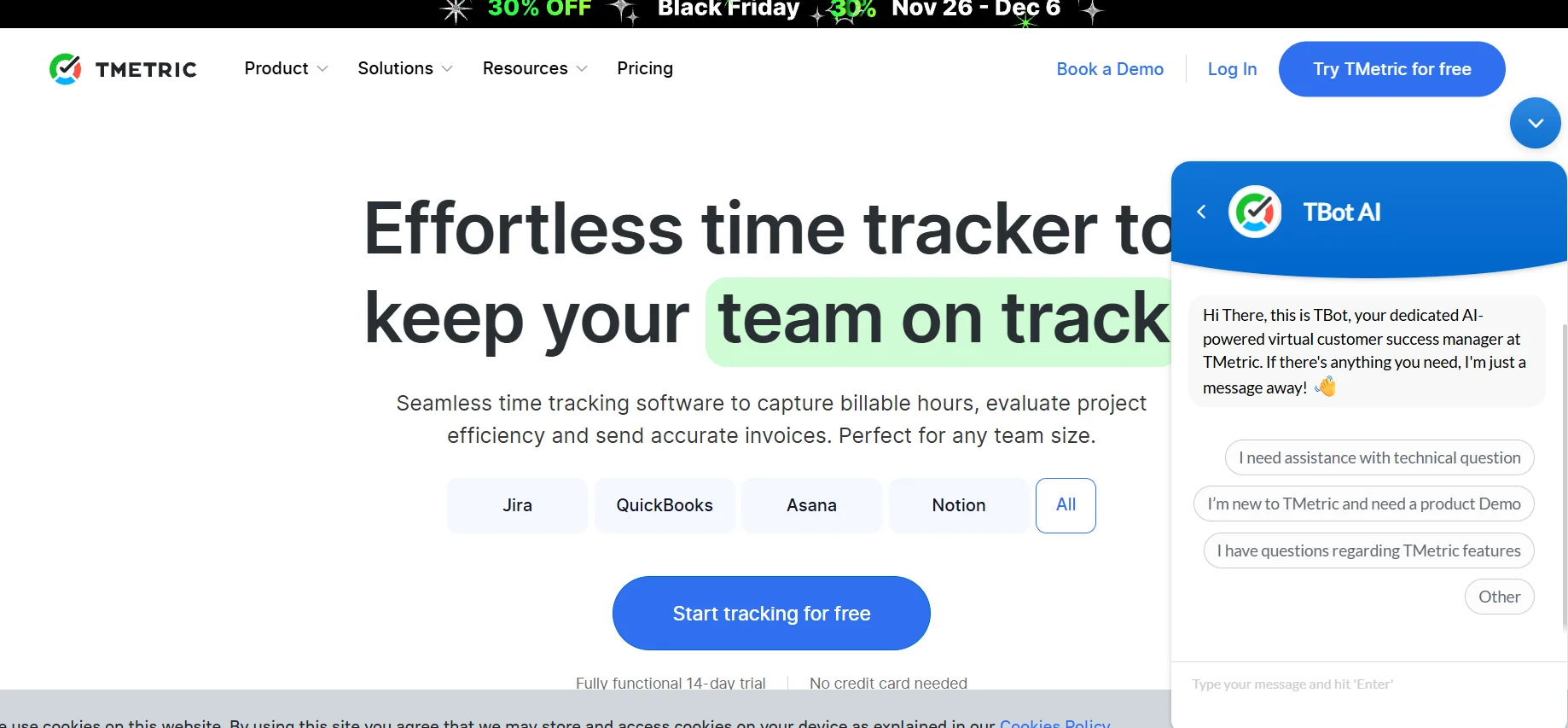
It enables you to record the time spent on each task or project, manage invoices based on hours, track project budgets, generate detailed reports on time, costs and activity, track employee attendance and absences, and manage work schedules and vacations.
⭐ What does it actually offer based on user experience?
Easily track time from web, desktop, or mobile with cross-device synchronization.
Manage unlimited projects and clients, even on the free plan.
Create billable hours, budget projects, and track costs.
Produce detailed reports by task, project, or time period.
Team management tools: Attendance/absence tracking, vacation balance, work schedules, productivity monitoring.
🤖 Does it include automation?
Yes - Automation includes time logging when starting/stopping tasks, and in higher plans advanced features such as app and website activity tracking, screenshots, vacation management and payment mechanisms, making it easier to manage time and productivity.
💰 Pricing model:
Free plan + two paid plans ("Professional" and "Business") depending on team size and required features.
🆓 F ree plan details:
Completely free.
Time tracking.
Unlimited projects and clients.
Limited basic reports.
Timer integration with 50+ web apps.
💳 Details of paid plans:
Professional: About $5/user/month, includes billable hours, project and cost budgeting, invoice management, integration with calendars, to-do lists and task management, unlimited activity data storage.
Business: About $7/user/month, includes all Professional features plus app/site usage tracking, screenshot capture, wage/salary management, work schedules and vacations, team management dashboard, advanced reporting, advanced permissions, and expanded integrations.
🧭 How to access the tool:
Available via web browser, desktop apps (Windows, macOS, Linux), mobile apps (iOS and Android), and a browser extension to integrate with project management tools.
🔗 Experience Link or official website - Experience Link:
tmetric.com