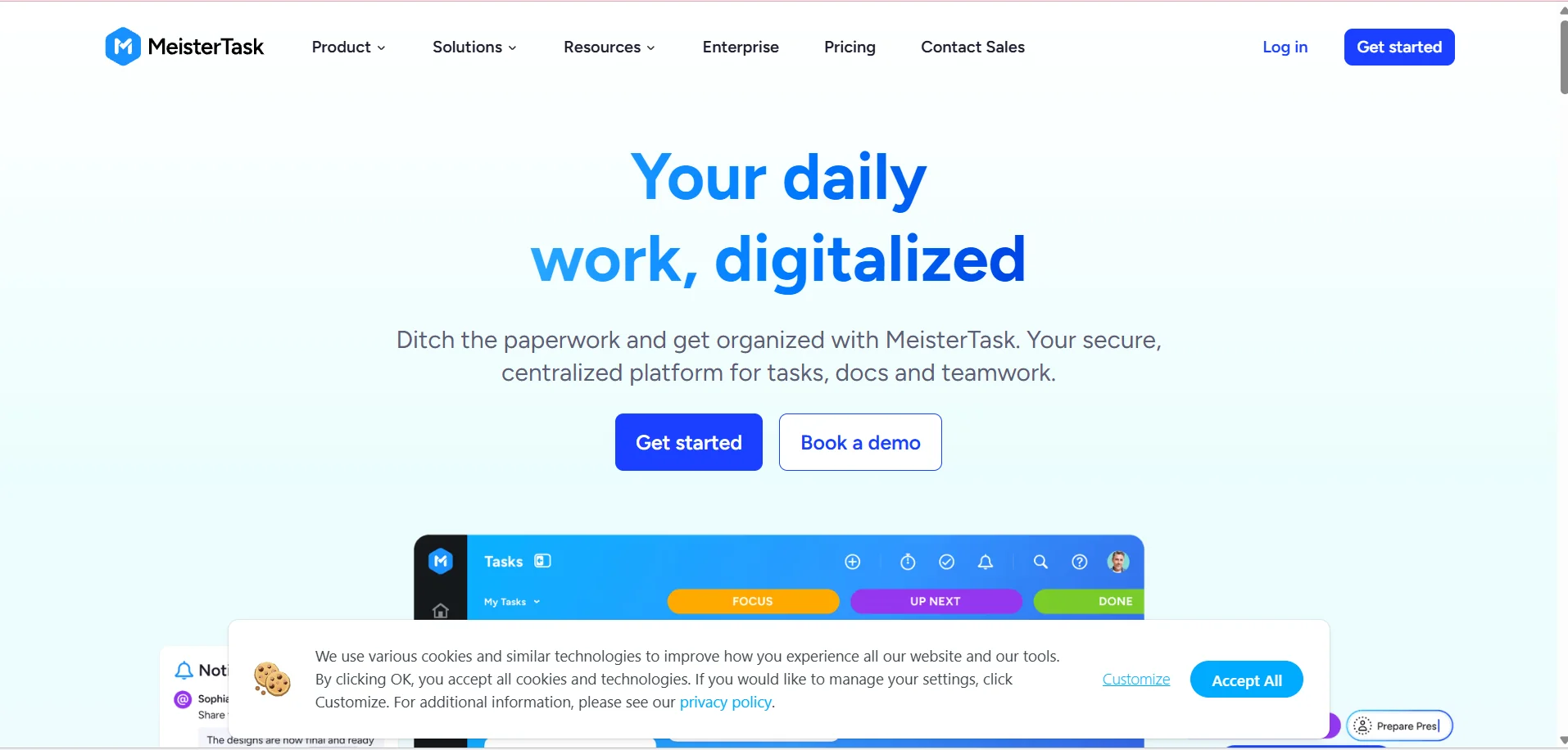
️ 🖼Tool name: MeisterTask
🔖 Tool Category:
Project & Task Management and Workflow Management (Productivity - Project & Task Management)
️ ✏What does this tool offer?
It enables you to create projects, organize tasks, divide them into cards and manage workflow via Kanban, with the ability to add notes, attachments, recurring tasks, time tracking, and flexible workflow tracking for individuals or teams.
⭐ What does it actually offer based on user experience?
Excellent task management with time tracking.
Ability to create tasks directly from email.
Supports team collaboration and sharing of project boards among team members.
Advanced workflow organization tools: Recurring Tasks, Split Tasks, Split by Priority.
🤖 Does it include automation?
Yes - includes automation features such as task repetition, automatic actions when a task status changes, and more.
💰 Pricing model:
Free plan (Basic) + paid plans (Pro, Business, Enterprise) depending on the needs of the user or team.
🆓 F ree plan details:
Completely free.
Unlimited tasks.
Up to 3 projects.
Up to 5 Notes.
Unlimited team members.
Import from other tools like Asana & Trello.
Some basic functionality such as tasks, basic lists, mobile and web use.
💳 Details of paid plans:
Pro: About $13 per user per month.
Unlimited projects and notes.
External sharing, integrations with other tools, special projects, advanced search, personalized dashboard, recurring tasks, automation.
Business: About $25 per user per month.
All Pro features + timeline view, subtasks, permissions and roles, custom fields, custom reports, full version history, advanced security, priority support.
Enterprise: A plan for large enterprises with advanced security features, SSO, customized support, customized management, and flexible payment options.
🧭 How to access the tool:
Available via web, mobile, and desktop apps, with synchronization between all devices.
🔗 Experience Link or official website - Experience Link:
https://www.meistertask.com/?utm_source=chatgpt.com