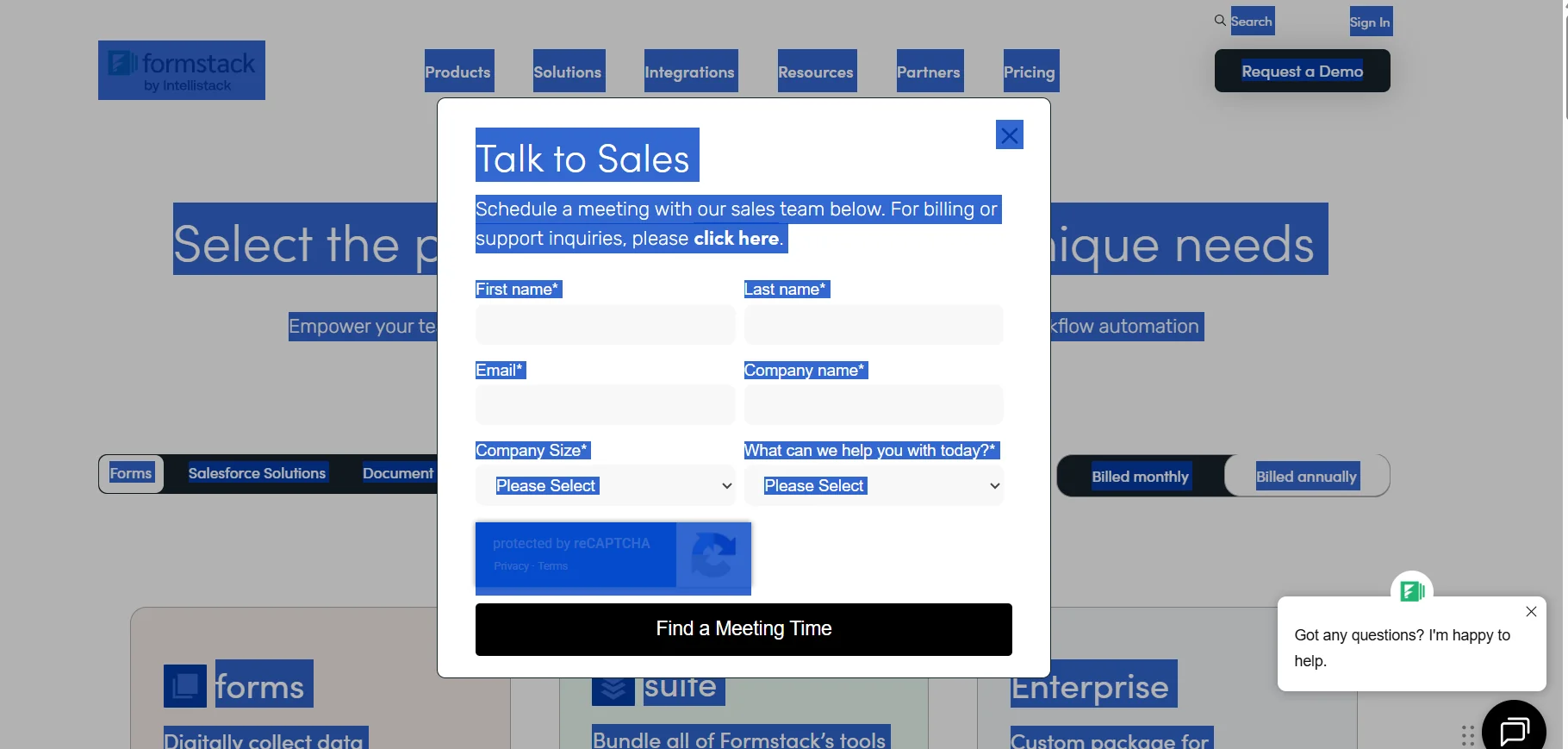
Description

️ 🖼Tool name: Formstack

🔖 Tool category:

  • Business document creation

  • Invoices, contracts, and proposals

  • Automation and smart agents

  • Business and process management

  • No-code workflow

️ ✏What does this tool offer?
Formstack helps organizations collect data digitally, create dynamic documents, and obtain electronic signatures, while automating workflows without the need to write any code. It offers an easy-to-use drag-and-drop interface, customization support, and integrated team and document management capabilities.

What does it actually offer based on user experience?
It enables teams to speed up data collection and convert it into professional documents, quickly implement electronic signatures, and automate processes to reduce errors and increase productivity. Users praise its ease of use, customization flexibility, and powerful workflow automation.

🤖 Does it include automation?
Yes, it includes comprehensive workflow automation, dynamic tasks, pre-populated data, dashboards for process management, and group approvals.

💰 Pricing model:
Formstack offers monthly or annual subscriptions with discounts for annual payments, and provides plans for individuals, teams, and large organizations.

🆓 Free plan details:

  • Any paid plan can be tried for free for a limited time via the "Try It Free" option, allowing you to experiment with creating forms, documents, and signatures before committing to a subscription.

💳 Paid plan details:

  • Forms: Starts at $83/month when paid annually, includes one creator user, 25 forms, up to 1,000 submissions per form, 2 GB of storage, access to workflows, and brand customization.

  • Suite: Starts at $250/month when paying annually, combines all Formstack tools (forms, documents, signatures), 3 content creators, unlimited document submissions, up to 5,000 submissions per form, 10 GB of storage, 250 document integrations, 100 document templates, workflow management, group approvals, branding customization, and more automation features.

  • Enterprise: A package tailored to the needs of the organization, including a customer success manager, single sign-on (SSO), advanced permission levels, and customized security and compliance requirements.

🧭 How to access the tool:
Formstack can be accessed via a browser, with full support for team management, forms, documents, e-signatures, and full workflow automation.

🔗 Trial link or official website:
https://www.formstack.com/pricing

Pricing Details

Formstack is based on a monthly or annual subscription model with a discount for annual payments, and offers plans suitable for individuals, teams, and large organizations. Any paid plan can be tried for free for a limited time via the "Try It Free" option, allowing you to experiment with creating forms, documents, and signatures before committing to a subscription. Paid plans include the Forms plan, which starts at $83 per month when paying annually and includes one creator user, 25 forms, up to 1,000 submissions per form, 2 GB of storage, access to workflows, and brand customization. This is followed by the Suite plan, which starts at $250 per month when paid annually and includes all Formstack tools (forms, documents, signatures), 3 content creators, unlimited document submissions, up to 5,000 submissions per form, 10 GB of storage, 250 document integrations, 100 document templates, workflow management, bulk approvals, branding customization, and several advanced automation features. The Enterprise plan is customized to the needs of the organization and includes a customer success manager, single sign-on (SSO), advanced permission levels, and customized security and compliance requirements to meet the needs of large and complex organizations.