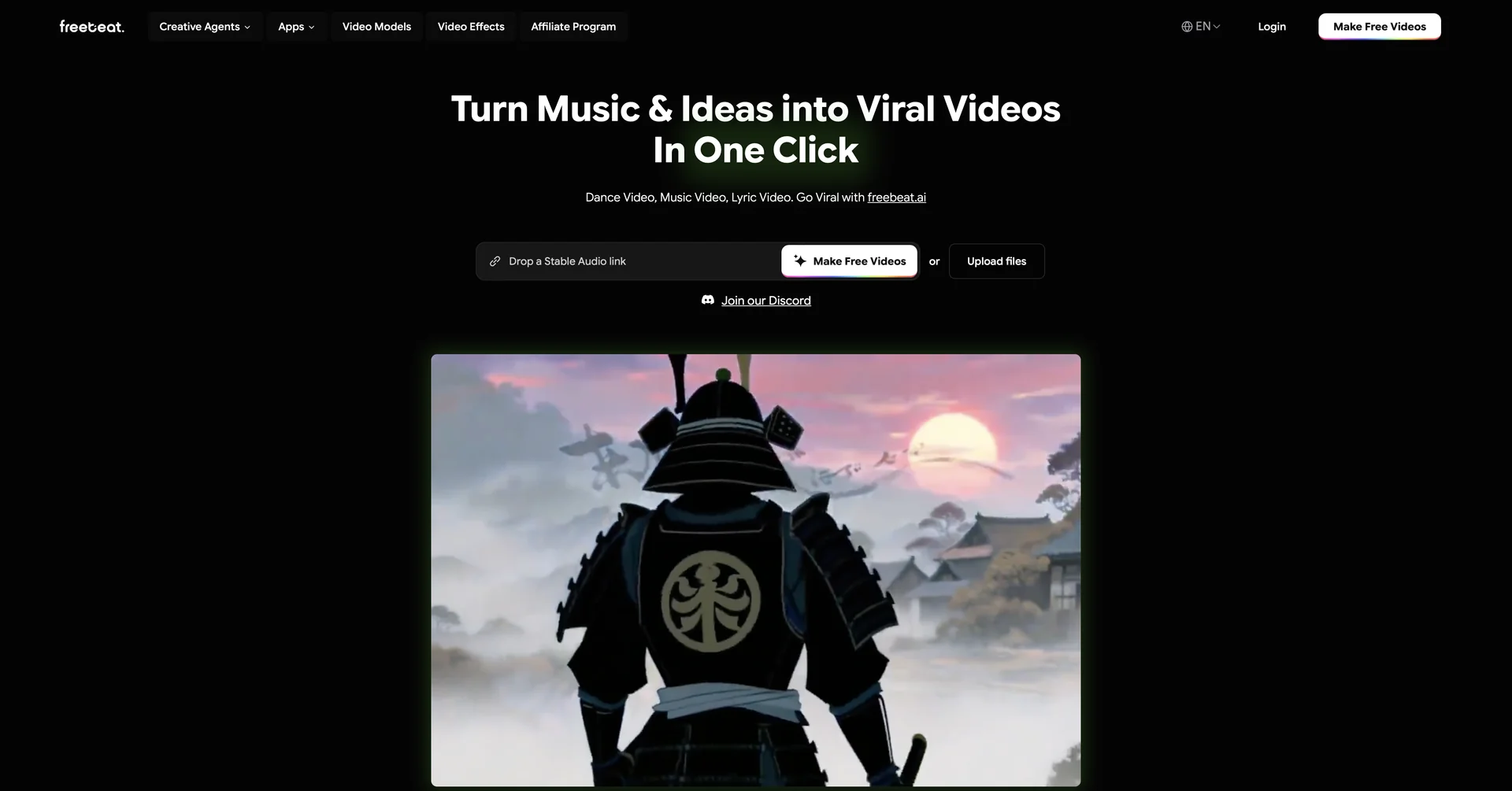
Description
🖼️Tool Name:
freebeat AI
✏️ Overview & AI Features (2026 Edition):
Music-to-Video Intelligence: Unlike traditional visualizers, freebeat’s proprietary model analyzes tempo, lyrics, and emotional tone. It automatically creates "cuts" and transitions that match the song’s energy perfectly.
The "One-Click" Workflow: You simply upload an MP3 or paste a link from Spotify, YouTube, or TikTok. The AI Agent then generates a storyboard, which you can either approve or refine before the final render.
Integrated Powerhouse: (New in 2026) freebeat acts as a hub for the world’s best video engines. It pulls from Google Veo 3, Runway Gen-4, and Luma Ray 2 under the hood, giving you elite quality without needing multiple subscriptions.
AI Dance & Choreography: It can generate customizable characters (avatars) that perform beat-accurate dance moves in styles like K-Pop, Hip-Hop, or even Breakdancing.
Dynamic Lyric Videos: For artists who want to focus on words, it creates animated, stylized typography that pulses and evolves with the vocals.
Magic Effects Library: Includes 70+ "One-Click" effects (e.g., Superhero, Retro VHS, Dreamy Glitch) that can be applied to any uploaded clip to make it look like a high-end production.
⭐️ User Experience (2026):
"The Artist's Shortcut": Rated 4.8/5. It is highly popular for creating "viral-ready" content for YouTube Shorts and Instagram Reels in minutes rather than days.
💵 Pricing & Plans (February 2026 Status)
freebeat AI uses a freemium "Credit" system:
🎁 How to Get Started:
Visit freebeat.ai. Upload your latest track or a voice memo, choose a "Vibe" (like Cinematicor Anime), and watch the "AI Agent" build your first scene storyboard instantly.
⚙️ Access or Source:
Official Website
Category: AI Music Video Generator, Generative Video, Content Creation.
Primary Use Case: Turning songs into viral music videos, creating lyric videos for YouTube, and generating AI-choreographed dance content.
🔗 Experience Link: