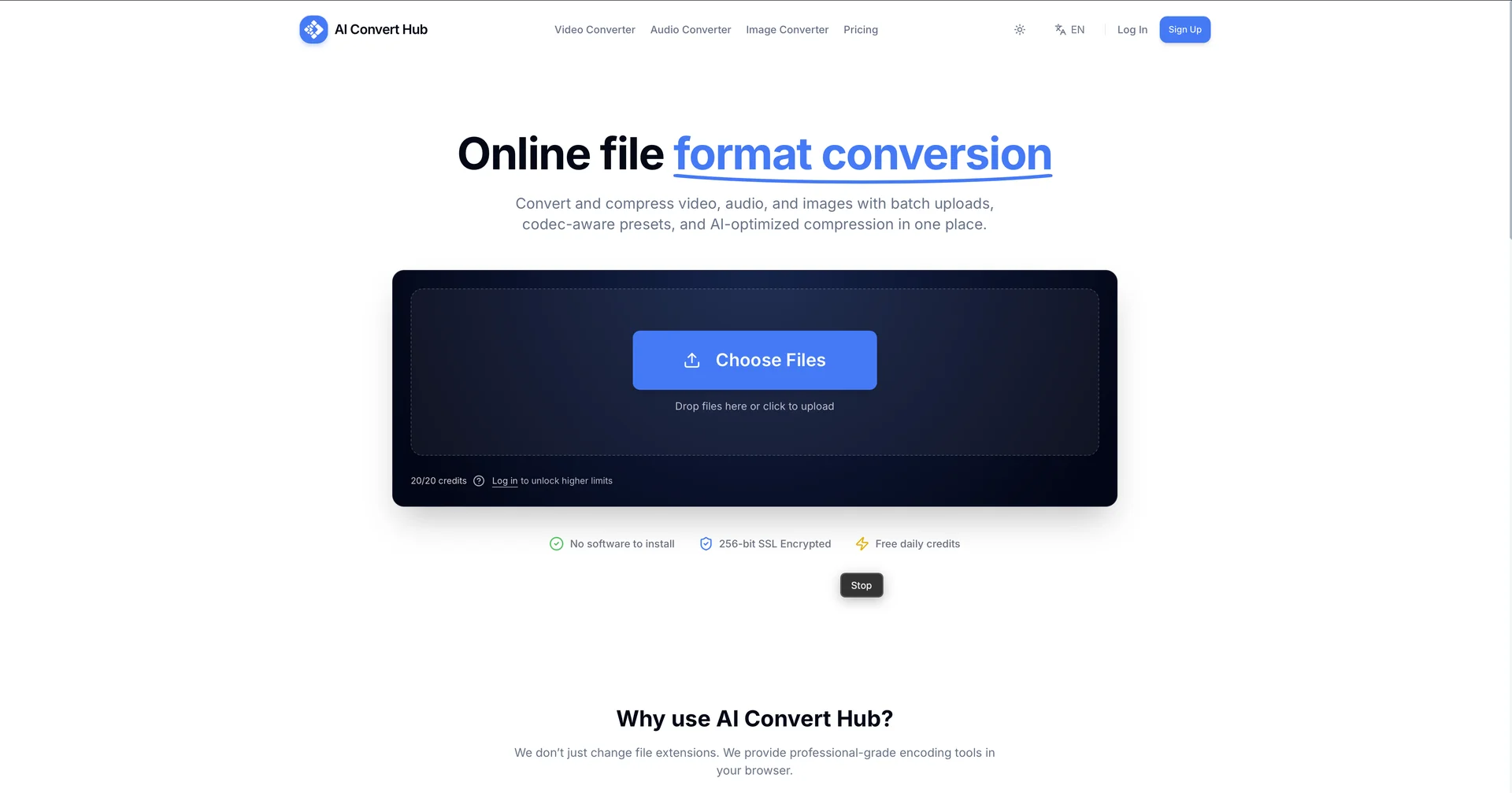
Description

🖼️ Tool Name:

 Convert Hub AI

✏️ Overview & Key AI Features (2026 Edition):

  • Universal Conversion Engine: Supports a massive range of units, from common measurements (length, weight, temperature) to highly specialized engineering units like viscosity, magnetic flux, torque, and density.

  • AI Chat Assistant: The defining feature is a built-in AI companion. Instead of hunting through menus, you can simply ask: "How many light years are in 5 trillion miles?" or "Help me convert a force of 500 Newtons to pound-force," and get an instant response.

  • Financial & Health Calculators: Includes modules for Sales Tax, BMI (Body Mass Index), and Age Calculations, making it useful for both professional and personal daily use.

  • Specialized Science Support: Beyond daily life, it handles advanced physics units like Speed (m/s to km/h) and Energy, catering to students and engineers.

  • Multilingual Interface: The 2026 update supports full localization, providing interface and AI responses in English, Arabic, Spanish, and more.

  • User-Centric Design: Built with a minimal, dark-glass style UI that works across iPhone, iPad, Mac (M1+), and Android devices.

⭐️ User Experience (2026):

  • "Simple Yet Powerful": Rated 4.5/5 by users. Reviews consistently highlight its "zero-fluff" approach, making it significantly faster than searching for conversion formulas online.

  • Reliability: Praised by the engineering and academic communities for its precision (up to 10 significant digits) and its ability to handle "out-of-the-box" units like the speed of light or Mach numbers.

💵 Pricing & Plans (February 2026 Status):

PlanPrice (Approx.)Key Features
Free Explorer$0Unlimited basic unit conversions; limited AI Chat credits.
AI Credit Bundles$0.99 - $29.99Pay-as-you-go for the AI assistant (ranges from 10 to 500 chat credits).
Pro Upgrade₪17.90 (approx. $5)One-time purchase or low subscription to unlock 4K-style graphics and remove ads.

🎁 How to Get Started:

Download Convert Hub AI from the Apple App Store or Google Play Store. Simply select your category from the home screen for a standard conversion, or tap the AI Chat icon to ask a natural-language question like: "Convert 25 degrees Celsius to Fahrenheit."

⚙️ Access or Source:

  • Official App Store Link

  • Official Play Store Link

  • Category: Productivity, Scientific Tools, AI Assistants.

  • Primary Use Case: Quick and accurate conversion of daily, financial, and scientific units using an AI-guided interface.

🔗 Experience Link:

https://aiconverthub.com

Pricing Details

💵 Pricing & Plans (February 2026 Status): Plan Price (Approx.) Key Features Free Explorer $0 Unlimited basic unit conversions; limited AI Chat credits. AI Credit Bundles $0.99 - $29.99 Pay-as-you-go for the AI assistant (ranges from 10 to 500 chat credits). Pro Upgrade ₪17.90 (approx. $5) One-time purchase or low subscription to unlock 4K-style graphics and remove ads. 🎁 How to Get Started: Download Convert Hub AI from the Apple App Store or Google Play Store. Simply select your category from the home screen for a standard conversion, or tap the AI Chat icon to ask a natural-language question like: "Convert 25 degrees Celsius to Fahrenheit."