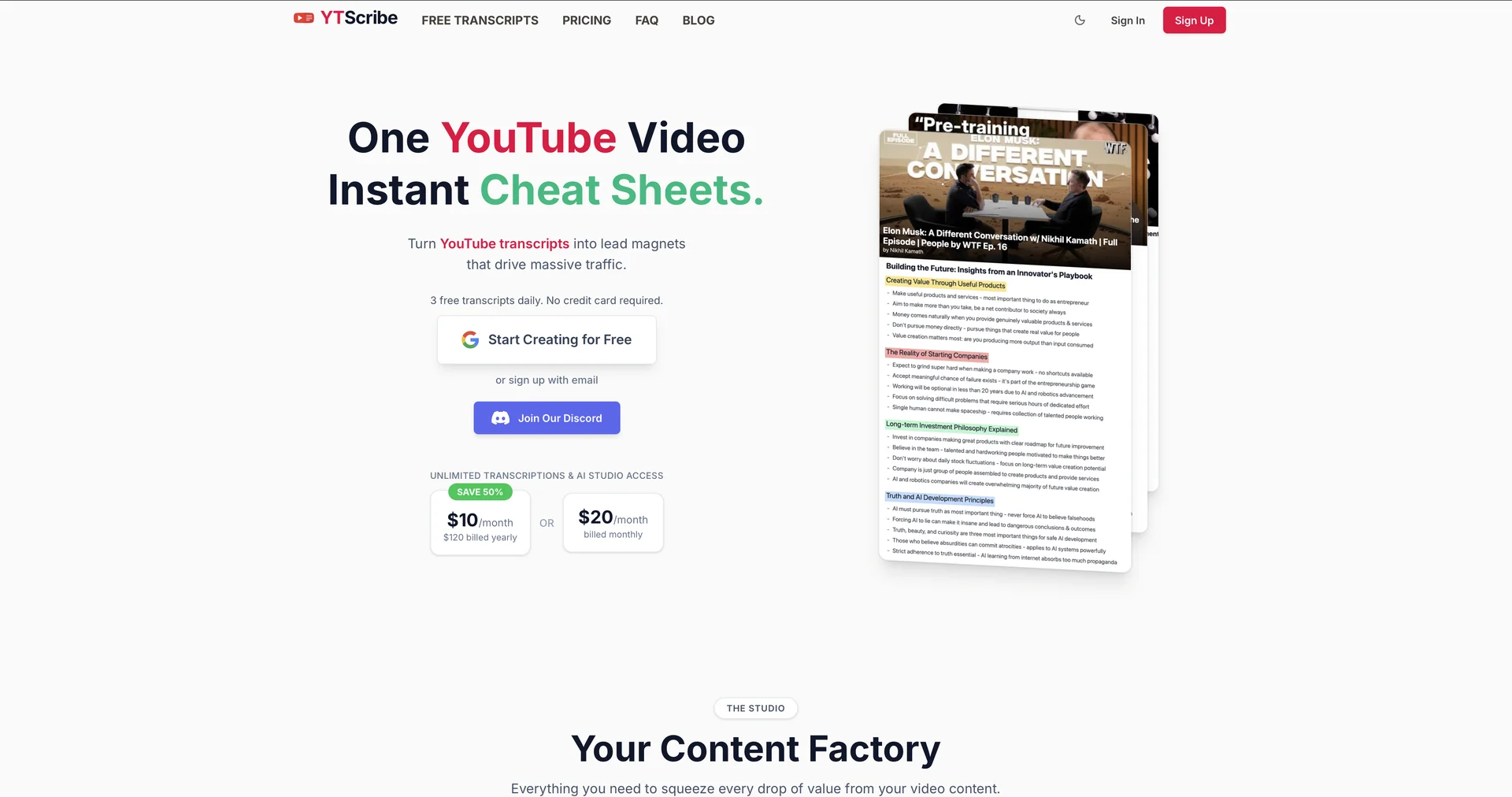
YTScribe
Extract YouTube transcripts instantly.
Last updated
Features
- Fetches YouTube transcripts directly from a video link
- Supports 40+ languages with automatic language detection
- Adds punctuation and identifies speakers
- Interactive timestamps that jump the video to the selected moment
- Exports to SRT, VTT and TXT
- Sends transcripts to GPT or Gemini for summaries
- No signup needed for basic transcripts
Pricing Details
💵 Pricing & Plans (February 2026 Status):
| Plan | Price (Approx.) | Key Features |
|---|---|---|
| Free Tier | $0 | Unlimited video length; no signup required; standard accuracy; TXT export. |
| Premium Monthly | ~$4.99 / mo | Ad-free; SRT/VTT exports; batch processing; priority AI queue. |
| Pro / Studio | ~$10 / mo | Advanced AI Summaries; unlimited "Chat with Video"; API access. |
🎁 How to Get Started:
Visit ytscribe.com. Copy any YouTube video link and paste it into the search bar. Click "Transcribe" and wait about 30-60 seconds. Once finished, you can read the transcript alongside the video or download it for your own notes.
Related Tips
- How to Use the Pokecut Tool to Easily Extract Images · Image Design and Creation, Editing, Enhancement & Upscaling…
- AI Room Designer Explained: How to Redesign Rooms in Your Home Using a Single Photo? · Image Design and Creation, Editing, Enhancement & Upscaling…
- AI Room Designer Explained: How to Redesign Rooms in Your Home from a Single Photo? · Image Design and Creation, Editing, Enhancement & Upscaling…
- An explanation of the Kittl Vectorizer tool for converting images into editable vectors · Image Design and Creation, Editing, Enhancement & Upscaling…
- An explanation of the Kittl Vectorizer tool for converting images into editable vectors · Image Design and Creation, Editing, Enhancement & Upscaling…