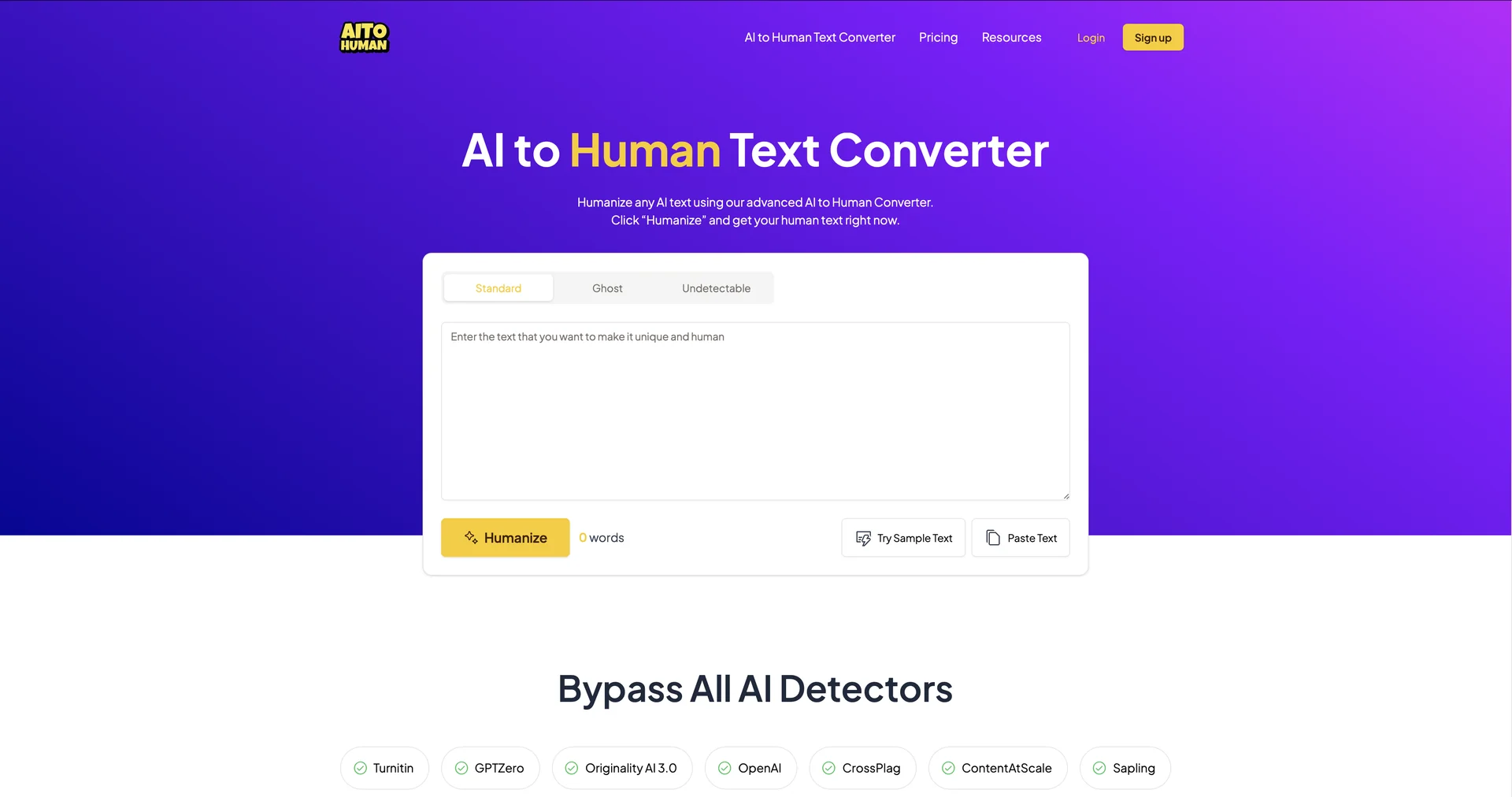
AI Humanizer
Humanize any AI text using our advanced converter.
Last updated
Features
- Rewrites AI text to sound human, focusing on cadence and rhythm
- Rebuilds paragraph logic while keeping context accurate
- Style cloning from a sample of your own writing
- Multi-scanner check against 5+ AI detectors showing flagged sentences
- Readability-first humanization
- Stealth and Academic modes
- Bulk processing and API access
Pricing Details
💵 Pricing & Plans (March 2026 Status):
| Plan | Price (Approx.) | Key Features |
|---|---|---|
| Free / Lite | $0 | 200–500 words/day; basic detector check; standard humanization mode. |
| Pro Monthly | ~$15 / mo | 20,000+ words/mo; "Stealth" & "Academic" modes; no watermarks. |
| Agency / Unlimited | ~$45 / mo | Bulk processing (100k+ words); API access; Custom style cloning. |
🎁 How to Get Started:
Visit Walter Writes AI or Humbot.ai. Paste your AI-generated draft. Select a mode (e.g., "Standard" or "Enhanced"). After the transformation, use the built-in AI Detector to verify the results. Pro Tip:Always do a quick manual "read-aloud" pass to ensure the AI hasn't introduced any strange phrasing.
Related Tips
- How to Use the Pokecut Tool to Easily Extract Images · Image Design and Creation, Editing, Enhancement & Upscaling…
- AI Room Designer Explained: How to Redesign Rooms in Your Home Using a Single Photo? · Image Design and Creation, Editing, Enhancement & Upscaling…
- AI Room Designer Explained: How to Redesign Rooms in Your Home from a Single Photo? · Image Design and Creation, Editing, Enhancement & Upscaling…
- An explanation of the Kittl Vectorizer tool for converting images into editable vectors · Image Design and Creation, Editing, Enhancement & Upscaling…
- An explanation of the Kittl Vectorizer tool for converting images into editable vectors · Image Design and Creation, Editing, Enhancement & Upscaling…