Grammar Checker.cc
Instantly correct grammar, punctuation, and spelling mistakes.
Last updated
Features
- Catches correctly spelled but wrongly used words by analyzing context
- Switches between US, UK, Canadian and Australian English
- Non-native fluency mode suggests more idiomatic alternatives to awkward phrasing
- Fixes punctuation based on style guides such as AP, Chicago and MLA
- Real-time grade level and complexity index
- Light plagiarism check and AI-text flagging
- Underlines errors with suggested corrections and short rule explanations
Pricing Details
💵 Pricing & Plans (March 2026 Status):
| Plan | Price (Approx.) | Key Features |
|---|---|---|
| Basic (Free) | $0 | Up to 1,000 words per check; standard grammar/spelling; no signup required. |
| Premium Solo | ~$5.99 / mo | Unlimited words; Advanced style/tone suggestions; Ad-free; Plagiarism scans. |
| Team/Business | ~$15.00 / mo | 5 User seats; Shared style guides; API access; Enterprise-grade encryption. |
🎁 How to Get Started:
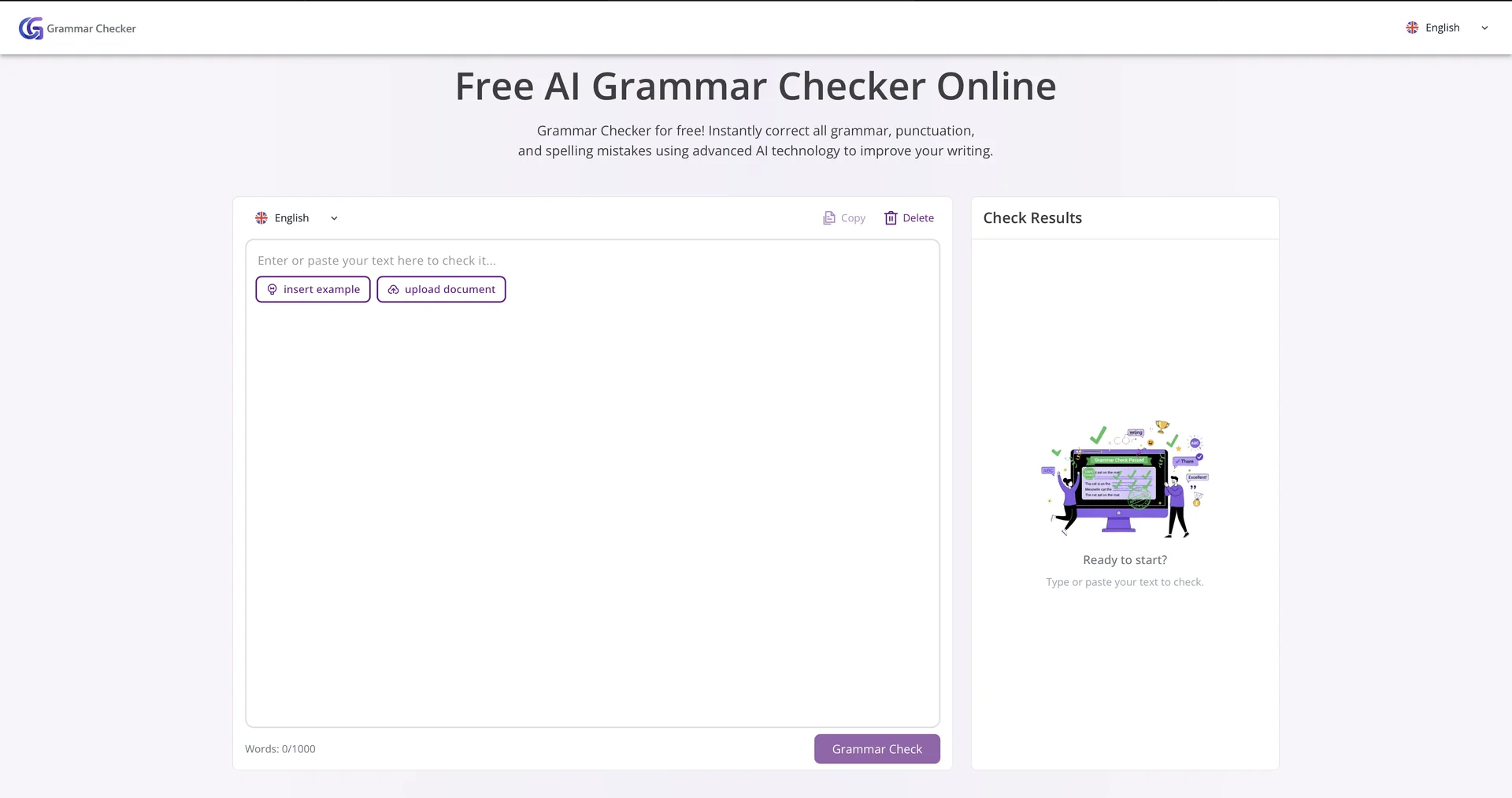
Visit Simply paste your text into the central editor. The AI will instantly underline errors in red (Spelling) and blue (Grammar/Style). Click on any underline to see the suggested correction and a brief explanation of the rule.
Related Tips
- How to Use the Pokecut Tool to Easily Extract Images · Image Design and Creation, Editing, Enhancement & Upscaling…
- AI Room Designer Explained: How to Redesign Rooms in Your Home Using a Single Photo? · Image Design and Creation, Editing, Enhancement & Upscaling…
- AI Room Designer Explained: How to Redesign Rooms in Your Home from a Single Photo? · Image Design and Creation, Editing, Enhancement & Upscaling…
- An explanation of the Kittl Vectorizer tool for converting images into editable vectors · Image Design and Creation, Editing, Enhancement & Upscaling…
- An explanation of the Kittl Vectorizer tool for converting images into editable vectors · Image Design and Creation, Editing, Enhancement & Upscaling…