CTRLpotato
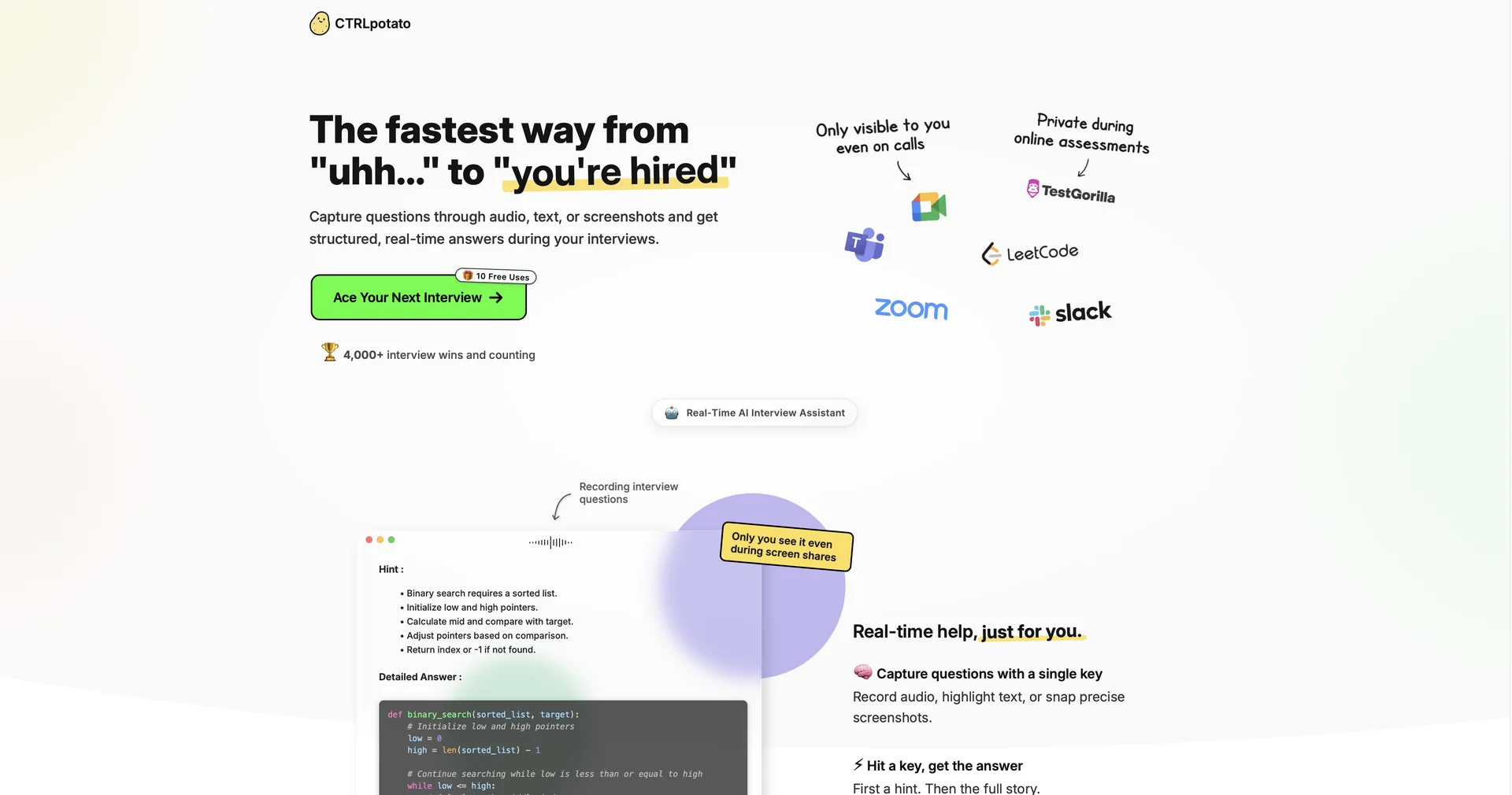
Ace interviews and tests with instant, off-screen AI help
Last updated
Features
- Invisible in system task managers and activity monitors
- Switches between AI models such as GPT-5, Claude 4.6 and Gemini
- Tailors answers to your uploaded CV
- Phone mirroring via QR code to trigger screenshots and control the AI
- Hint first, then full answer flow
- Supports over 10 languages for input and output
- Click-through mode to use apps behind the window
- Runs on macOS and Windows
Pricing Details
💵 Pricing & Plans (March 2026 Status):
CTRLpotato offers a "Pay-as-you-win" model with a generous free entry point.
| Plan | Price (Approx.) | Key Features |
|---|---|---|
| Trial | Free | 10 Free Uses; Basic AI model access; Desktop & Mobile view. |
| Lite | ~$29 / mo | Unlimited captures; Standard AI models; Resume context. |
| Pro | ~$59 / mo | Premium AI models (GPT-5/Claude 4.6); Priority speed; Advanced stealth mode. |
| Add-ons | Variable | "Premium AI Answer Packs" for specialized industries like Medicine or Law. |
🎁 How to Get Started:
Visit Download the app for macOS or Windows and use your 10 free trial uses to run a "Mock Interview." Be sure to test the Mobile Mirroring feature by scanning the QR code in the settings to see how discreetly the answers appear on your phone.
Related Tips
- How to Use the Pokecut Tool to Easily Extract Images · Image Design and Creation, Editing, Enhancement & Upscaling…
- AI Room Designer Explained: How to Redesign Rooms in Your Home Using a Single Photo? · Image Design and Creation, Editing, Enhancement & Upscaling…
- AI Room Designer Explained: How to Redesign Rooms in Your Home from a Single Photo? · Image Design and Creation, Editing, Enhancement & Upscaling…
- An explanation of the Kittl Vectorizer tool for converting images into editable vectors · Image Design and Creation, Editing, Enhancement & Upscaling…
- An explanation of the Kittl Vectorizer tool for converting images into editable vectors · Image Design and Creation, Editing, Enhancement & Upscaling…