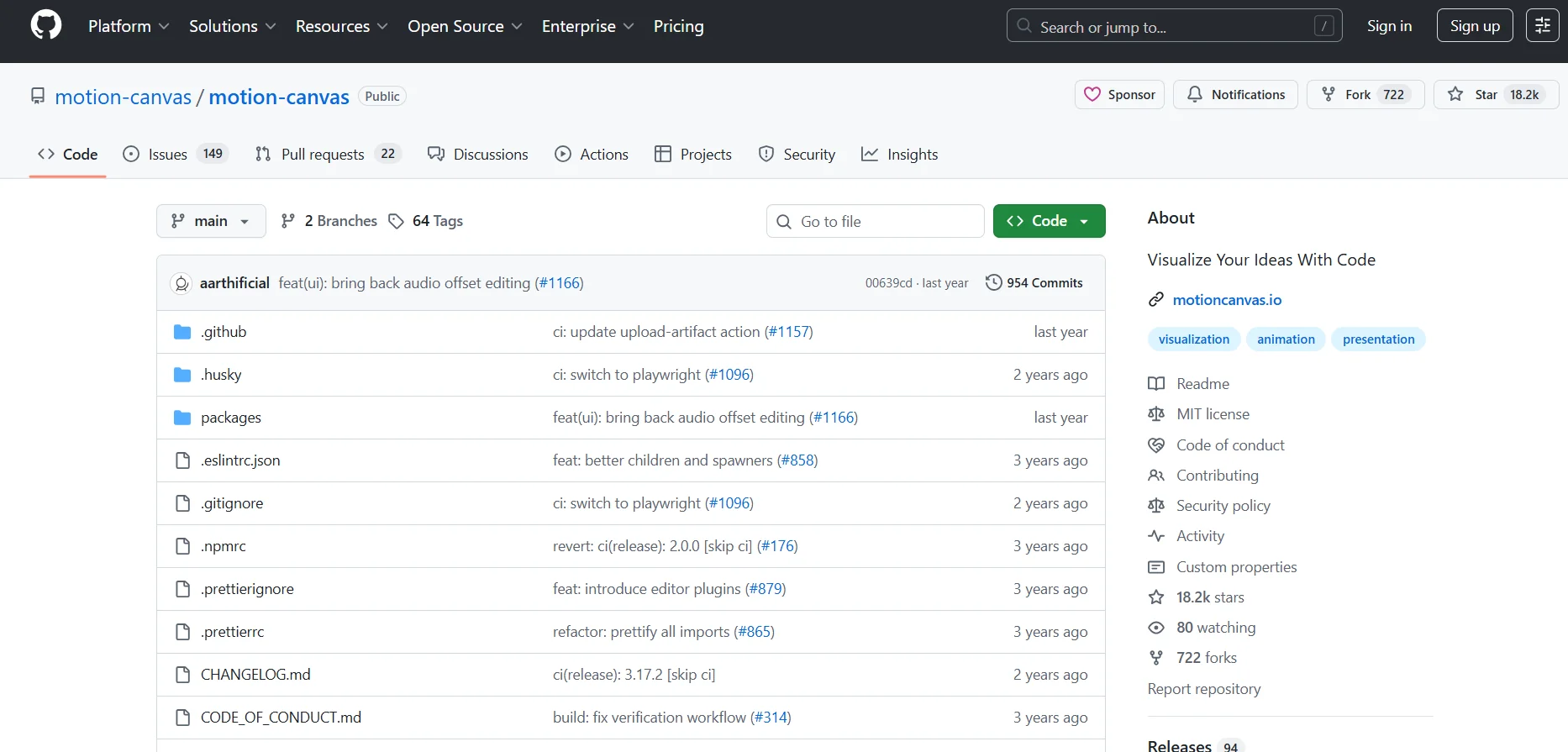
Description
Tool name:
Motion Canvas
Tool category: 🔖
Motion graphics, titles, and subtitles
Programming and development
Productivity and Scheduling
Editing/optimization/enhancement
DevOps, CI/CD, and monitoring
️ What does this tool offer? ✏
Motion Canvas provides high-precision graphics and animation programming using TypeScript code, with an editor that allows instant preview of all changes as you write the code. It supports the creation of presentations and animations that can be easily integrated into web or software projects, with full control over every element of movement and interaction.
What does it actually offer based on user experience? ⭐
It enables users to develop complex animations with high precision, reuse components, control motion mathematically, collaborate within programming teams using Git, and enjoy a smooth and interactive development experience thanks to real-time preview and 60 frames per second updates.
Does it include automation? 🤖
Yes, the tool uses graphics programming to automatically control sequences and events via Generators and functions, and updates elements programmatically in a smooth and instantaneous manner, providing a high level of automation within the code.
Pricing model: 💰
The project is completely free and operates under an MIT license,allowing it to be used for personal and commercial purposes, modifying the source code, and distributing it freely without any financial obligations.
🆓 Free plan details:
The basic plan is completely free, with the ability to use all software features and the editor without any restrictions.
Paid plan details: 💳
There are no paid plans; all features are available for free under the MIT license, including the library, editor, and live preview.
How to access the tool: 🧭
The project can be accessed via the GitHub repository, downloading the library and integrating it directly into projects, or using the editor to develop animations and instant code previews.
Link to the experience or official website: 🔗
https://github.com/motion-canvas/motion-canvas?utm_source=chatgpt.com
