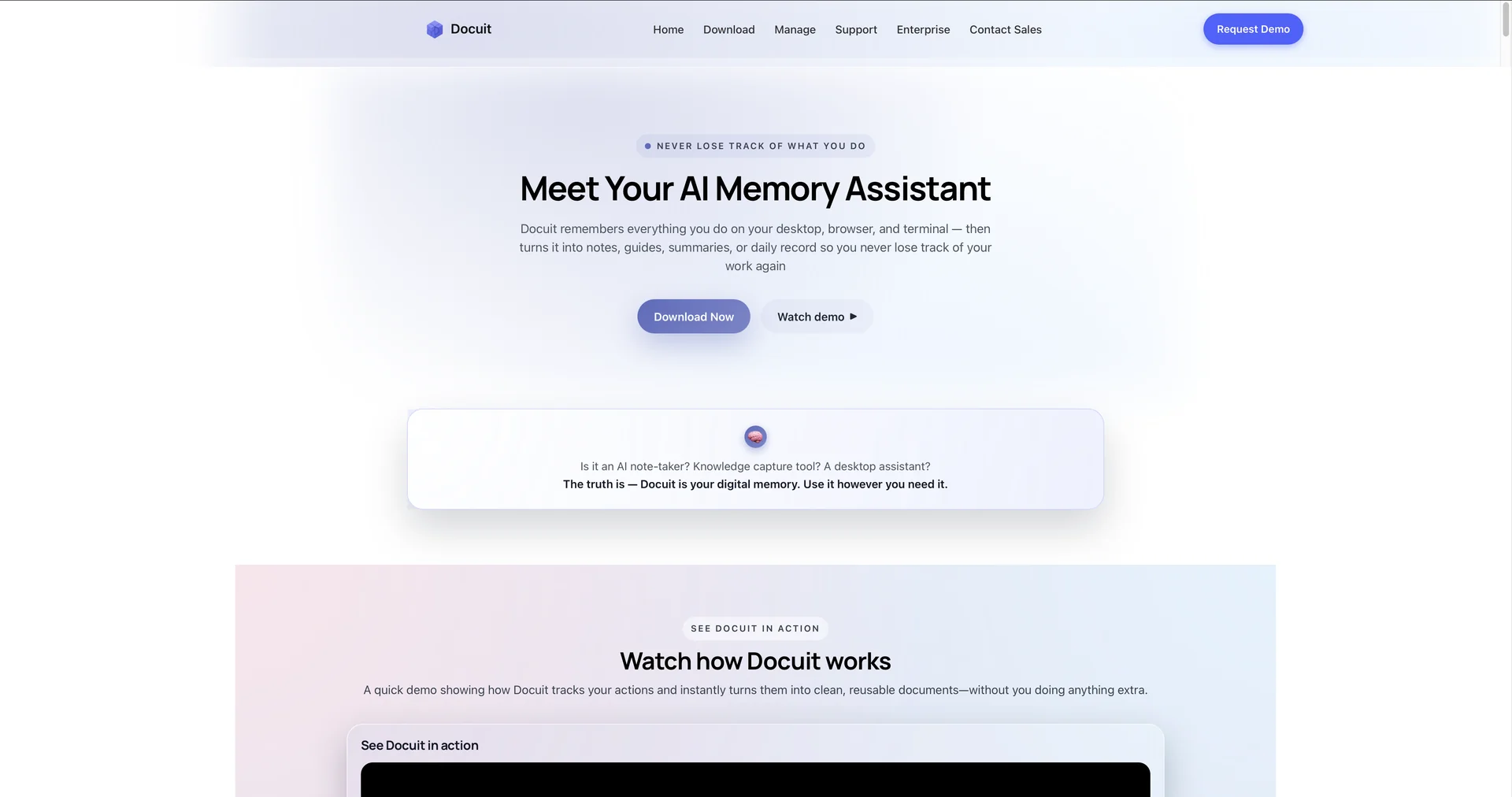
Description

🖼️ Tool Name:

Docuit

✏️ Overview & Key AI Features (2026 Edition):

  • Real-Time Contextual Capture: Docuit "watches" your desktop and browser. If you are filling out a complex form or writing code, the AI generates step-by-step instructions (e.g., "Step 1: Open VS Code; Step 2: Input the following function...") without you needing to take screenshots manually.

  • Video-to-Guide Transformation: One of its standout 2026 features. You can play a technical tutorial or a recorded Zoom meeting, and Docuit will detect the on-screen changes and text to produce a written manual of the session.

  • Multilingual Export Hub: Supports over 19+ languages. You can capture a process in English and instantly export the documentation in Spanish, French, or Hindi, making it a favorite for global "onboarding" teams.

  • Privacy-First "Smart Exclusion": Users can set templates that automatically exclude specific apps (like Slack, WhatsApp, or Personal Email) from being captured, ensuring work-life privacy even during "Auto-Capture" mode.

  • Flexible Capture Control: Features a simple "Start/Pause/End" interface that stays out of the way while you work, only processing data when explicitly instructed.

  • Cross-Platform Availability: Native applications for both macOS and Windows, optimized for low system impact so it doesn't slow down your primary work.

⭐️ User Experience (2026):

  • "Effortless Documentation": Rated 4.8/5 by IT operations and students. It is praised for turning "tedious documentation" into a background task, with users noting they "never have to manually write an SOP again."

  • Accuracy & Speed: Users value the AI’s ability to clean up messy workflows, removing "mistake clicks" or "accidental browser tabs" to produce a polished final guide.

💵 Pricing & Plans (March 2026 Status):

Docuit offers a 7-day free trial and follows a three-tier subscription model.

PlanPrice (Approx.)Key Features
Personal / Student~$20 / moUnlimited capture; Standard PII redaction; 5 Language exports.
Professional~$45 / moVideo-to-Guide conversion; 19+ Language exports; Custom branding.
EnterpriseCustomTeam workspaces; Advanced SSO; Bulk redaction; Dedicated account manager.

🎁 How to Get Started:

Visit We recommend downloading the Desktop App and starting with a "Test Capture" of a simple task—like resetting a password or setting up an email filter—to see how accurately it generates the steps.

⚙️ Access or Source:

  • Official Website

  • Headquarters: Boston, Massachusetts (Documateit, Inc.)

  • Category: AI Knowledge Management, SOP Automation, Digital Note-taking.

  • Primary Use Case: Effortlessly capturing and sharing knowledge by transforming real-time desktop actions and videos into accurate, structured documentation.

🔗 Experience Link: 

https://docuit.ai

Pricing Details

💵 Pricing & Plans (March 2026 Status): Docuit offers a 7-day free trial and follows a three-tier subscription model. Plan Price (Approx.) Key Features Personal / Student ~$20 / mo Unlimited capture; Standard PII redaction; 5 Language exports. Professional ~$45 / mo Video-to-Guide conversion; 19+ Language exports; Custom branding. Enterprise Custom Team workspaces; Advanced SSO; Bulk redaction; Dedicated account manager. 🎁 How to Get Started: Visit We recommend downloading the Desktop App and starting with a "Test Capture" of a simple task—like resetting a password or setting up an email filter—to see how accurately it generates the steps.