Description

🖼️ Tool Name:

 Magic Vizion

✏️ Overview & Key AI Features (2026 Edition):

  • Instant Web-to-Viz Transformation: The platform's flagship feature. By highlighting text on a webpage, the AI instantly generates a "Magic Vizion"—a clean, customizable infographic or chart that summarizes the data.

  • Contextual Media Editing: Beyond simple charts, Magic Vizion includes advanced photo/video manipulation, such as Intelligent Object Removal and Dynamic Object Replacement, which preserves perspective and shadows.

  • Voice-Powered Visualization: (New for 2026) Allows users to "speak" to their data. You can ask, "Show me this table as a growth chart in brand colors," and the AI executes the design update in real-time.

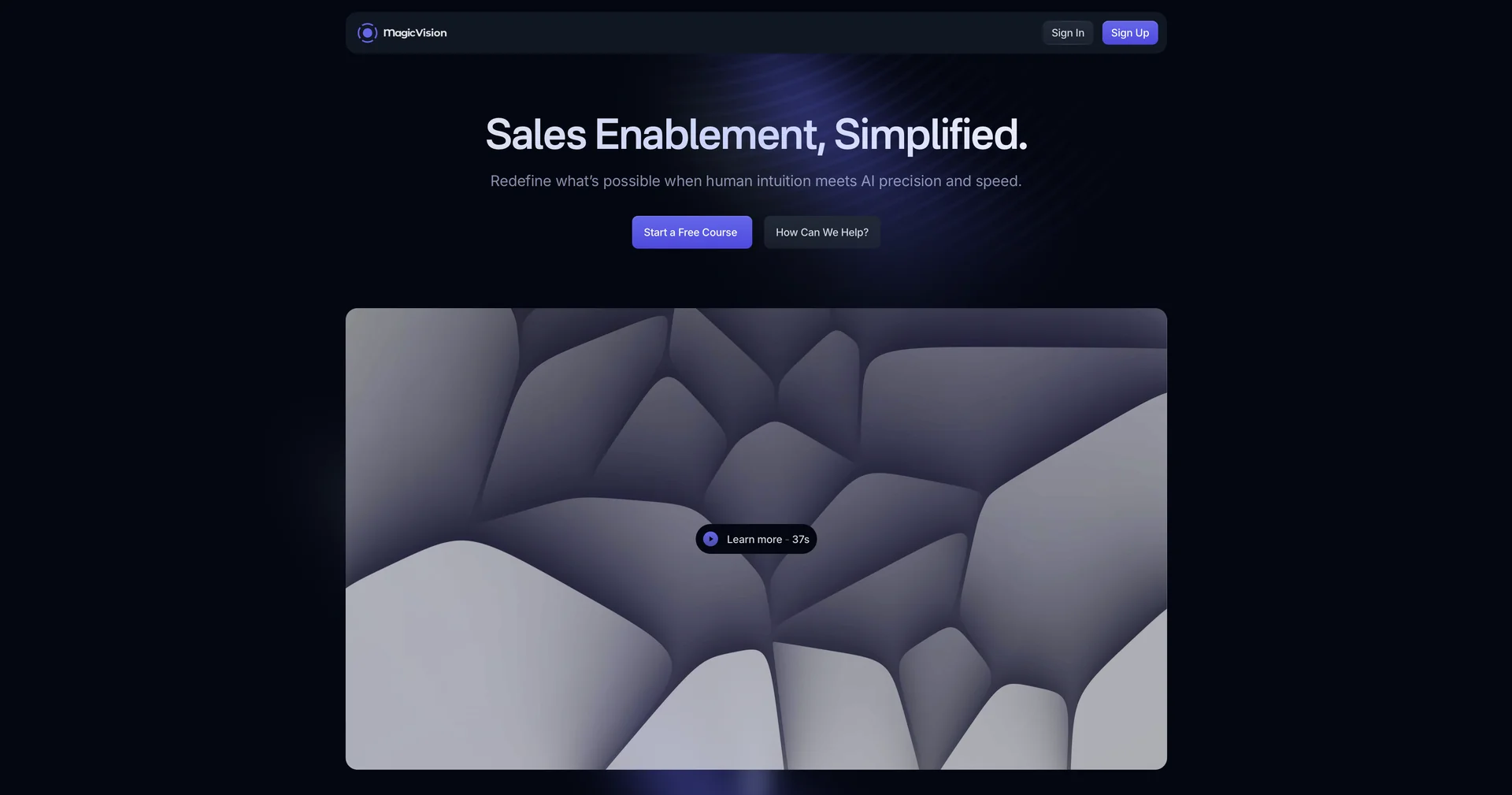
  • Enterprise Training & Enablement: A specialized module for sales teams that uses AI to create customized training programs and "sales playbooks" from internal company documentation.

  • Visual Anomaly Detection: Specialized for industrial and security use, the AI can detect imperfections or security anomalies in camera feeds and "upscale" the specific frames for review.

  • Seamless Cross-Platform Sync: Visualizations are generated with a "Live Link," meaning if you embed a Magic Vizion chart in a Notion page or a slide deck, it can update if the source data changes.

⭐️ User Experience (2026):

  • "Effortless Clarity": Rated 4.7/5 by data analysts and marketing managers. Users praise the tool for being "biologically intuitive," noting that it mimics how the human brain naturally tries to imagine visual patterns while reading.

  • Professional Finish: Even in its "One-Click" mode, the outputs are cited as being "presentation-ready," avoiding the clunky look often associated with automated chart tools.

💵 Pricing & Plans (March 2026 Status):

Magic Vizion follows a freemium model with specialized tiers for media creators and enterprises.

PlanPrice (Approx.)Key Features
Free Extension$0Unlimited basic visualizations; Public sharing; Standard resolution.
Pro / Creator~$25 / moPrivate projects; 4K media export; Advanced video editing tools; Custom domains.
Business / GTM~$50 / moTeam workspaces; Sales training module; API access for data sync; SSO.
EnterpriseCustomCustom ML model training; On-premise security features; Dedicated support.

🎁 How to Get Started:

Visit or download the Magic Vizion Chrome Extension. We recommend starting with a "Table-to-Chart" test: highlight a messy HTML table on any news site, right-click, and select "Magic Vizion" to see it transformed into a clean dashboard.

⚙️ Access or Source:

  • Official Website

  • Category: Data Visualization, AI Media Editing, Sales Enablement.

  • Primary Use Case: Transforming disorganized text and web data into professional-grade visuals, videos, and training materials with zero design skills required.

🔗 Experience Link:

https://magicvisionlabs.com

Pricing Details

💵 Pricing & Plans (March 2026 Status): Magic Vizion follows a freemium model with specialized tiers for media creators and enterprises. Plan Price (Approx.) Key Features Free Extension $0 Unlimited basic visualizations; Public sharing; Standard resolution. Pro / Creator ~$25 / mo Private projects; 4K media export; Advanced video editing tools; Custom domains. Business / GTM ~$50 / mo Team workspaces; Sales training module; API access for data sync; SSO. Enterprise Custom Custom ML model training; On-premise security features; Dedicated support. 🎁 How to Get Started: Visit or download the Magic Vizion Chrome Extension. We recommend starting with a "Table-to-Chart" test: highlight a messy HTML table on any news site, right-click, and select "Magic Vizion" to see it transformed into a clean dashboard.