️ Tool name: 🖼
AI Renamer
Tool category: 🔖
Automation and Smart Agents
Digital Asset Management
Editing/Enhancement/Resizing
No-code workflow
Programming and development tools
️ What does this tool offer? ✏
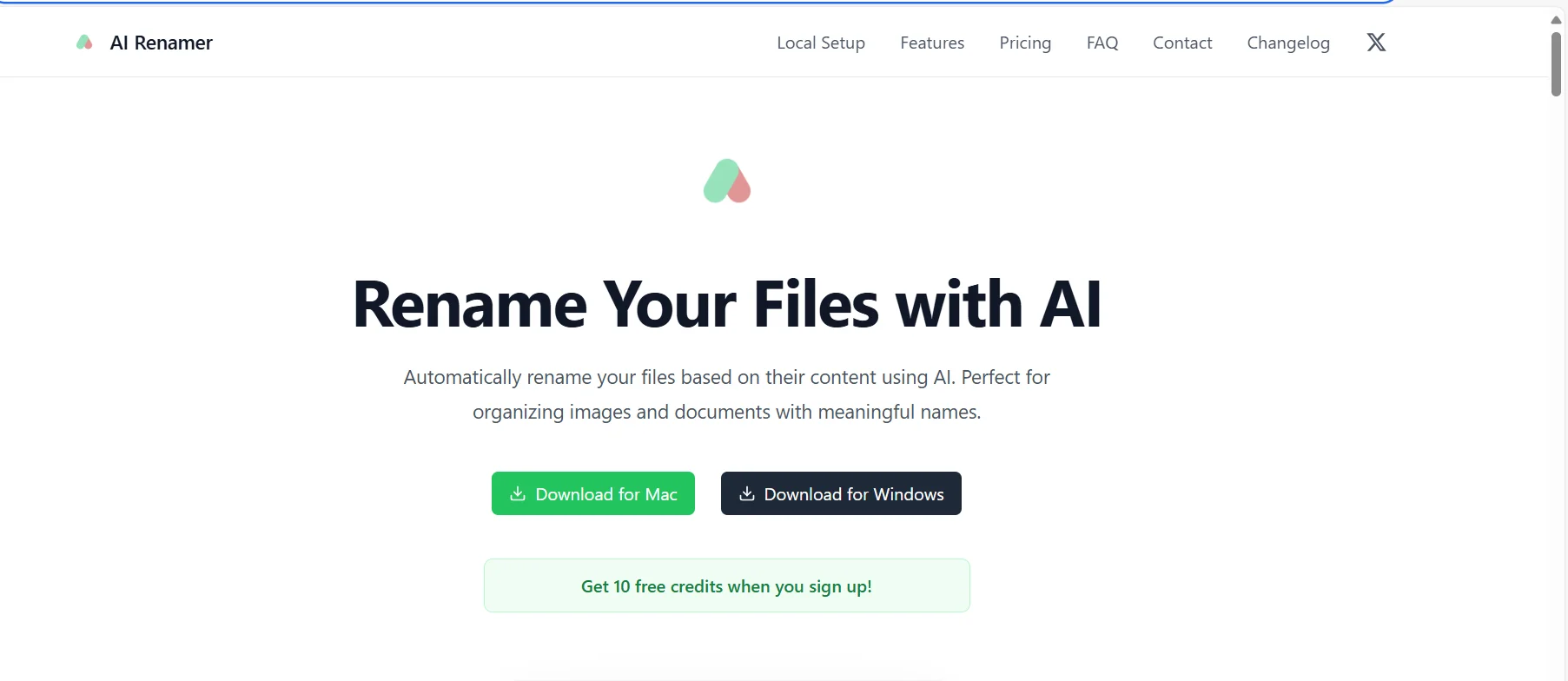
AI Renamer enables users to automatically rename files based on their content using artificial intelligence, making organizing photos and documents easier and more transparent. The tool supports all file types and works on Mac and Windows devices, with the option of using local or cloud models to meet different privacy and workload needs.
What does it actually offer based on user experience? ⭐
Users find AI Renamer fast and effective at analyzing image and document content and suggesting accurate and meaningful names. It allows you to rename large batches of files, add custom instructions to produce personalized naming patterns, and review suggested names before applying them. The tool is very useful for organizing digital offices and reducing the clutter caused by random file names.
Does it include automation? 🤖
Yes, the tool includes full automation for renaming files, analyzing content, and applying custom instructions. It can also be used to automatically rename large batches of files, either using local or cloud templates.
Pricing model: 💰
🆓 Free plan details:
Upon registration, users receive 10 free credits that can be used to try out the tool.
Paid plan details: 💳
Local Mode – $19 one-time
Includes integration with Ollama and LM Studio, support for OpenAI and custom models, local file processing to ensure privacy, unlimited renaming, support for all file types, and no file size limit.
Cloud Mode – $10 per 200 credits
Access to a selection of AI models, credits never expire, files processed privately in the cloud, 1 credit per rename, support for all file types, and a maximum file size of 10 MB.
How to access the tool: 🧭
AI Renamer can be accessed by downloading the application on Mac or Windows devices, with the option to choose local or cloud models as needed.
Trial link or official website: 🔗
https://airenamer.app/#pricing