Description

🖼 Tool Name:

QoQo 

🔖 Categories:

  • Knowledge Base & Self-Service

  • Summaries, Headlines & Ideas

  • No-Code Workflows

  • Analytics & Dashboards

  • Meeting Notes & Summaries

✏ What does this tool offer?

  • UX Discovery Companion: QoQo is an AI-powered assistant designed specifically for the early stages of the UX design process. It helps designers move from a blank slate to a structured plan within Figma or FigJam.

  • Persona Generation: Automatically creates detailed user personas—including goals, frustrations, and motivations—based on simple project descriptions or research data.

  • Journey & Affinity Mapping: Generates end-to-end user journey maps and organizes scattered brainstorming ideas into themed clusters using affinity mapping.

  • Information Architecture (IA): Helps structure website or app features into logical, hierarchical frameworks to ensure intuitive navigation.

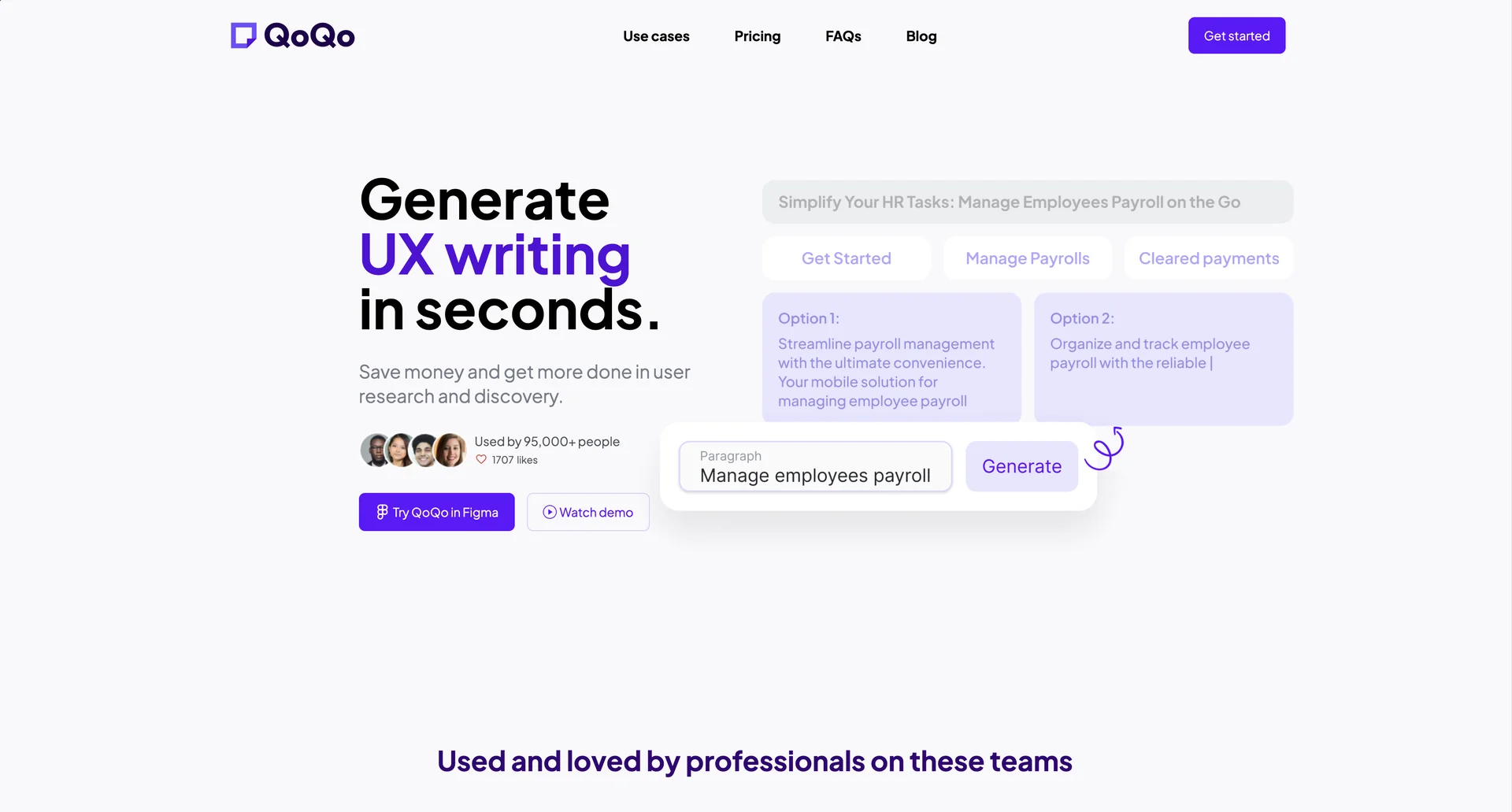
  • UX Copywriting: Provides a built-in assistant for generating UI copy, headlines, and microcopy directly in the design workspace.

  • Research Synthesis: Offers a "Document Chat" feature that allows designers to upload research notes or transcripts and ask questions to extract insights or summaries.

⭐ What does it actually offer based on user experience?

  • Bridge for "Blank Page" Syndrome: Designers frequently use it to generate "v1" drafts of personas and briefs, which saves hours of manual structuring and formatting.

  • High Workspace Integration: Unlike external chatbots, users love that QoQo lives inside Figma, allowing them to turn AI suggestions into color-coded sticky notes with a single click.

  • Stakeholder Communication: It is often used to quickly produce professional-looking briefs and interview scripts that can be presented to clients or product managers for early alignment.

  • Generic vs. Specific: Some users note that while it is excellent for general contexts, it requires manual refinement for niche industries where the AI might default to "no-brainer" advice (e.g., suggesting "easy to use" as a goal).

  • Privacy-Conscious: Professionals at companies like Salesforce and IBM use it because QoQo explicitly states that research data is not used for training their AI models without consent.

🤖 Does it include automation?

Yes, QoQo automates the structural heavy lifting of the UX discovery phase:

  • Automated Flowcharting: Can convert text prompts into visual diagrams and flowcharts within Figma.

  • One-Click Sticky Notes: Automatically formats AI-generated insights into editable Figma components, removing the need for copy-pasting.

  • Agentic Interview Preparation: Automates the creation of user interview scripts and discovery questionnaires based on the generated persona’s pain points.

  • Screenshot-to-Wireframe (Beta): Includes experimental automation that attempts to convert app screenshots into editable wireframe layers.

💰 Pricing Model

  • Item Details: Tiered Subscription (Free, Pro, Teams).

  • General Concept: Offers a highly accessible entry point with a free tier, while the full suite of mapping and chat tools requires a monthly or discounted annual subscription.

🆓 Free Plan Details

  • Feature: Basic UX Discovery Tools.

  • Cost: Free ($0/mo). Usually includes limited persona generations and basic access to the Figma plugin features.

💳 Paid Plans (2026 Estimates)

🔹 Individual Pro

  • Item: Price / Details: Approx. $7/month (or $4/month billed annually).

  • Item: Features / Details: Unlimited persona generation, journey mapping, affinity mapping, information architecture tools, and full chat assistant access.

🔹 Teams / Agency Plan

  • Item: Price / Details: Custom Quote (Volume discounts available).

  • Item: Inclusions / Details: Unified invoicing, team-wide collaborative features, priority support, and advanced security/privacy controls.

🧭 How to access the tool:

Mainly accessed as a Figma Plugin (available via the Figma Community). It can also be explored through their web portal at qoqo.ai.

🔗 Experience link or official website:

https://qoqo.ai

Pricing Details

💰 Pricing Model Item Details: Tiered Subscription (Free, Pro, Teams). General Concept: Offers a highly accessible entry point with a free tier, while the full suite of mapping and chat tools requires a monthly or discounted annual subscription. 🆓 Free Plan Details Feature: Basic UX Discovery Tools. Cost: Free ($0/mo). Usually includes limited persona generations and basic access to the Figma plugin features. 💳 Paid Plans (2026 Estimates) 🔹 Individual Pro Item: Price / Details: Approx. $7/month (or $4/month billed annually). Item: Features / Details: Unlimited persona generation, journey mapping, affinity mapping, information architecture tools, and full chat assistant access. 🔹 Teams / Agency Plan Item: Price / Details: Custom Quote (Volume discounts available). Item: Inclusions / Details: Unified invoicing, team-wide collaborative features, priority support, and advanced security/privacy controls. 🧭 How to access the tool: Mainly accessed as a Figma Plugin (available via the Figma Community). It can also be explored through their web portal at qoqo.ai.