PicWonderful

Description
🖼 Tool Name:
PicWonderful
🔖 Categories:
Text to Image GenerationObject & Background EditingEditing, Enhancement & Upscaling
✏️ What does this tool offer?
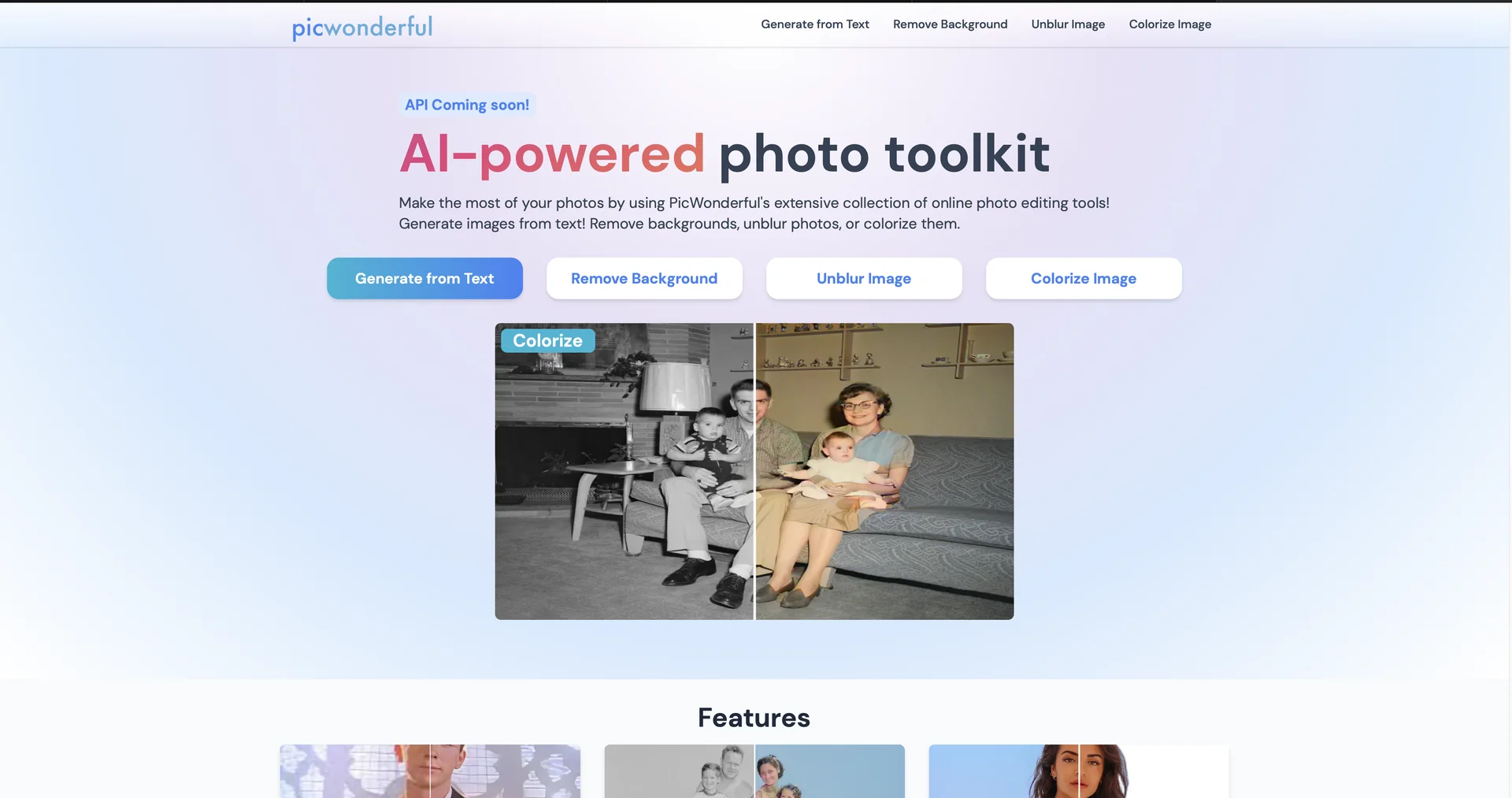
All-in-One AI Photo Toolkit: PicWonderful is an accessible web-based digital suite built to handle creative graphic tasks, combining smart asset generation with multi-layered design tools.
Text-to-Image Generation Core: Features an intuitive creative prompt input window that converts custom textual descriptions and style parameters into standalone digital artwork.
Intelligent Background Eraser & Replacer: Deploys deep image parsing tools to detect structural edges automatically, allowing users to remove distracting backdrops or substitute them with solid studio color fills.
Multi-Format Image Enhancer: Houses dynamic 2x image upscaling algorithms, sharpening features, and custom color balancers designed to unblur, clarify, and fix pixelated photography assets.
AI Object Erasing Canvas: Integrates an interactive brush tool that lets creators paint over unwanted defects, background people, text callouts, or watermarks to run immediate, blending visual patches.
Vintage Monochrome Colorization Engine: Includes a single-tap colorizing module that analyzes vintage black-and-white or grayscale photographs to accurately add realistic color layers.
⭐ What does it actually offer based on user experience?
Extremely Low Learning Curve: E-commerce operators, ad planners, and social media managers value the platform's straightforward layout, noting it delivers clean results without requiring complex photo editing software skills.
Saves Heavy Design Overhead: Small business owners praise the one-click background remover, stating it allows them to produce professional-grade product graphics on a limited budget.
Breathes New Life Into Old Memories: Casual users and archival hobbyists highlight the colorization feature for its speed and color balance accuracy when processing family photo collections.
🤖 Does it include automation?
Yes, PicWonderful utilizes graphic analytics and transformation automation:
Automated Object Isolation: Autonomously senses and cuts out foreground subject profiles from raw image uploads in seconds.
Autonomous Inpainting Blending: Programmatically computes surrounding pixel patterns to fill and texture deleted object zones seamlessly.
Live Resolution Upscaling: Automatically increases dimensions and enhances facial clarity upon selecting the optimization tool.
💰 Pricing Model
Item Details: Freemium File-Quota Monthly Subscription SaaS.
General Concept: Keeps foundational photo-altering and prompt toolboxes open for free evaluation tier users, routing heavier graphic output generation and advanced queue priorities through low-cost monthly plans.
🆓 Free Plan Details
Feature: Baseline Evaluation Workspace.
Details: Registration grants immediate access to the web editor panel, allowing users to test core functions like basic image generating, text editing, hashtag creation, and standard resolution image downloading with typical processing caps.
Cost: Free ($0 entry sandbox tier).
💳 Paid Plans (Official 2026 Standards)
🧭 How to access the tool:
Digital art can be generated from text, image backgrounds cleanly dropped, and low-res graphics enhanced by launching the editor dashboard directly inside your web browser at picwonderful.com.