Berrycast
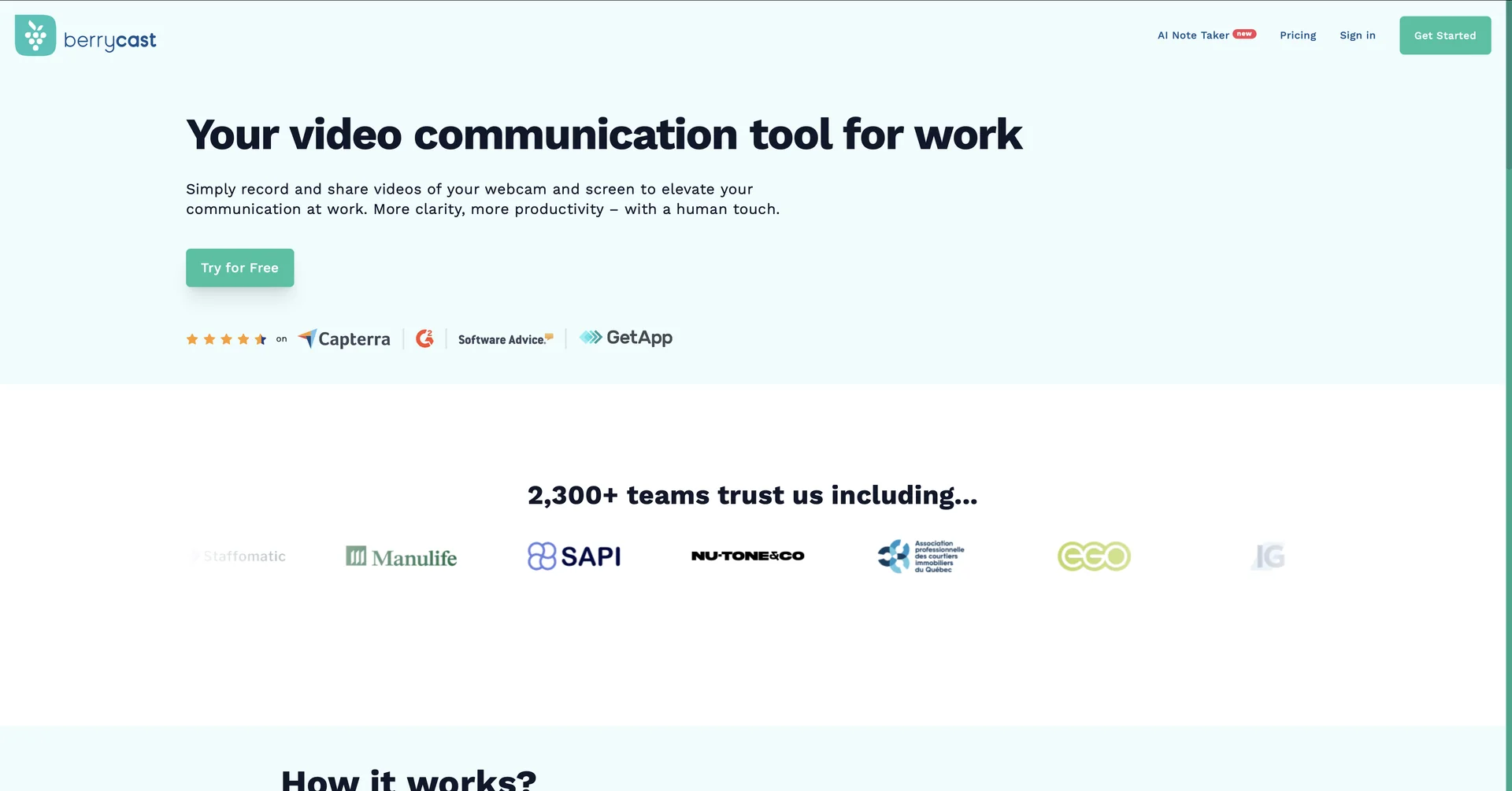
Features
- Screen recording with webcam and audio in one feed
- Works on Windows, Mac and web browsers
- Instant shareable links when recording stops
- AI transcription in multiple languages
- AI Writer drafts meeting outlines, summaries, action items and follow-up emails
- Timestamped comments from viewers who need no account
- White-label custom domains, player colors and logos
- Annotation and video trimming tools
Pricing Details
💰 Pricing Model Item Details: Freemium / Tiered Monthly & Annual Per-User Subscription SaaS. General Concept: Keeps basic 10-video counts open under a cost-free model, while routing unlimited recording caps, AI writing features, and enterprise-focused tracking assets through dedicated plans. 🆓 Free Plan Details Feature: Open Free Account Track. Details: Unlocks access to foundational desktop recording tools, screen annotation, video trimming tools, and a quota of up to 10 videos per month. Cost: Free ($0 open entry model). 💳 Paid Plans (Official 2026 Standards) Subscription Tier Pricing Matrix Structure Included Quotas, Recording Allowances & AI Tools 🚀 Starter Plan $16.00 / user / month ($192 billed annually) Unlocks unlimited video count hosting, unlimited recording lengths, direct file uploads up to 2GB, and no-signup client video feedback loops. ⚡ Professional Plan $18.00 / user / month ($216 billed annually) Everything in Starter plus custom domain white-labeling, brand colors, custom logos, and 2 hours/month of AI Writer transcript summaries. 🏢 Enterprise Plan $29.00 / user / month ($348 billed annually) Tailored for large teams. Unlocks unlimited AI Writer assistants, unlimited multi-language transcriptions, structured collaborative spaces, and granular viewer analytics.