Opera AI
Features
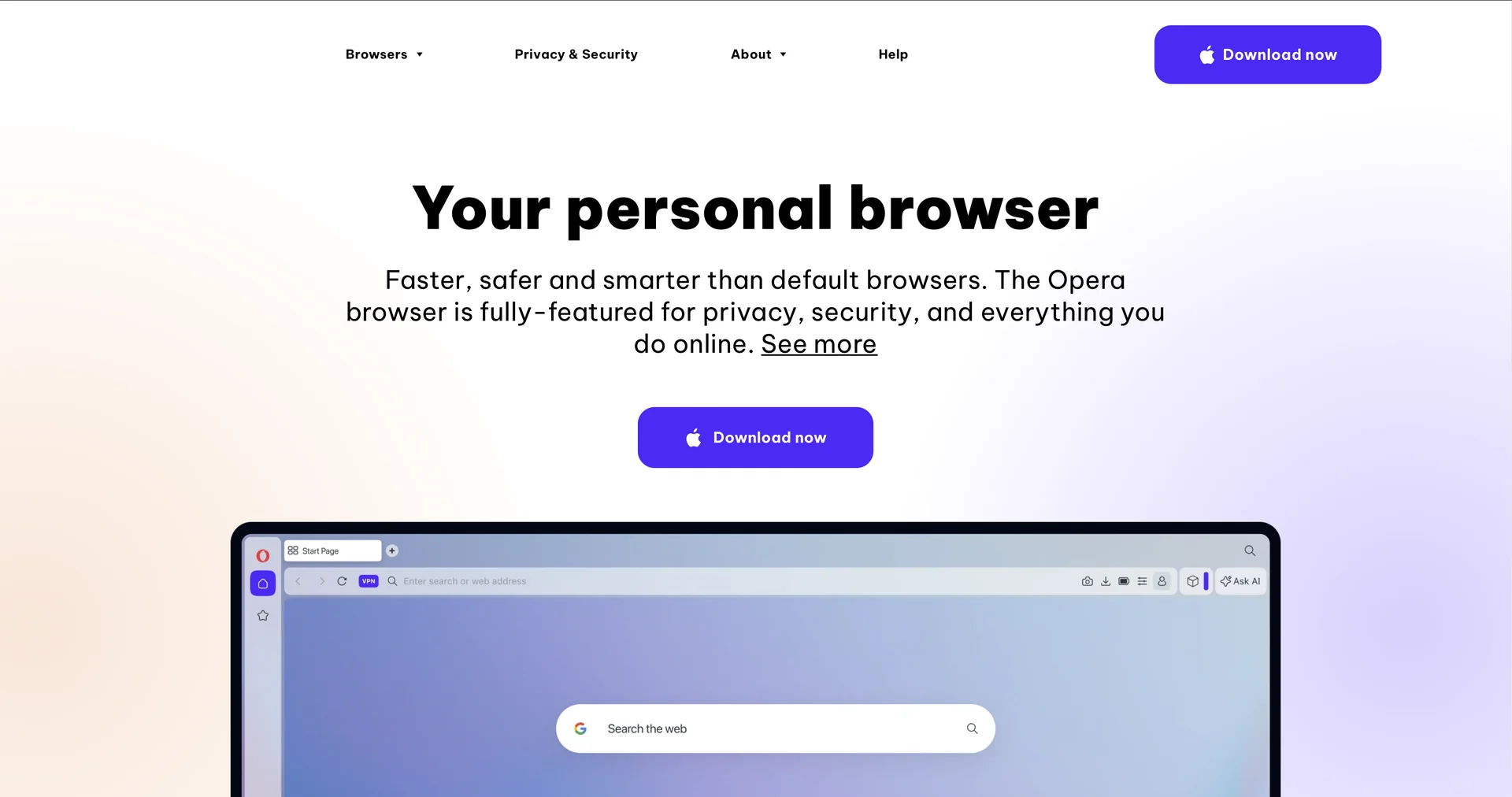
- Context-aware AI assistant in the sidebar and address bar
- Summarizes webpages and compares products across tabs
- Analyzes uploaded PDFs, spreadsheets and images
- Generates images and device wallpapers from text prompts
- Voice input and read-aloud output in 50+ languages
- Free built-in VPN, ad and tracker blocker, and clipboard protection
- Tab Islands to group related tabs and Workspaces to separate contexts
- Sidebar access to messengers such as WhatsApp, Slack and Discord
Pricing Details
💰 Pricing Model Item Details: Free Web Browser / Optional Premium Add-ons. General Concept: Opera is free to download and includes core Opera AI, Ad Blocker, and Free VPN at no cost.Optional paid upgrades exist for VPN Pro or experimental agentic desktop browsers (e.g., Opera Neon). 🆓 Free Access Details Feature: Complete Free Core Desktop & Mobile Browser. Details: Anyone can download and use Opera with full access to built-in Opera AI chat, text-to-image generation, ad blocking, and unlimited free VPN without requiring a paid subscription. Cost: Free ($0). 💳 Subscription / Tier Options (Official Standards) Tier / Feature Price Structure Primary Workspace Scope & Allowances 🌱 Opera Browser (Standard) Free ($0) Full web browser, native Opera AI assistant, free VPN, ad blocker, Tab Islands, and sidebar integrations. 🚀 VPN Pro Upgrade From ~$4.00 - $8.00 / mo System-wide VPN protection covering up to 6 devices with high-speed dedicated servers. 🤖 Opera Neon (Agentic Browser) $19.90 / mo Autonomous AI agentic browser with multi-LLM access (Chat, Do, Make agents) for executing complex multi-step web workflows.