Description
🖼 Tool Name:
Animatable AI
🔖 Approved Categories:
Text and Images to VideoSocial Templates & Auto-EditingEditing, Enhancement & Upscaling
✏️ What does this tool offer?
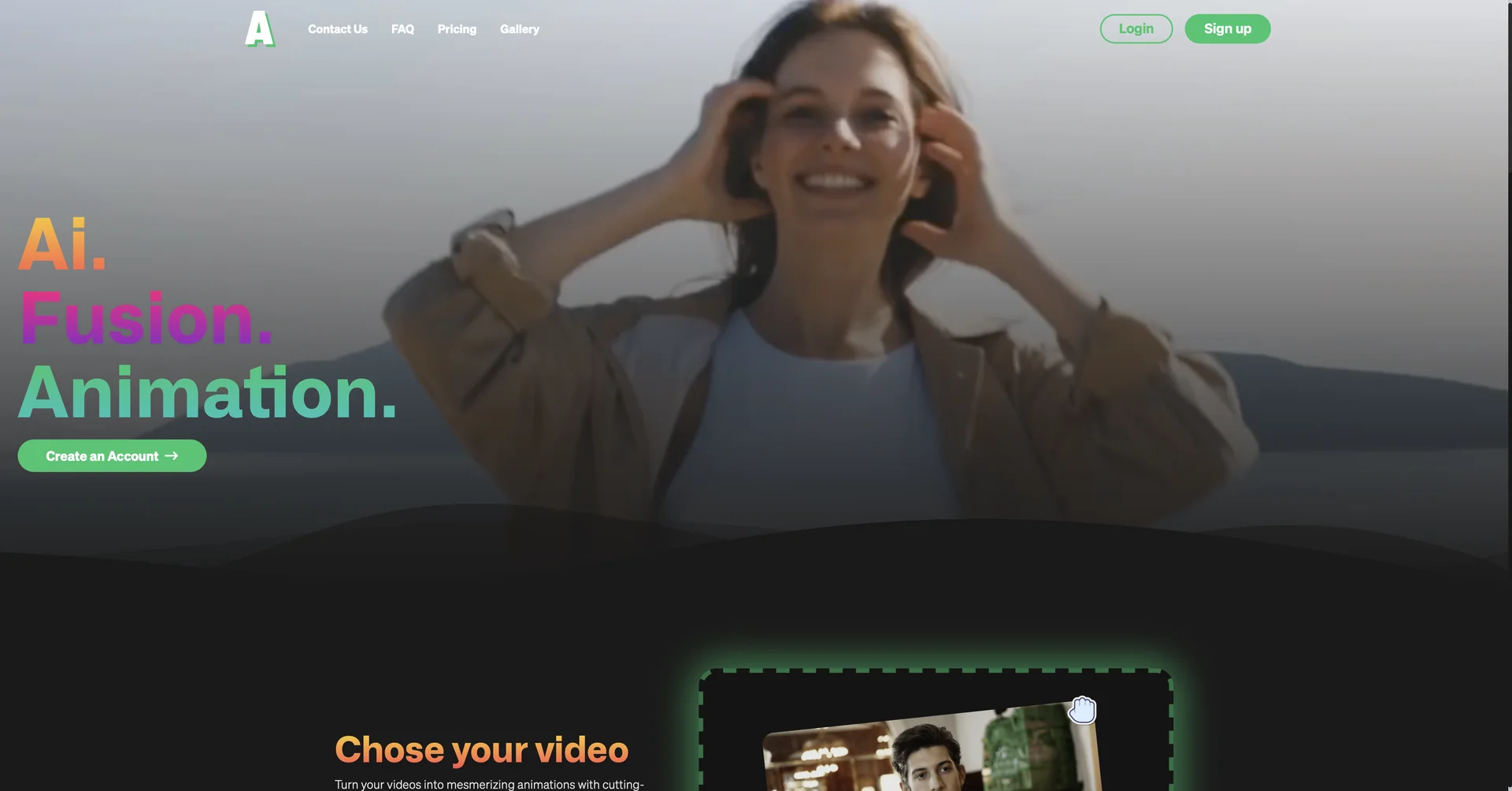
AI Video-to-Video Animation: Animatable AI is an AI-powered platform that converts real-world videos into animated clips.
Artistic Style Selection: Offers a diverse library of aesthetic presets (such as Anime, Comic, and Cartoon) to transform raw footage.
Prompt-Based Customization: Enables users to fine-tune scene details via text prompts, allowing modifications to hair color, clothing, eye color, or background elements.
Image Preview Mode: Allows generating a single preview frame to verify the look and style before spending credits on rendering the full video.
⭐ What does it actually offer based on user experience?
Fast Social Media Video Creation: Helps creators on TikTok, Instagram, and YouTube generate eye-catching stylized shorts without complex editing tools.
Cost-Effective Animation: Serves as a budget-friendly alternative for indie creators and freelancers who need short animated sequences without hiring an animation studio.
Straightforward Workflow: Processes video transformations in about 1 minute per second of footage.
🤖 Does it include automation?
Yes, the platform automates video rendering and style mapping:
Automated Video Stylization: Automatically applies chosen visual styles across all video frames to maintain motion consistency.
Automated Prompt Mapping: Maps textual user inputs directly to subject and background details during generation.
💰 Pricing Model
Item Details: Credit-Based Monthly Subscriptions.
General Concept: Uses a credit system (1 second of video = 7 credits; 1 preview image = 1 credit). Paid plans include full commercial rights and monthly credit roll-overs.
🆓 Free Access Details
Feature: Trial / Freemium Access.
Details: Lets new users test features and preview outputs before committing to a paid tier.
Cost: Free ($0) Base Access.
💳 Access & Subscription Options (Official Standards)
🧭 How to access the tool:
Your video-to-animation transformations, prompt tweaking, and visual styling workflows can be launched by visiting.