Beam Eye Tracker
Description
🖼 Tool Name:
Beam Eye Tracker
🔖 Approved Categories:
Gaming & Motion DynamicsRPA & Task AutomationDocs & Software Development Kit
✏️ What does this tool offer?
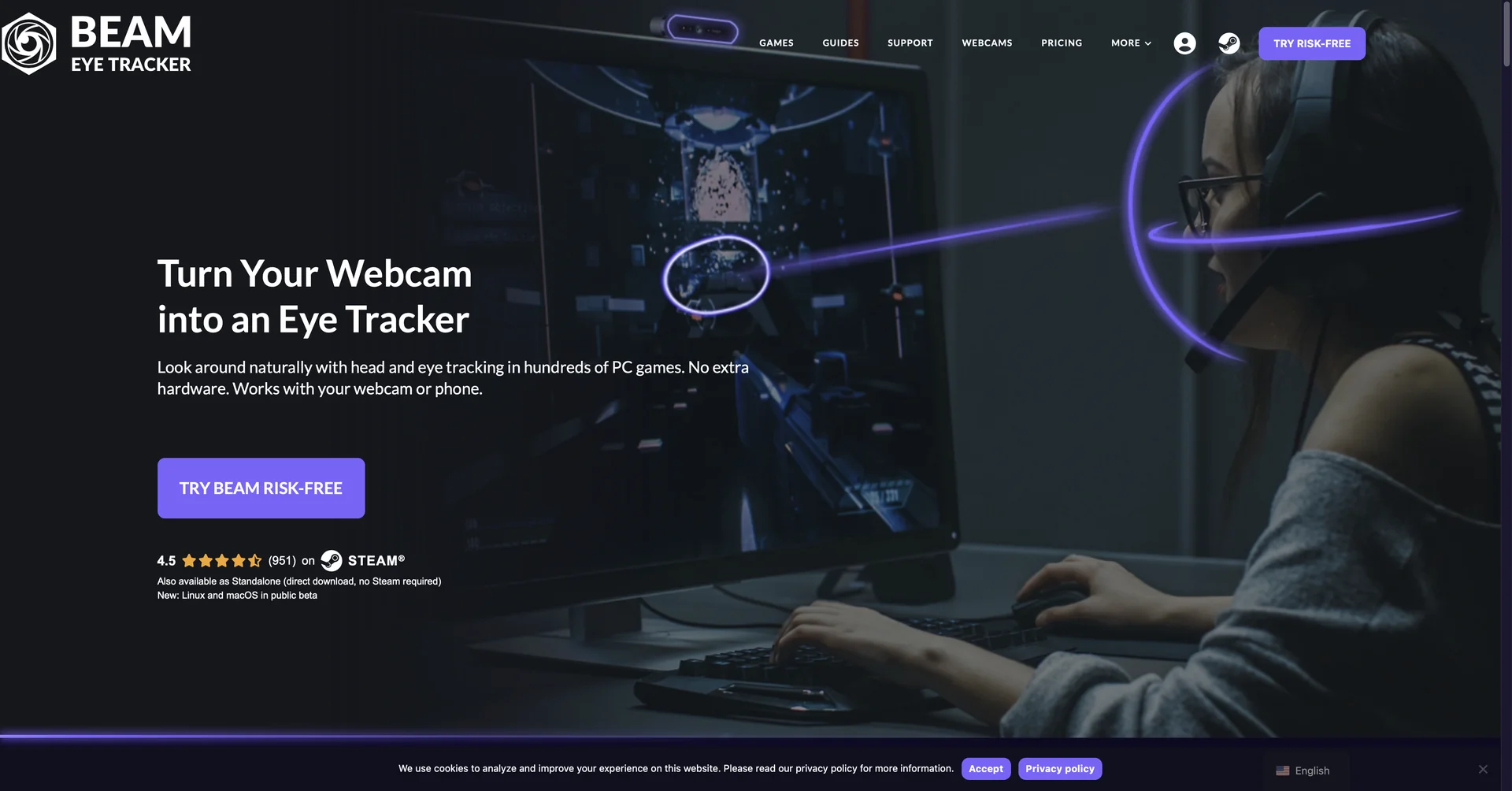
AI-Powered Webcam Eye & Head Tracker: Beam Eye Tracker by Eyeware Tech is software that converts a standard PC webcam or iOS/Android smartphone camera into an AI head- and eye-tracking device without dedicated hardware.
6DoF Head Tracking & Gaze Control: Delivers 6 Degrees of Freedom (6DoF) head tracking (yaw, pitch, roll, translate) alongside eye-gaze tracking to control in-game camera angles dynamically in flight, space, and racing simulators.
Streaming Gaze Overlay: Generates a real-time visual eye-gaze bubble overlay for live-streaming software (e.g., OBS, Streamlabs) to show viewers where the creator is looking.
Windows Productivity & Accessibility Tools: Features functions like "Mouse Jump" (teleporting the cursor to where the user looks), multi-monitor pointer control, screen blur privacy filters, and presence detection.
100% Local On-Device Processing: Runs processing locally on the user's machine to safeguard biometric data privacy.
⭐ What does it actually offer based on user experience?
Hardware-Free Immersion: Replaces expensive Tobii hardware or TrackIR headsets by leveraging existing webcams or mobile camera feeds.
Enhances Simulator Gameplay: Provides hands-free camera navigation for simulator titles like Euro Truck Simulator 2, Microsoft Flight Simulator, War Thunder, and Star Citizen.
Improves Stream Engagement & Esports Analysis: Allows gamers to record gaze patterns to evaluate spatial awareness, check minimap discipline, and share interactive clips.
🤖 Does it include automation?
Yes, Beam Eye Tracker automates head pose estimation, gaze tracking, and screen interactions:
Automated Biometric Vision Parsing: Programmatically tracks eye movement and 6DoF head angles using computer vision algorithms without manual calibration targets.
Automated Screen & Pointer Triggers: Automatically shifts mouse focus, locks the screen on step-away detection, or blurs unfocused display areas.
💰 Pricing Model
Item Details: One-Time Purchase / Free Demo.
General Concept: Distributed as a one-off software license (available directly on their website or via Steam) with no monthly SaaS subscriptions.
🆓 Free Access Details
Feature: Free Trial / Demo.
Details: Users can download a free trial demo on Windows (or test the public beta on macOS/Linux) to calibrate their webcam before buying.
Cost: Free ($0) Demo Access.
💳 Access & Subscription Options (Official Standards)
🧭 How to access the tool:
Your AI webcam eye tracking, 6DoF head movement, and streaming gaze overlay workflows can be launched by visiting or finding it on.