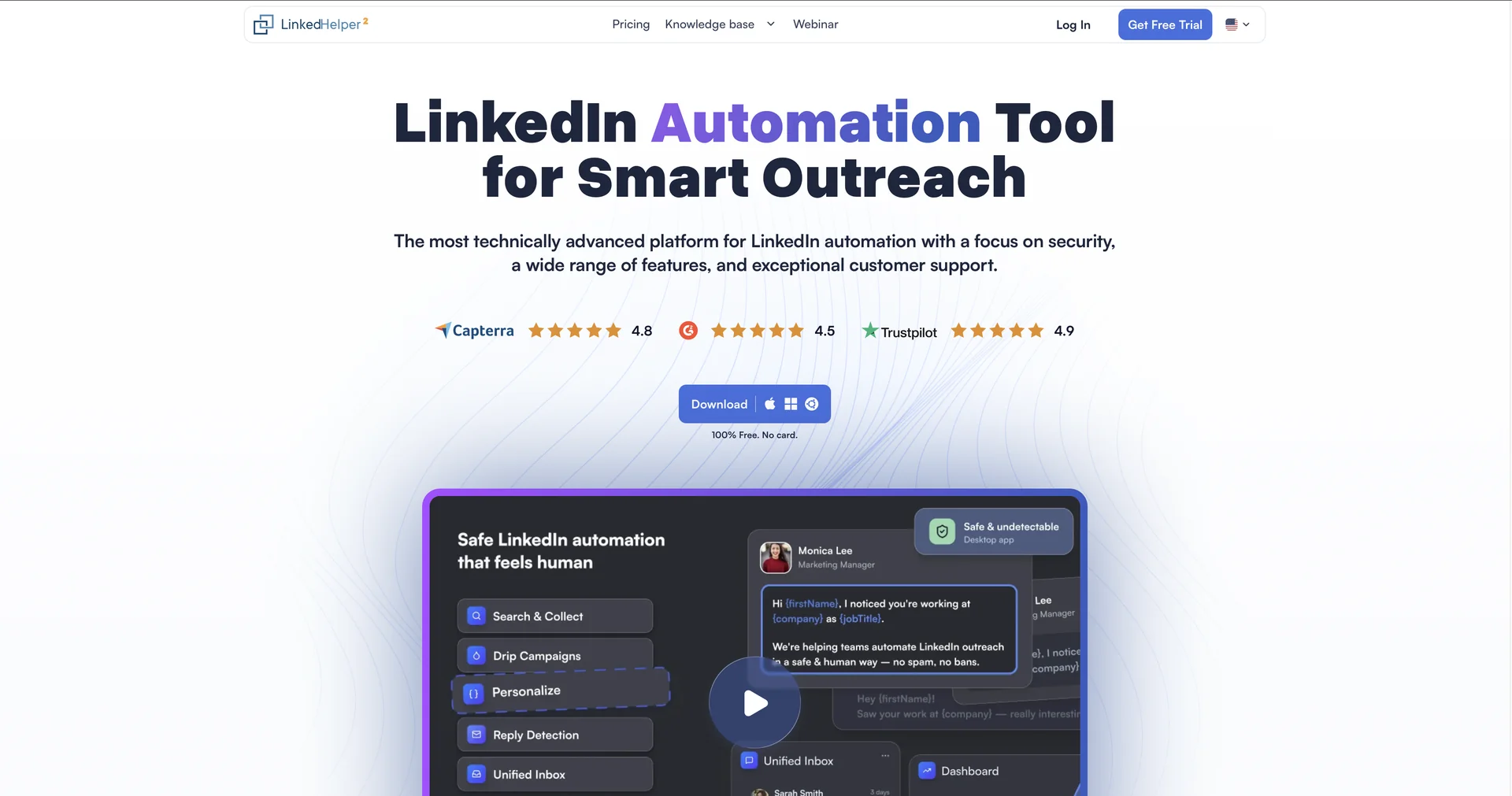
Description
🖼 Tool Name:
Linked Helper
🔖 Categories:
CRM & Deal Tracking
Cold Email & Sequences
RPA & Task Automation
Business Docs Automation
Analytics & Dashboards
Integrations & APIs
✏ What does this tool offer?
Linked Helper is a powerful desktop-based automation software designed to mimic human behavior on LinkedIn, making it one of the safest tools for lead generation and networking.
It allows users to build Smart Drip Campaigns with multi-step workflows, including profile visits, personalized connection requests, and conditional follow-up messages based on lead interaction.
The platform features a Built-in CRM that enables users to organize leads with tags and notes, track conversation histories, and manage pipelines directly within the app.
It includes an Email Finder tool capable of uncovering verified business emails and phone numbers for 2nd and 3rd-degree connections, even if they aren't in your immediate network.
Compatible with all LinkedIn versions: Basic, Premium, Sales Navigator, and Recruiter (Lite/Corporate).
⭐ What does it actually offer based on user experience?
High Safety Standards: Because it runs locally on your computer and uses a custom browser that simulates human mouse movements and typing delays, it is widely considered safer than most cloud-based alternatives.
Massive Workflow Flexibility: Users can automate over 20 specific actions, such as auto-endorsing skills, inviting connections to follow company pages, and messaging group members or event attendees.
Cost-Efficiency: It is recognized as one of the most affordable professional tools on the market, especially for solo founders and small agencies.
Agency-Friendly: Its local database architecture allows agencies to manage multiple LinkedIn accounts from one interface without mixing data.
Detailed Analytics: The dashboard provides clear metrics on acceptance rates, reply rates, and overall campaign performance to help refine outreach strategies.
🤖 Does it include automation?
Yes, Linked Helper is built entirely on RPA (Robotic Process Automation) to handle manual LinkedIn tasks:
Automated Lead Sourcing: Automatically extracts leads from search results, group lists, or post engagement.
Automated Sequence Logic: Features "Reply Detection" to automatically pause sequences once a lead responds.
Automated Data Enrichment: Silently scrapes profile data and finds contact information during campaign execution.
Automated Integration Workflows: Uses webhooks to automatically push new leads or messaging history to external CRMs like HubSpot, Pipedrive, or Zapier (Pro feature).
💰 Pricing Model
Item Details: Model Type: Subscription-based (Monthly/Yearly).
General Concept: It offers a tiered model based on the level of automation and integration needed. Significant discounts (up to 45%) are applied for annual commitments.
🆓 Free Plan Details
Feature: Free Trial / Details: A 14-day full-feature trial is available (no credit card required) that includes all Pro-level functionalities.
Cost: Free to try.
💳 Paid Plans 🔹 Standard Plan
Item: Price / Details: $15.00/month (or $8.25/mo billed annually).
Item: Features / Details: Unlimited campaigns, basic automation, LH CRM, and up to 620 email finder credits per month. Note: Some daily actions like group messaging are capped at 20/day.
🔹 Pro Plan
Item: Price / Details: $45.00/month (or $24.75/mo billed annually).
Item: Inclusions / Details: Everything in Standard plus unlimited daily actions, 3,100 email finder credits, webhooks for CRM integration, and priority support.
🧭 How to access the tool:
Desktop application available for Windows, macOS, and Linux. It must be downloaded and installed from the official website
🔗 Experience link or official website: