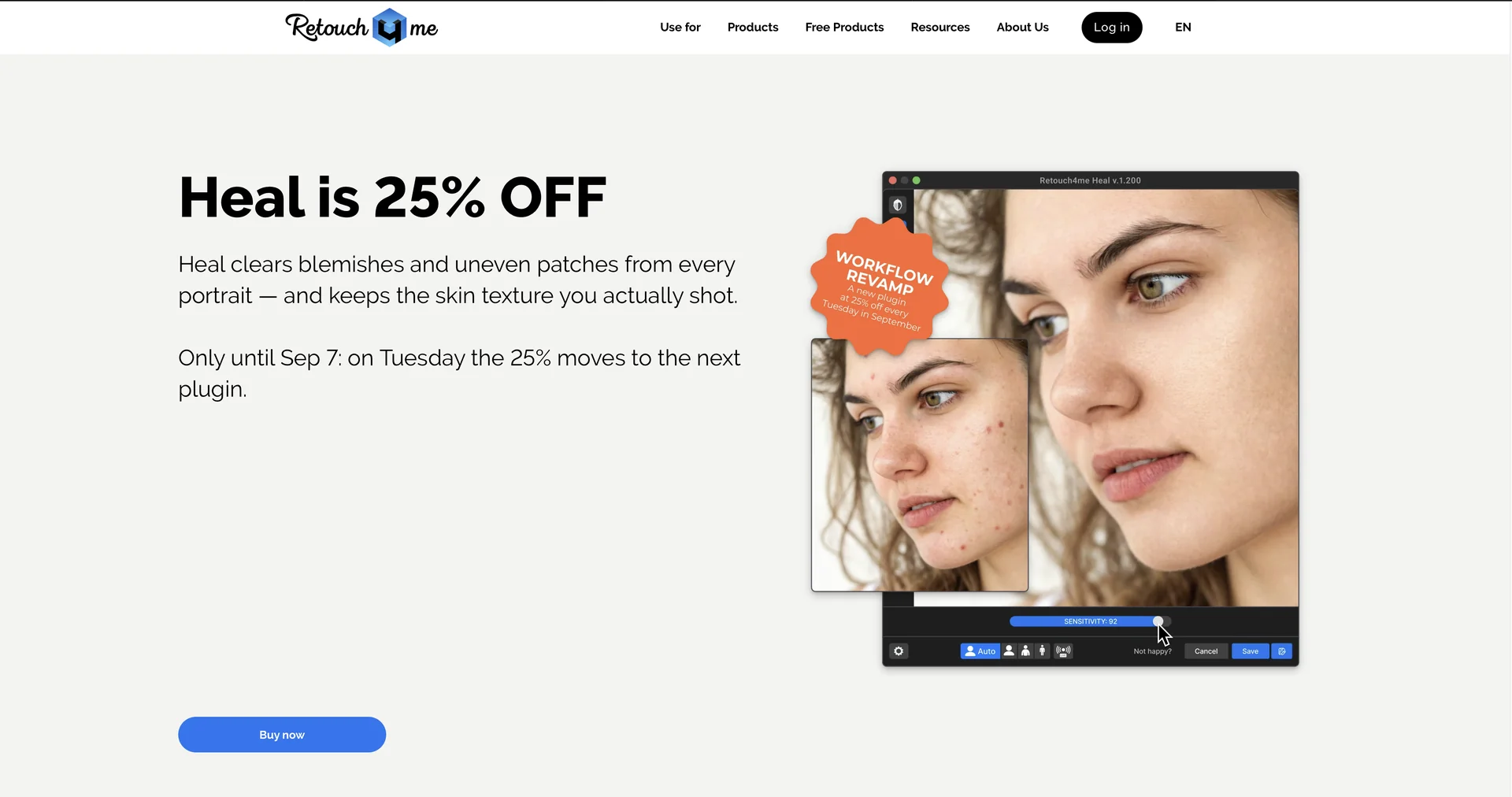
Description
🖼 Tool Name:
Retouch4me
🔖 Approved Categories:
Editing, Enhancement & UpscalingRPA & Task AutomationIntegrations & APIs
✏️ What does this tool offer?
AI-Powered Photo & Video Retouching Plugins: Retouch4me provides specialized neural-network-driven plugins for professional portrait retouching, skin correction, and studio photo/video post-production.
Modular Neural Network Architecture: Features individual, dedicated AI plugins for specialized tasks including Heal (blemish/acne removal), Dodge & Burn, Skin Tone Evening, Stray Hair Removal, White Teeth, Eye Brilliance, and Fabric Wrinkle Smoothing.
Studio & Commercial Automation: Includes commercial tools such as Clean Backdrop (removes studio floor dirt), Dust Removal, Auto Crop, and Mask Anything (text-prompt selection masking).
Integrations & Cloud Ecosystem: Works natively as plugins inside Adobe Photoshop, Lightroom, Capture One, and DaVinci Resolve (for video), while also offering a standalone panel, Cloud Retouching, and Apex/Arams batch-processing tools.
⭐ What does it actually offer based on user experience?
Preserves Natural Skin Texture: Unlike basic blur filters, Retouch4me performs non-destructive frequency-separation style retouching, leaving pores and fine details intact.
Drastically Accelerates High-Volume Editing: Enables wedding, newborn, event, and school album photographers to batch process hundreds of photos in a fraction of the time.
Professional Workflow Control: Allows retouchers to output results onto separate layer masks in Photoshop for full manual fine-tuning.
🤖 Does it include automation?
Yes, Retouch4me automates facial feature detection, mask generation, skin correction, and batch photo/video processing:
Automated Feature Detection & Masking: Programmatically identifies faces, eyes, skin areas, clothing wrinkles, and backdrop dust to generate targeted adjustment masks.
Automated Batch Processing: Executes automated retouching pipelines across entire directories or shoots without manual intervention.
💰 Pricing Model
Item Details: Perpetual One-Time Licenses / Cloud Subscriptions & Pay-As-You-Go Packs.
General Concept: Individual plugins are sold as one-time perpetual licenses (ranging ~$99–$149 per plugin), while cloud users can purchase credit packs or monthly subscription plans (starting from ~$14–$20/month).
🆓 Free Access Details
Feature: Free Demo Versions / Free Frequency Separation & Color Match Plugins / 20 Free Cloud Retouches.
Details: Users can download free demo versions for each plugin, claim 20 free cloud retouches upon sign-up, and access free standalone plugins like Frequency Separation.
Cost: Free ($0) Demos & Base Tools.
💳 Access & Subscription Options (Official Standards)
🧭 How to access the tool:
Your AI portrait retouching, automated skin correction, and photo/video batch processing workflows can be launched by visiting.