Blender Copilot
Description
🖼 Tool Name:
Blender Copilot
🔖 Approved Categories:
3D Modeling & RenderingCode Generation & ReviewRPA & Task AutomationIntegrations & APIs
✏️ What does this tool offer?
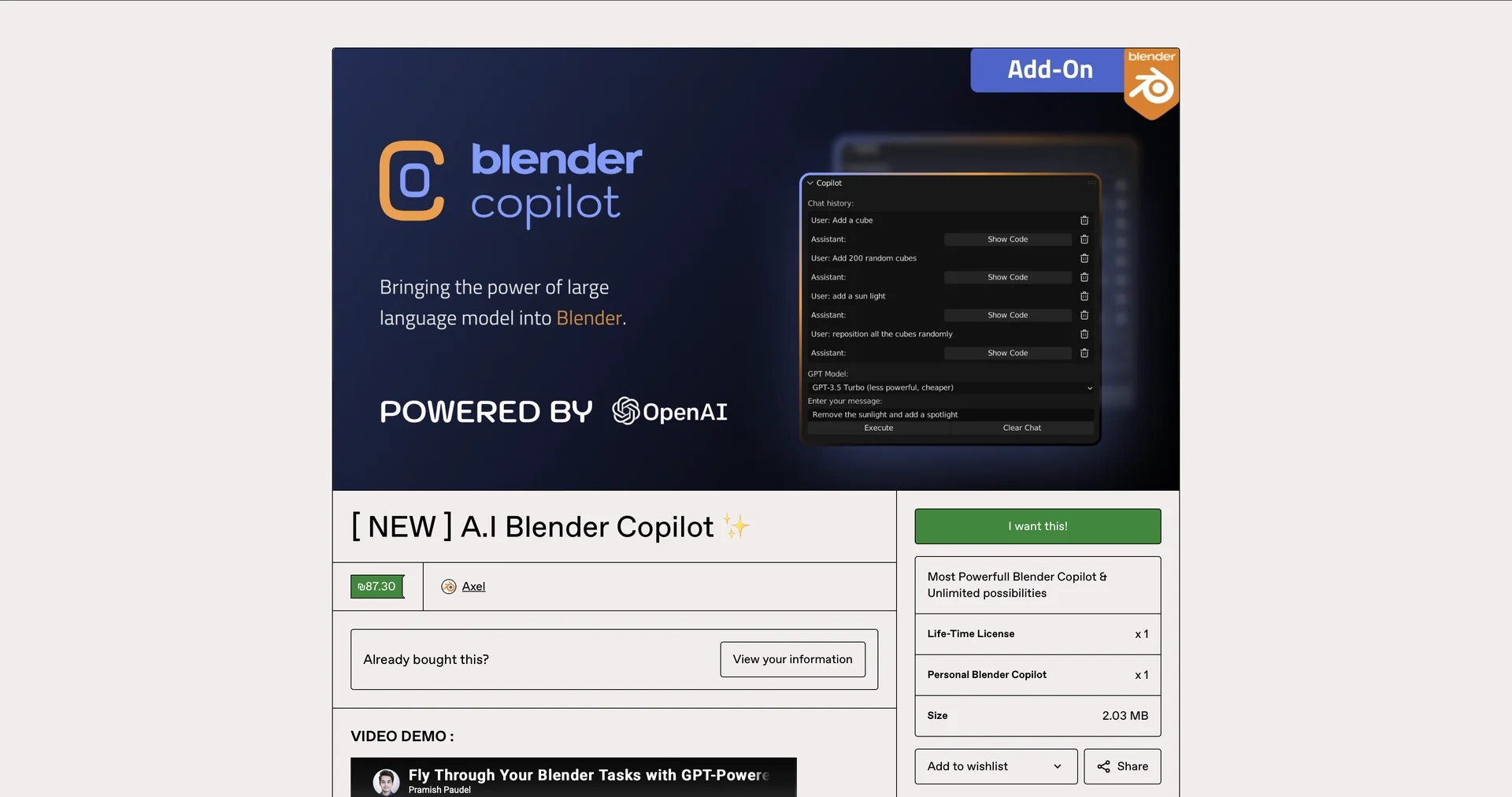
AI-Powered Blender 3D Sidebar Assistant: Blender Copilot is an AI integration addon built directly into Blender's sidebar interface that leverages OpenAI models to streamline 3D creation and automation.
Natural Language to Blender Python Execution: Translates plain-text instructions (e.g., "create a low-poly tree", "set up a 3-point studio lighting rig") into executable Blender Python (
bpy) code blocks that run directly on the active scene.Automated Material & Scene Setup: Generates procedural object geometry, assigns Principled BSDF materials, adjusts shader properties, configures modifier stacks, and manages camera positioning via natural prompts.
In-Editor Troubleshooting & Script Repair: Identifies execution errors, diagnoses syntax issues in
bpyscripts, and assists users in fixing scene setups without leaving Blender's UI.
⭐ What does it actually offer based on user experience?
Eliminates Manual Python Scripting: Saves significant time for 3D artists, technical directors, and game developers by replacing manual
bpycode writing with natural language prompts.Lowers the 3D Technical Learning Curve: Helps beginners navigate Blender's complex node systems, operator configurations, and nested menu settings without leaving the software.
Accelerates Prototyping: Allows creators to generate scene layouts, lighting setups, and base object shapes in seconds for rapid visual block-outs.
🤖 Does it include automation?
Yes, Blender Copilot automates natural language code synthesis, scene building, and shader assignment:
Automated Python Script Execution: Programmatically generates and executes
bpycode within Blender's built-in Python interpreter.Automated Scene Assembly: Parses prompt instructions to build primitive objects, apply procedural modifiers, and configure lighting nodes without manual viewport clicks.
💰 Pricing Model
Item Details: One-Time Purchase / Pay-What-You-Want Digital License (Gumroad).
General Concept: Distributed as a digital add-on download on Gumroad, operating on a Bring-Your-Own-Key (BYOK) model that requires a connected personal OpenAI API key.
🆓 Free Access Details
Feature: Pay-What-You-Want Base Add-On File.
Details: Base add-on files can often be obtained for free or nominal charges on Gumroad, though ongoing token consumption relies on personal OpenAI API usage.
Cost: Free ($0+) Base Download (BYOK OpenAI API required).
💳 Access & Subscription Options (Official Standards)
🧭 How to access the tool:
Your AI-assisted 3D modeling, automated Blender Python scripting, and scene creation workflows can be launched by visiting Blender Copilot.