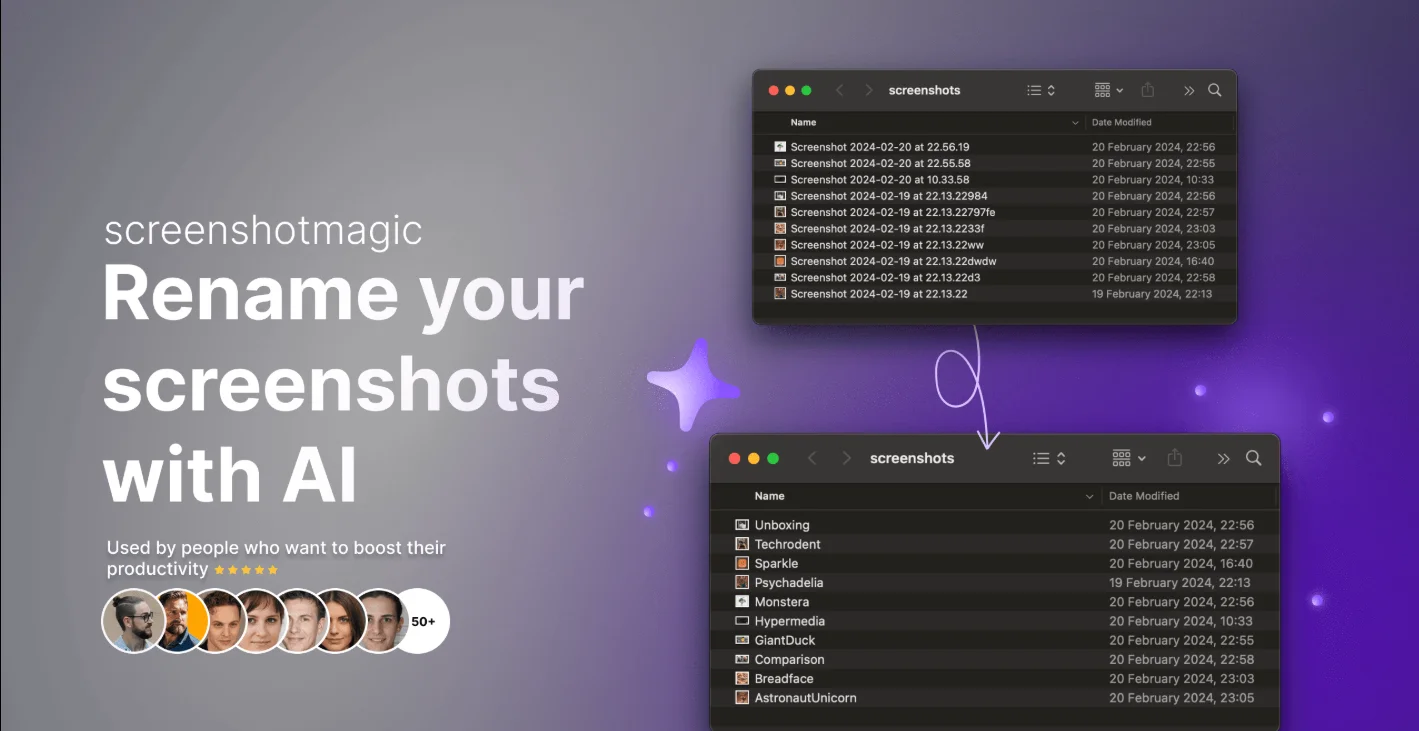
Description
️ 🖼Tool Name:
ScreenshotMagic
🔖 Tool Category:
Optimization/Improvement/Enhancement (in terms of data organization)
Data and Analytics
Digital Asset Management
Productivity and Scheduling
Teacher Tools, Test Evaluation, and Quality Assurance
️ ✏What does this tool offer?
The tool is integrated with the ScreenshotMagic platform and automatically renames screenshots using artificial intelligence. Every screenshot with a random or incomprehensible name is converted into a clear, descriptive name such as “homepage-design” or “pricing-page-analysis,” reducing desktop clutter and making file retrieval faster and easier.
The tool offers personalized control through the Tailored Renamingfeature, allowing users to customize the naming style to their needs, such as “two-word names only” or “no suffixes.” The tool runs entirely in the background, without requiring you to open the app or alter your daily screenshot routine, making it easy to use and efficient.
⭐ Strengths:
• Automatically organizes screenshot files and reduces clutter
• Customize the naming scheme according to user preferences
• Runs in the background without user intervention
• Simple interface and small app size (~10MB)
• Supports macOS Ventura and Sonoma
• Low one-time price ($19) with clear value
💰 Pricing model:
• One-time payment: $19
🆓 Free plan details:
Not available; the tool is sold as a one-time purchase only
💳 Paid plan details:
One-time payment of $19, includes all features with no additional subscriptions
🧭 How to get started:
Download the app → Quick installation → Use directly on any screenshot you take
🔗 Platform link:
https://www.screenshotmagic.com/