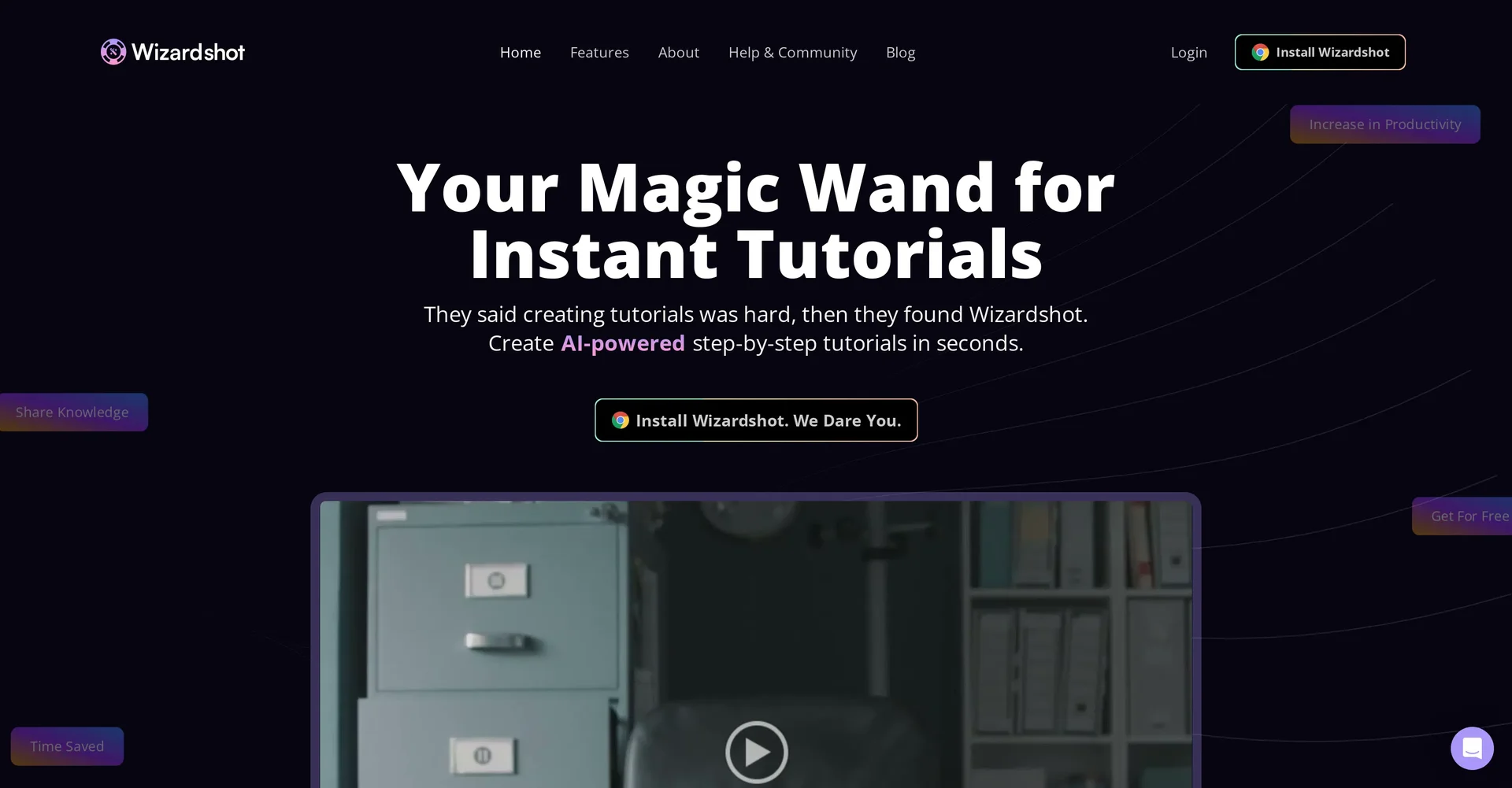
Description
🖼️ Tool Name:
Wizardshot
🔖 Tool Category:
Productivity & Automation; it falls under the category of AI-driven documentation and tutorial creation tools.
✏️ What does this tool offer?
Wizardshot is a Chrome extension and web tool that automatically generates step-by-step tutorials by recording your actions on screen. It turns complex processes into easy-to-follow visual guides with screenshots and instructions — ideal for onboarding, support, training, and documentation.
⭐ What does the tool actually deliver based on user experience?
• Records user actions and auto-generates guides with screenshots
• Adds step-by-step instructions based on your clicks and inputs
• Allows editing and reordering of steps
• Enables easy sharing via links or embedding
• Great for training teammates, onboarding clients, or building SOPs
• No coding or design skills required
• Chrome extension works instantly without setup
🤖 Does it include automation?
Yes — Wizardshot automates:
• Capturing screenshots and text for each user action
• Generating clear, editable tutorials in real time
• Creating shareable links and embeddable documentation
• Suggesting titles and steps using AI
💰 Pricing Model:
Freemium
🆓 Free Plan Details:
• Unlimited tutorials
• Basic editing and sharing features
• Chrome extension access
💳 Paid Plan Details:
• Pro plan with branding removal, team libraries, and advanced export
• Additional features like permissions and collaboration
• Pricing available on their website
🧭 Access Method:
• Chrome Extension
• Web-based editor and dashboard via the official site
🔗 Experience Link: