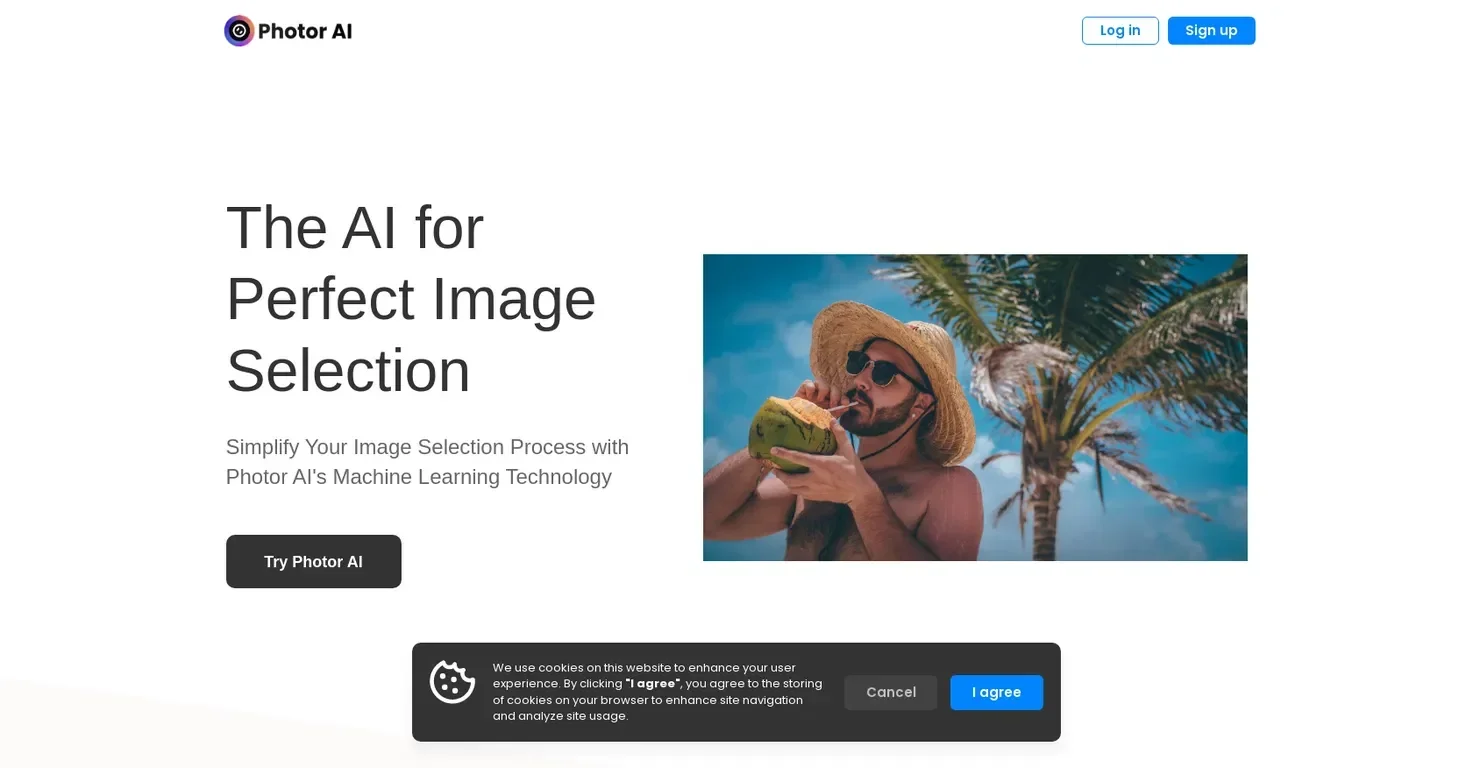
Description
🖼️ Tool Name:
Photor
🔖 Tool Category:
AI photo editing and enhancement tool; it falls under the category of Image Editing and Generative AI & Media Creation.
✏️ What does this tool offer?
Photor is an AI-powered platform designed to edit, enhance, and transform photos with minimal user effort. It provides a suite of AI tools for background removal, photo retouching, upscaling, filters, and creative effects — making it ideal for casual users, content creators, and e-commerce sellers.
⭐ What does the tool actually deliver based on user experience?
• One-click photo enhancement for lighting, sharpness, and colors
• Background remover and object eraser
• AI face retouching and portrait editing
• Style filters and visual effects generation
• Batch editing capabilities and export in HD
🤖 Does it include automation?
Yes —
• Automatically analyzes and improves photo quality
• Uses AI to detect faces, backgrounds, and defects
• Applies artistic transformations or corrections without manual input
💰 Pricing Model:
Freemium
🆓 Free Plan Details:
• Limited access to core editing features
• Lower-resolution exports and watermarked outputs
• Suitable for basic use
💳 Paid Plan Details:
• Premium includes:
High-resolution, watermark-free downloads
Access to all AI features (retouch, object removal, etc.)
Priority processing and commercial license
🧭 Access Method:
• Web App
🔗 Experience Link: