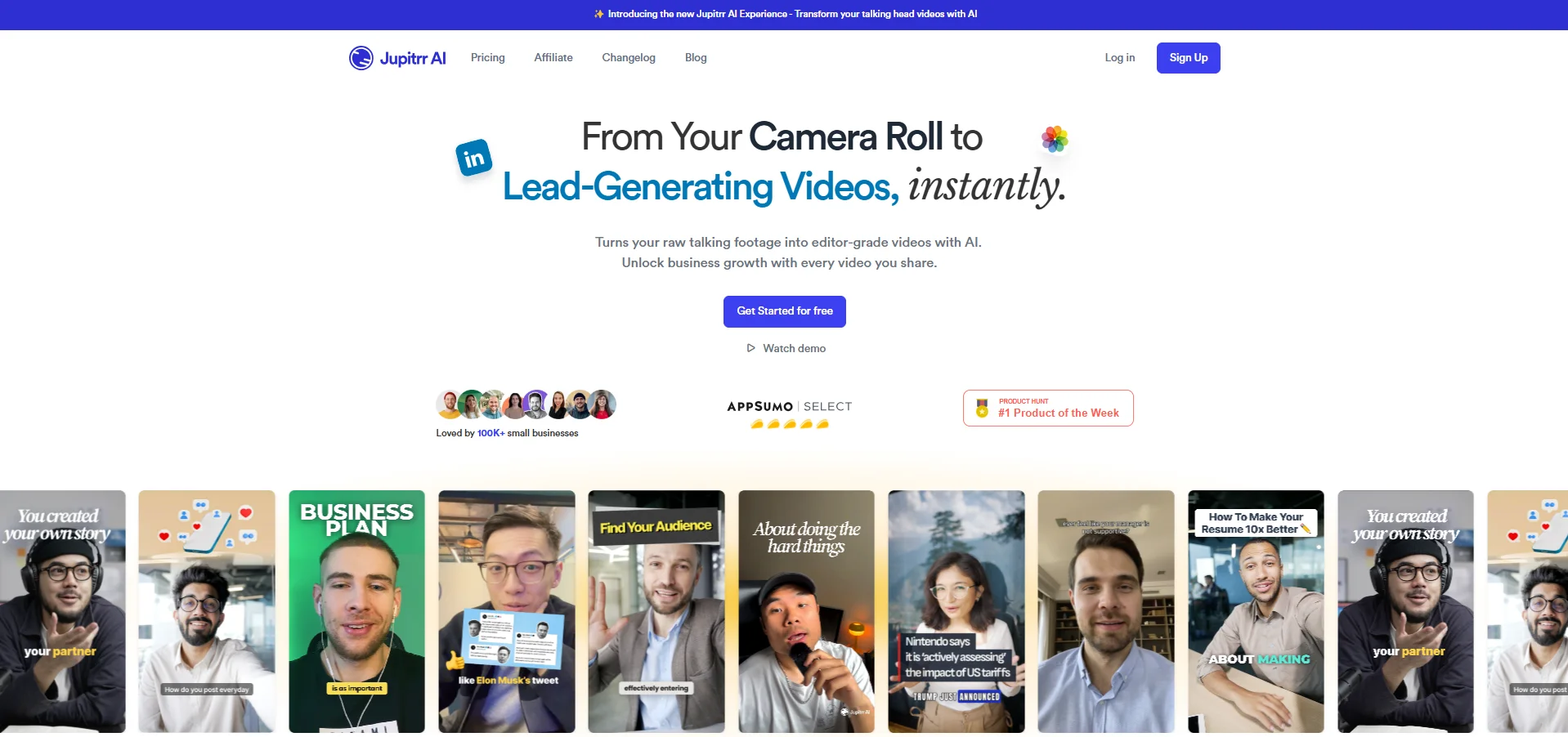
Description
🖼️ Tool Name:
Jupitrr AI
✏️ What does this tool offer?
Auto B-roll Generation: Analyzes your speech and automatically inserts relevant stock footage (from Getty Images), GIFs, and web images to match your words.
Levio (AI Video Assistant): A 2025 feature that acts like a chatbot (similar to ChatGPT). You can simply "chat" with Levio to make edits, like "Add a chart about growth here" or "Change the music."
Animated Subtitles: Auto-generates captions in over 50+ languages with emojis and animations that keep viewers' attention.
Audio-to-Video: Upload a podcast clip or voice note, and Jupitrr creates a full video with visuals, captions, and waveforms.
AI Hooks: Automatically identifies the most "viral-worthy" part of your video and crafts a punchy hook text at the start.
⭐️ What does the tool actually offer? (User Experiences)
"Zero-Skill" Editing: Users with no Premiere Pro experience can create professional videos in under 2 minutes.
Massive Time Savings: What used to take 2 hours of searching for stock clips now happens in seconds.
Branding Consistency: You can save "Video Recipes" (fonts, colors, logos) so every video looks consistent with your brand.
🤖 Does the tool have automation features?
Yes, it is built on Content Repurposing Automation:
Smart Trimming: Automatically removes silences and "filler words" (um, ah).
Automated Context Search: Its AI doesn't just pick random clips; it uses semantic search to find visuals that truly match your topic.
💵 Pricing (2025 Updates)
Jupitrr offers tiered plans based on the number of videos and length:
🎁 Is the free version a trial or completely free?
It is completely free (Freemium). You can use it indefinitely, but your videos will have a Jupitrr watermark and you are limited to 10 minutes of transcription per month.
💳 What does the free version offer?
Access to basic stock libraries.
Auto-generated subtitles in 50+ languages.
1080p HD export (with watermark).
💳 What does the paid version offer?
Remove Watermark: Essential for professional branding.
Premium Assets: Access to 13M+ HD clips from Getty Images/iStock.
Studio Quality Export: Higher bitrates and 2K resolution.
Subtitle Downloads: Export your .SRT files for use on other platforms.
Brand Logo: Add your own watermark/logo to every video automatically.
⚙️ Access or Source:
Official Website
🔗 Experience Link:
https://jupitrr.com