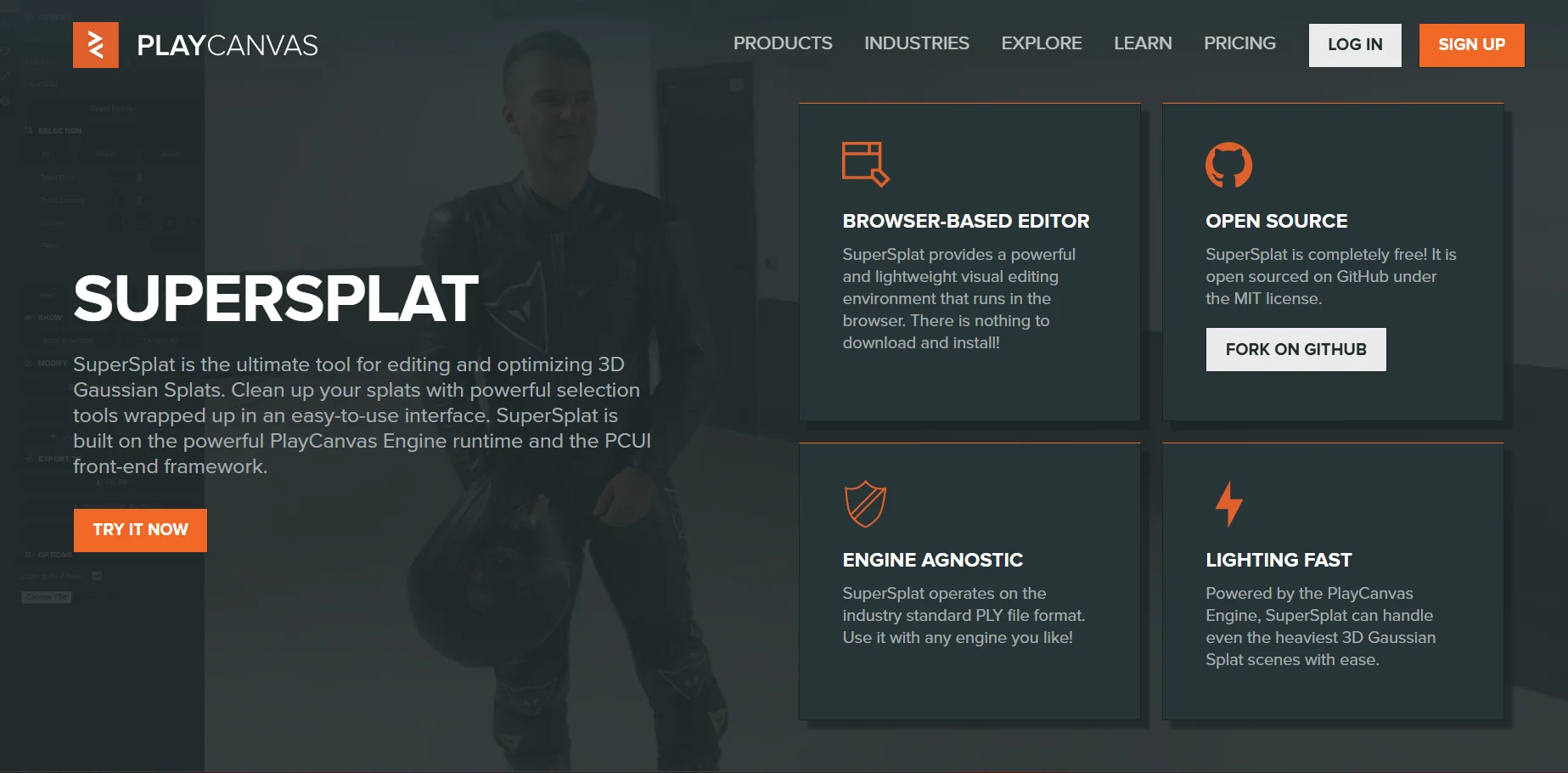
Description
🖼️ Tool Name:
SuperSplat
✏️ What does this tool offer in 2026?
Advanced 3DGS Editing: Import 3D Gaussian Splats (standard PLY format) and use volume selection tools to hide, remove, or crop parts of the scan.
Camera Flythroughs & Animation: Create cinematic camera paths through your 3D scenes using the integrated animation timeline.
4D Gaussian Splat Support: Play back and edit time-sequenced 3D scans (4DGS), allowing for the visualization of moving 3D captures.
Direct Video Rendering: Export your animated flythroughs directly as video files (MP4) with customizable resolution and bitrate settings.
Eyedropper Tool: Quickly select specific "Gaussians" based on color and threshold for precise localized editing.
AR/VR Support: View and interact with your splats using virtual or augmented reality headsets directly from your browser.
Interactive Embeds: One-click HTML code generation to embed your interactive 3D scans into your own website or blog.
Community Gallery: A social hub where you can sign in, manage your splats, and showcase your work on a personal user page.
⭐️ What does it offer? (User Experience)
"Production-Ready Performance": Rated 4.9/5 for its speed and lightness. Because it runs on the PlayCanvas engine, it can handle massive, multi-million splat scenes even on standard laptops.
Zero Friction: Users love that there is "nothing to download." You simply drag and drop a
.plyfile into the browser and start editing.
🤖 Automation:
Scene Straightening: One-click tools to auto-orient tilted scenes and center them on the origin point for easier navigation.
💵 Pricing (January 2026 Status)
SuperSplat is a rare example of a high-end tool that remains completely free due to its open-source nature.
🎁 Is the free version a trial or completely free?
It is Completely Free. There are no hidden tiers or subscriptions. The team at PlayCanvas provides the tool as part of their open-source mission to advance the 3D Gaussian Splatting community.
⚙️ Access or Source:
Official Website
GitHub (Source Code)
Platforms: Web Browser (Chrome, Firefox, Safari, Edge).
🔗 Experience Link: