BlipCut AI Video Translator
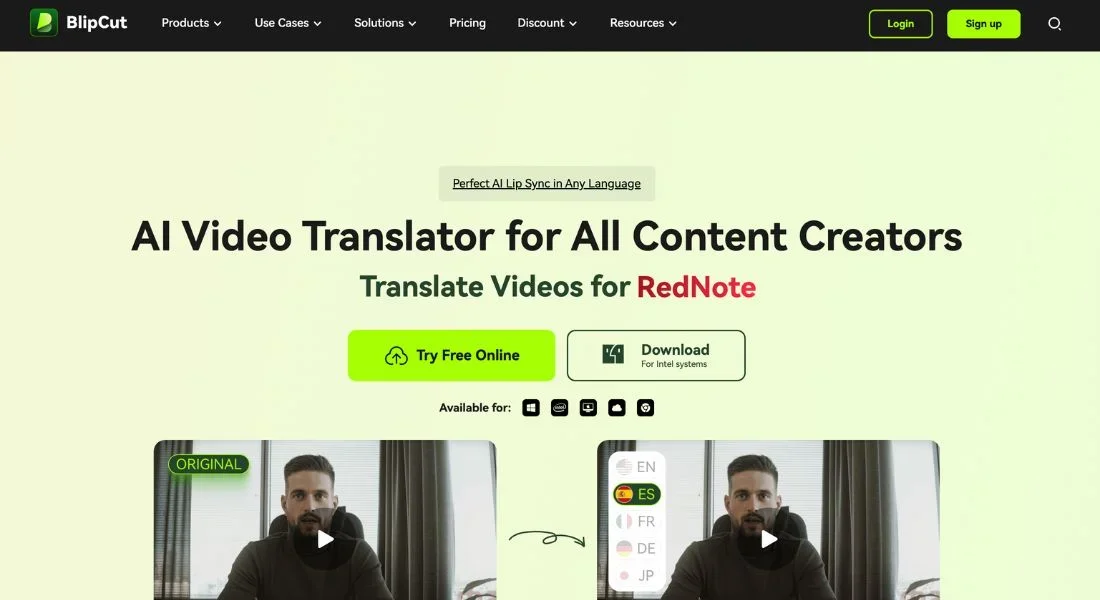
Description
🖼️ Tool Name:
BlipCut AI Video Translator
🔖 Tool Category:
AI-powered video translation and dubbing tool; it falls under the category of Translation & Languages, with strong relevance to Video Editing, Content Creation & Communication, and Productivity & Automation.
✏️ What does this tool offer?
BlipCut enables users to translate and dub videos into multiple languages using realistic AI voiceovers. It streamlines the process of localizing video content for global audiences, making it ideal for creators, educators, and businesses.
⭐ What does the tool actually deliver based on user experience?
• Translates spoken content into 40+ languages
• AI-generated voice dubbing with natural tone and sync
• Automatically creates accurate subtitles
• Supports various video formats and quick export
• Simple user interface — no video editing experience required
• Trusted by creators, teachers, and marketers for audience expansion
🤖 Does it include automation?
Yes — BlipCut automates:
• Speech recognition and transcription
• Multi-language translation
• AI voice dubbing and lip-sync alignment
• Subtitle creation and formatting
• End-to-end workflow from upload to localized video export
💰 Pricing Model:
Freemium (with paid tiers)
🆓 Free Plan Details:
• Limited translation minutes per month
• Basic features (e.g., subtitles and dubbing) with watermark
• Suitable for testing short videos
💳 Paid Plan Details:
• Starts around ~$19/month
• Higher tiers offer HD export, no watermark, more translation minutes, and team features
• Enterprise options available for high-volume usage or platform integrations
🧭 Access Method:
• Web App (browser-based)
🔗 Experience Link: